French style long arithmetic operations
📅 February 08, 2026 | 👁️ Views: 316
📄 What you'll find on this page:
• The Course PDF is embedded below — you can read and scroll through it directly without leaving the page.
• A direct download button is available at the bottom for offline access.
• You'll also discover related exams, courses, and exercises tailored to the same subject and level.
• The complete LaTeX source code is included below for learning or customization.
• Need your own materials professionally formatted? I offer a LaTeX typesetting service — send me your content and get a clean PDF + source file at a symbolic price.
📄 ماذا ستجد في هذه الصفحة:
• ملف الدرس بصيغة PDF معروض أدناه — يمكنك تصفحه والاطلاع عليه مباشرة دون الحاجة لتحميله.
• يتوفر زر تحميل مباشر في أسفل الصفحة للاحتفاظ بالملف على جهازك.
• ستجد أيضًا مجموعة من الامتحانات والدروس والتمارين المرتبطة بنفس الدرس لتعزيز فهمك.
• تم تضمين الكود الكامل بلغة LaTeX أسفل الصفحة لمن يرغب في التعديل عليه أو التعلم منه واستخدامه.
• هل تحتاج تنسيقًا احترافيًا لموادك الخاصة؟ أقدم خدمة كتابة LaTeX — أرسل محتواك واحصل على PDF نظيف وملف مصدر بسعر رمزي.
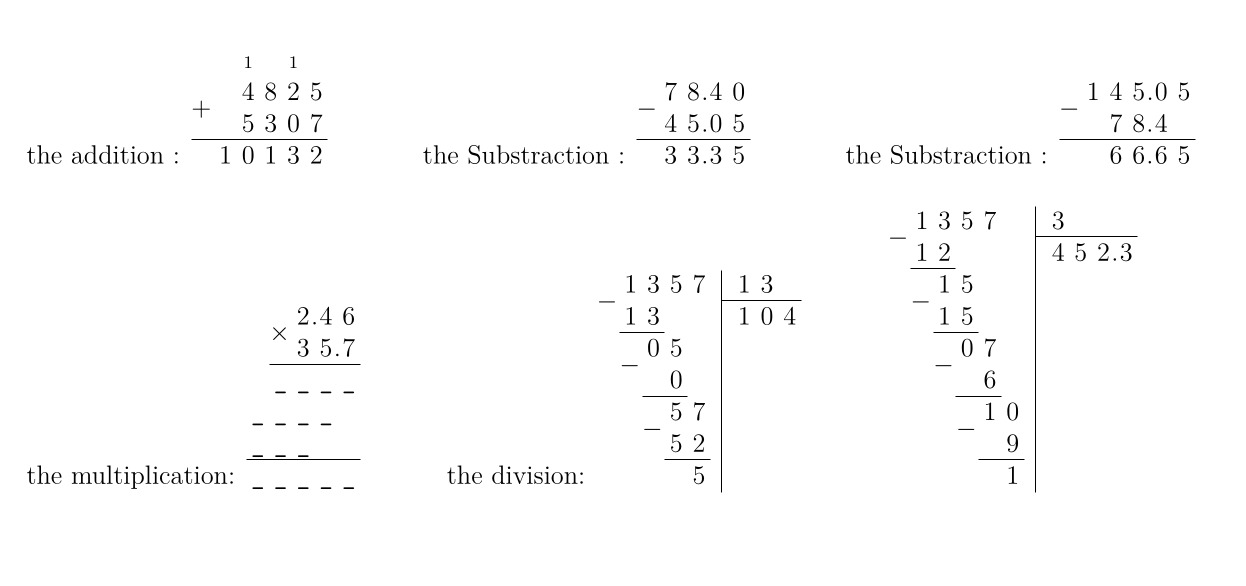
\documentclass[12pt,a4paper]{article}
\usepackage[left=1cm,right=1cm,top=1cm,bottom=1cm]{geometry}
\usepackage{xlop} % french style long division
\newcommand\hole[1]{\texttt{\_}}
\usepackage{xcolor}

\begin{document}
\noindent
the addition : \opadd[voperation=bottom]{4825}{5307}
\hspace*{1.25cm}
the Substraction : \opadd[voperation=bottom]{-45,05}{78,4}
\hspace*{1.25cm}
the Substraction : \opsub[voperation=bottom]{145,05}{78,4}\\[0.5cm]
the multiplication:
\opmul[intermediarystyle=\hole,
  voperation=bottom,
  resultstyle=\hole,
  resultstyle.d=\color{white}
]{2.46}{35.7}%\\[0.5cm]
\hspace*{1.25cm}
the division:
\opidiv[displayintermediary=all, voperation=bottom]{1357}{13}%\\[0.5cm]
\hspace*{1.25cm}
\opdiv[displayintermediary=all, voperation=bottom, period=true, maxdivstep=3]{1357}{3}
\end{document}
✨ Get your own materials formatted with LaTeX
Explore more latex content for figures:
Related Courses, Exams, and Exercises
Frequently Asked Questions
What will I learn by the end of this course?
You will gain a solid understanding of Miscellaneous Figures 4 and be able to apply it in exams and real‑world problems.
What topics are covered in this course?
The course "Miscellaneous Figures 4" covers key concepts of latex for figures. Designed to help students master the curriculum.
Is this course suitable for beginners?
Yes, the material is structured to be accessible while providing depth for advanced learners.
Are there exercises or practice problems?
Exercises are included to help you practice.
Does this course include solutions?
Solutions are available separately.
📄 Need LaTeX formatting?
Send me your homework, exam, or exercise content and I’ll turn it into a professional PDF.
Learn more →Recent Courses
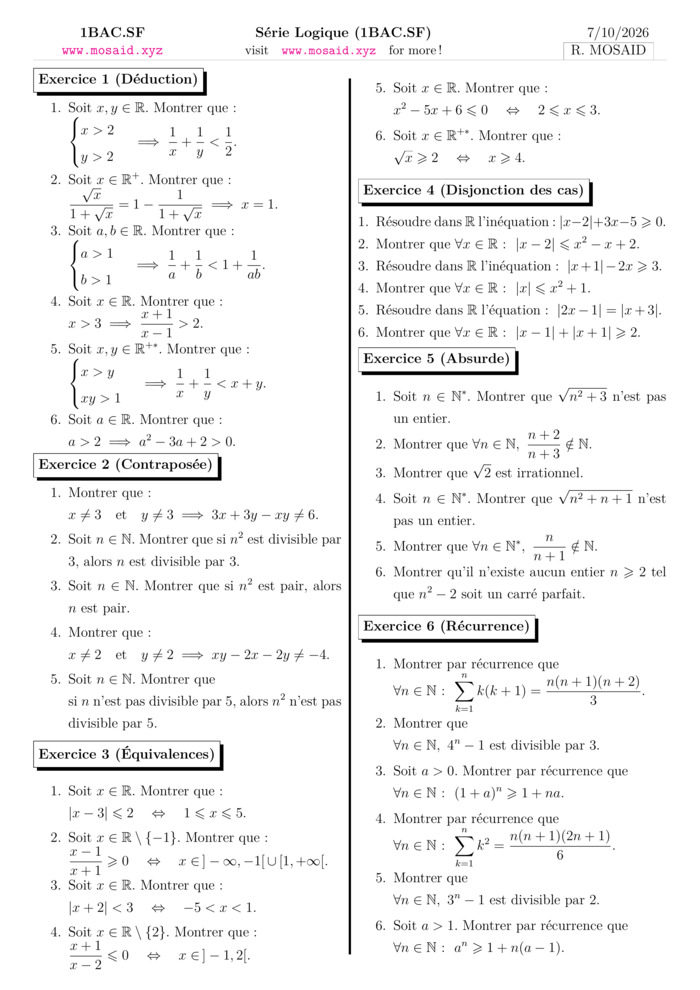
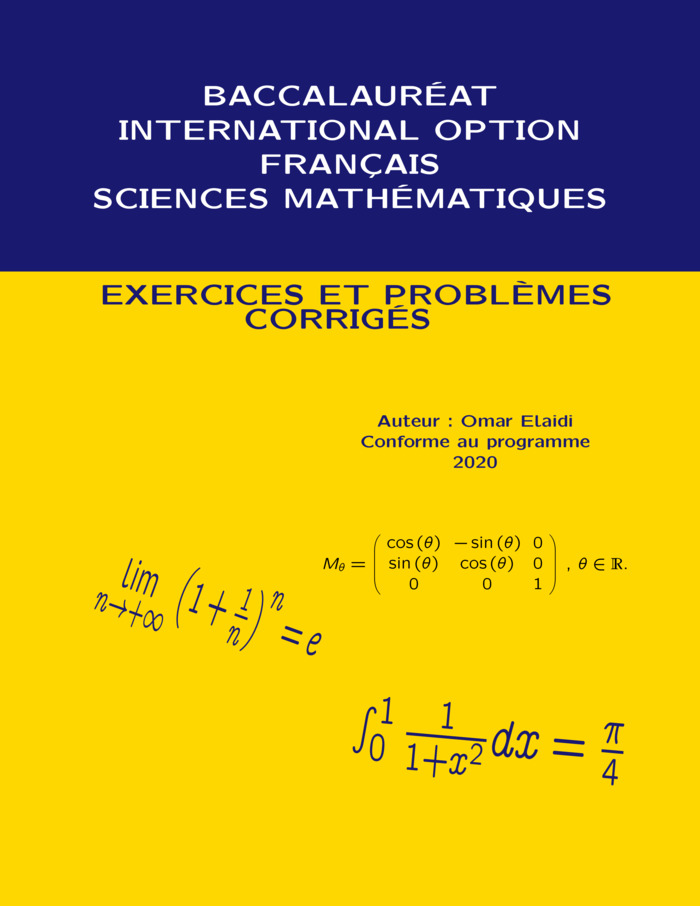
BACCALAURÉAT INTERNATIONAL SCIENCES MATHÉMATIQUES, OPTION FRANÇAIS
28 Sep 2026, 99 views
Course • Maths • 2 Bac Science Maths
Terminal SE - Mathèmatiques: Cours et exercices
27 Sep 2026, 242 views
Course • Maths • 2 Bac Science
Most Viewed Courses
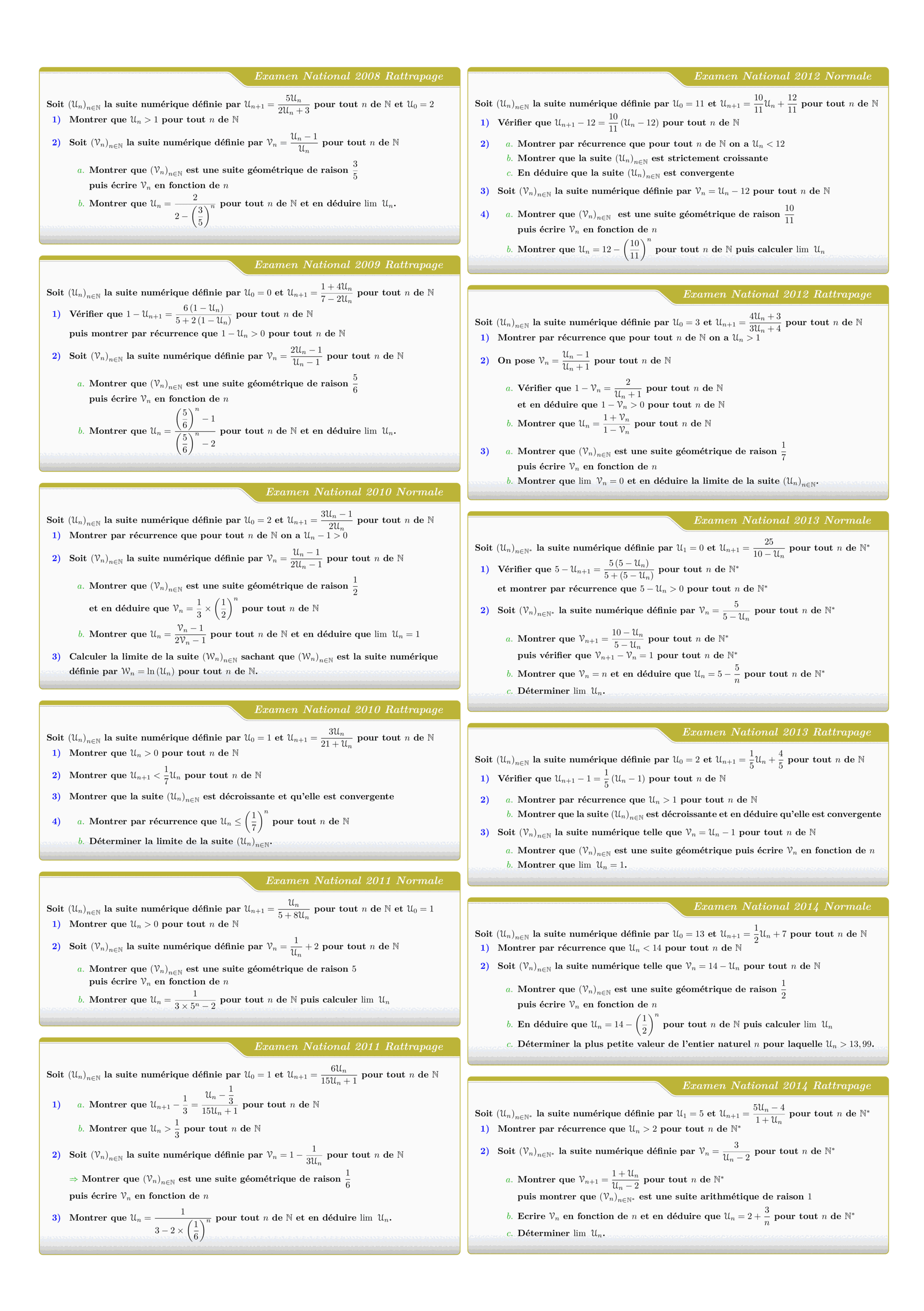
Tous les sujets des suites numériques des examens nationaux 2008 - 2022
Views: 3.11K
Exam • Maths • 2 Bac Science
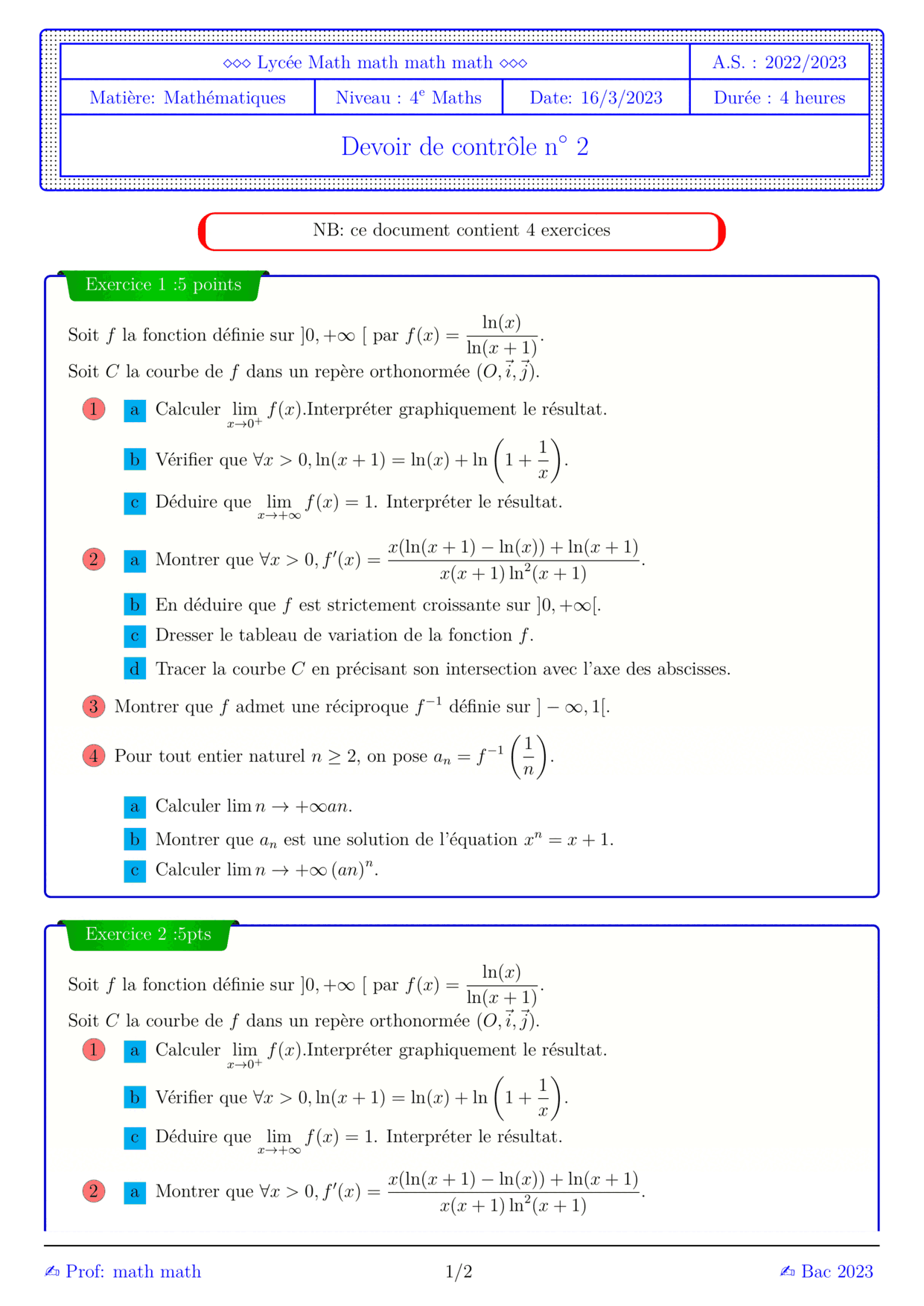

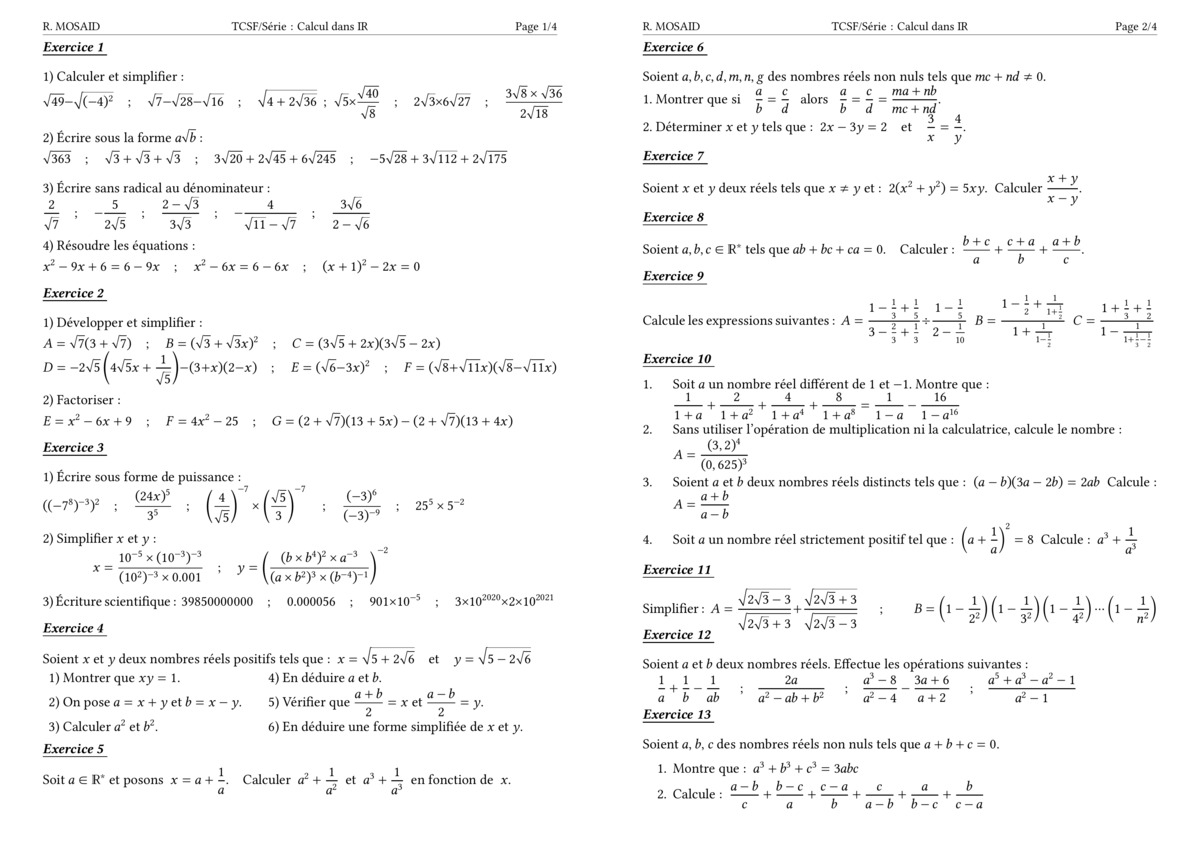
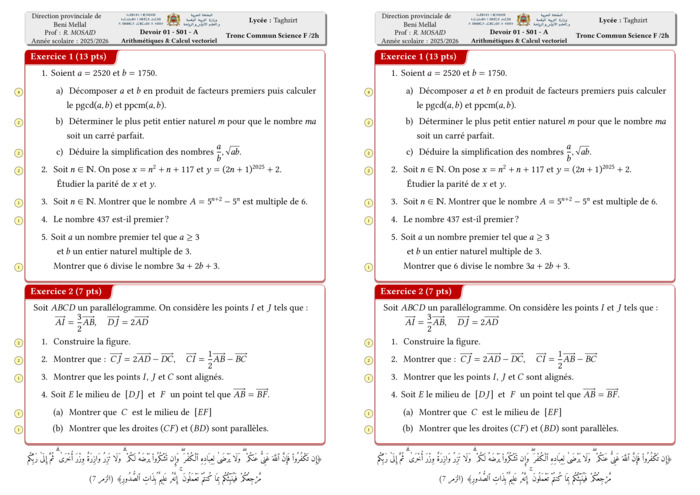
Control 01 S01 En arithmétiques et Calcul vectoriel - A 2025-2026
Views: 2.06K
Exam • Maths • Tronc Commun Sciences
MATHEMATIQUES Examens nationaux 2003-2021 2 Bac.Sciences expérimentales
Views: 1.97K
Exam • Maths • 2 Bac Science
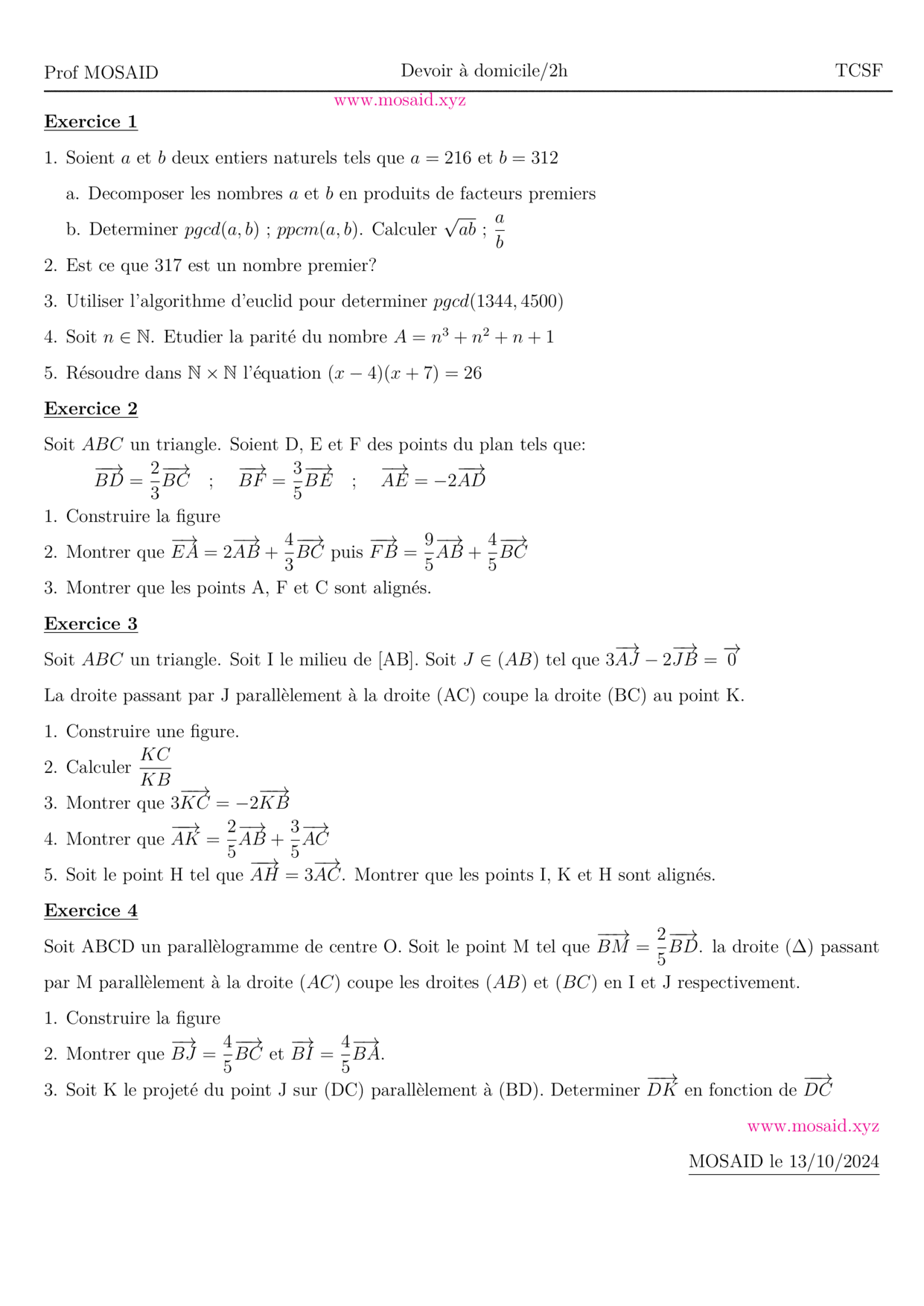
DM 1 - Arithmetiques, Calcul vectoriel et projection
Views: 1.92K
Exam • Maths • Tronc Commun Sciences
Recent Articles







Most Viewed Articles





The Ultimate Vim Setup (My 2024 vimrc ) : Essential Commands, Configurations, and Plugin Tips
Views: 1.46K
12 Apr 2024


Complete Tutorial: Creating Categories and Subcategories Using Pages in Pelican
Views: 1.11K
24 Jun 2025
Leave a comment