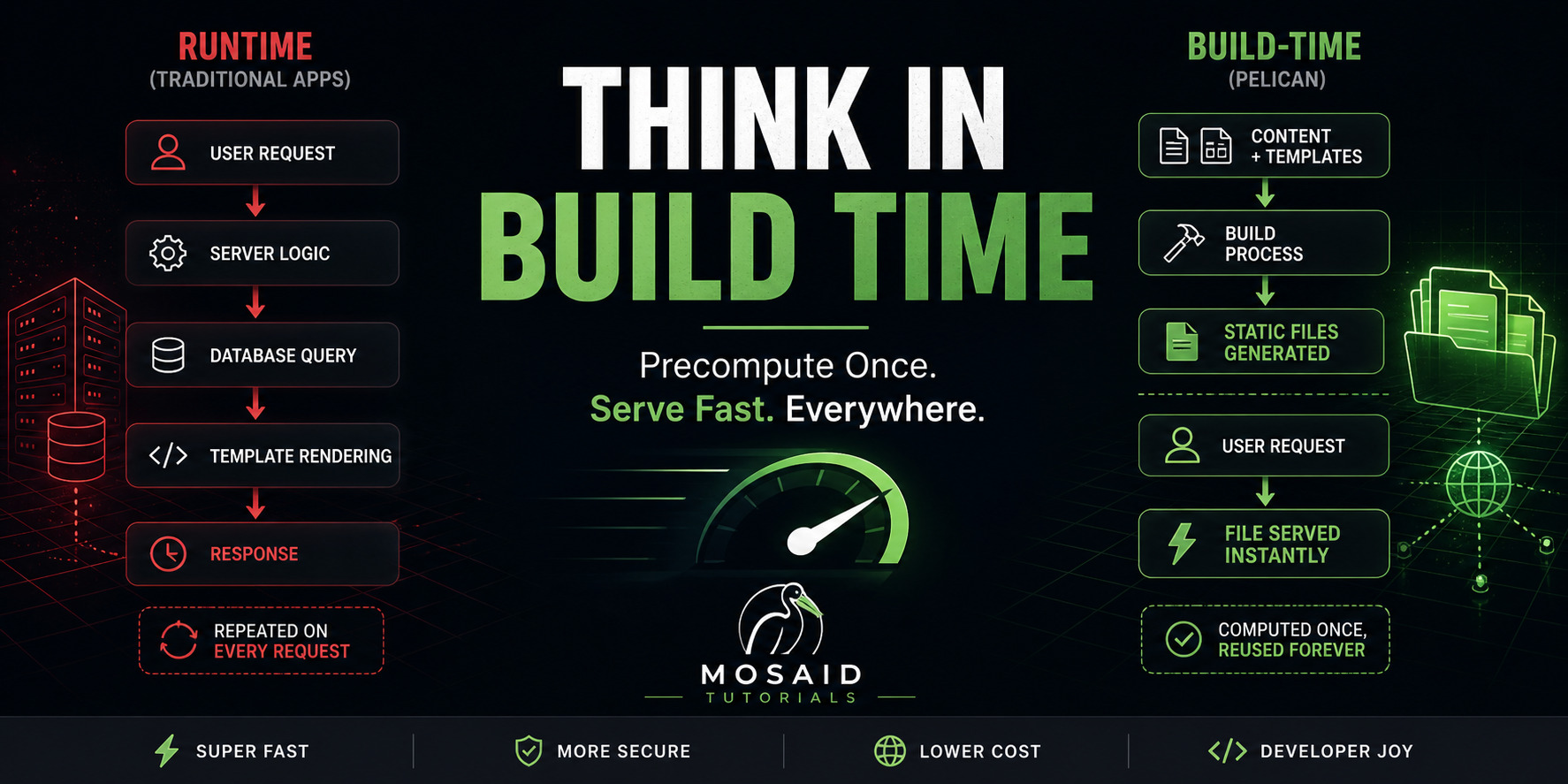
Stop Thinking at Runtime: The Power User’s Guide to Precomputation in Pelican
Most developers hit the same wall with static sites.
They like the speed. They like the simplicity.
And then they stop.
• “No search.”
• “No comments.”
• “No real interactivity.”
So they go back to a backend… or reach for a JavaScript framework.
Not because they need one—
But because they’re still thinking in runtime.
Here’s the line that separates beginners from power users:
•Beginners ask: “How do I compute this when the user loads the page?”
•Power users ask: “Why is this being computed at runtime at all?”
That question changes everything.
Search doesn’t need a server.
Related posts don’t need a database.
Filtering doesn’t need an API.
Most “dynamic” features are only dynamic because we’re used to computing them too late.
Static sites don’t remove capabilities.
They force you to move them.
•From runtime → build time
Once you see that shift, Pelican stops being a “blog generator.”
It becomes something else entirely:
• A data pipeline
• A compiler for your content
• A system that executes logic before deployment, not after a request
1. Build-Time vs Run-Time
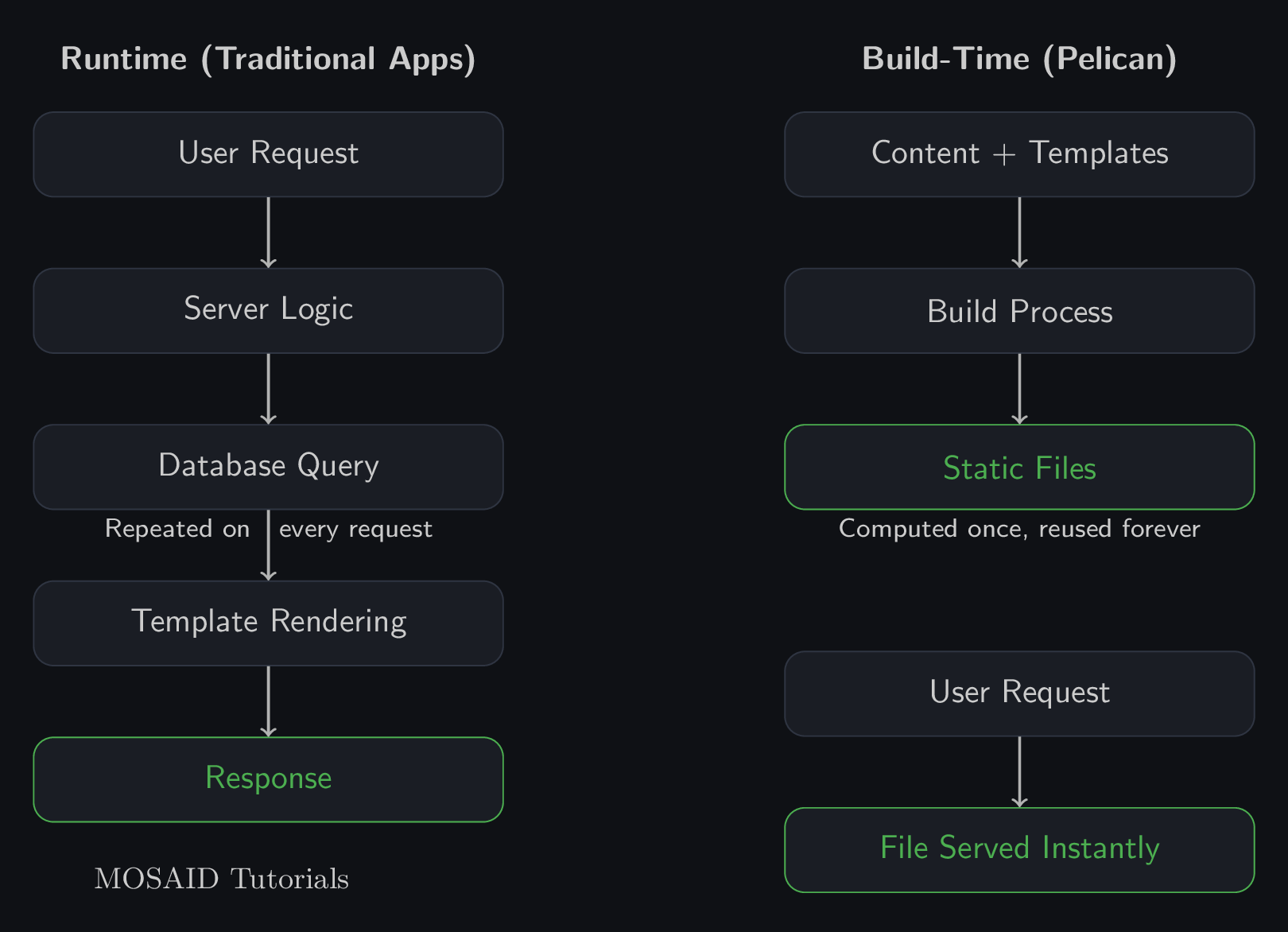
In a traditional web app, every request triggers work:
• Query the database
• Apply business logic
• Render templates
• Send the response
That’s runtime.
It happens for every user, on every request.
Which means:
• You pay the cost repeatedly
• You need infrastructure to support it
• You introduce latency and failure points
Pelican flips the model.
• Content is loaded
• Templates are rendered
• Pages are generated
Once.
At build time.
When a user visits your site?
• The server returns a file
No computation. No database. No logic.
This is the core optimization:
•Do expensive work once instead of thousands of times
That’s not a limitation.
That’s leverage.
2. Content as Data
If you still think of Markdown files as “pages,” you’re limiting yourself.
They’re not pages.
•They’re records
Each file contains structured information:
• Title
• Date
• Tags
• Category
• Content
During the build, Pelican loads all of this into memory.
At that point, you’re not rendering pages anymore—
You’re operating on a dataset.
Which means you can:
• Filter articles by tag
• Group them by category
• Sort them by date
• Generate entirely new views
No database required.
Because your content is the database.
This is where most people miss the opportunity.
They use Pelican to render articles.
Power users use it to query and transform data.
3. Precomputation Patterns
Once you adopt this mindset, your questions change.
Instead of asking:
• “How do I build this feature?”
You ask:
• “Can this be computed ahead of time?”
That leads to a set of repeatable patterns:
•Search Index
Generate a JSON file containing all content, ready for instant client-side search.
•Pre-filtered Views
Generate pages like “All Linux Articles” or “Beginner Guides” at build time.
•Related Content
Compute similarity (tags, categories) once and embed results directly into each page.
•Static APIs
Export structured JSON that behaves like an API—without running a server.
Notice the pattern:
• Compute once
• Reuse everywhere
The result?
• Zero runtime cost
• Instant responses
• Predictable behavior
4. Example: Generating a Search Index
Let’s make this real.
Instead of querying a database for search results, you generate them ahead of time.
At build time, Pelican already knows everything about your content.
So you export it.
  [
{% for article in articles %}
{
  "title": "{{ article.title | escape }}",
  "url": "{{ SITEURL }}/{{ article.url }}",
  "summary": "{{ article.summary | striptags | escape }}",
  "tags": [{% for tag in article.tags %}"{{ tag.name }}"{% if not loop.last %}, {% endif %}{% endfor %}]
}{% if not loop.last %},{% endif %}
{% endfor %}
]
This becomes a static file:
•search-index.json
No API. No backend.
Just data, ready to be consumed.
Your frontend (later in this series) will load this file and search it instantly.
This is the pattern you’ll reuse again and again.
5. Where This Leads
Once you internalize precomputation, your architecture changes.
You stop thinking in:
• Requests
• Controllers
• Server logic
And start thinking in:
• Data transformations
• Build pipelines
• Generated artifacts
This naturally leads to more advanced patterns:
•Headless CMS — external content sources, consumed at build time
•Static APIs — JSON endpoints generated by your build process
•Hybrid systems — static frontend, minimal dynamic services where truly needed
At that point, your “static site” isn’t simple.
It’s deliberate.
It’s engineered.
It’s precomputed software.
Final Thought
Static sites aren’t limited.
They’re shifted.
The work still happens—
Just earlier.
And once you start thinking that way, you stop asking:
• “Can Pelican do this?”
And start asking:
•“Why am I doing this at runtime?”
Recent Articles







Most Viewed Articles





The Ultimate Vim Setup (My 2024 vimrc ) : Essential Commands, Configurations, and Plugin Tips
Views: 1.46K
12 Apr 2024


Complete Tutorial: Creating Categories and Subcategories Using Pages in Pelican
Views: 1.11K
24 Jun 2025
Leave a comment