Automating Beautiful Quote Images with LaTeX and Bash
Automating Beautiful Quote Images with LaTeX and Bash
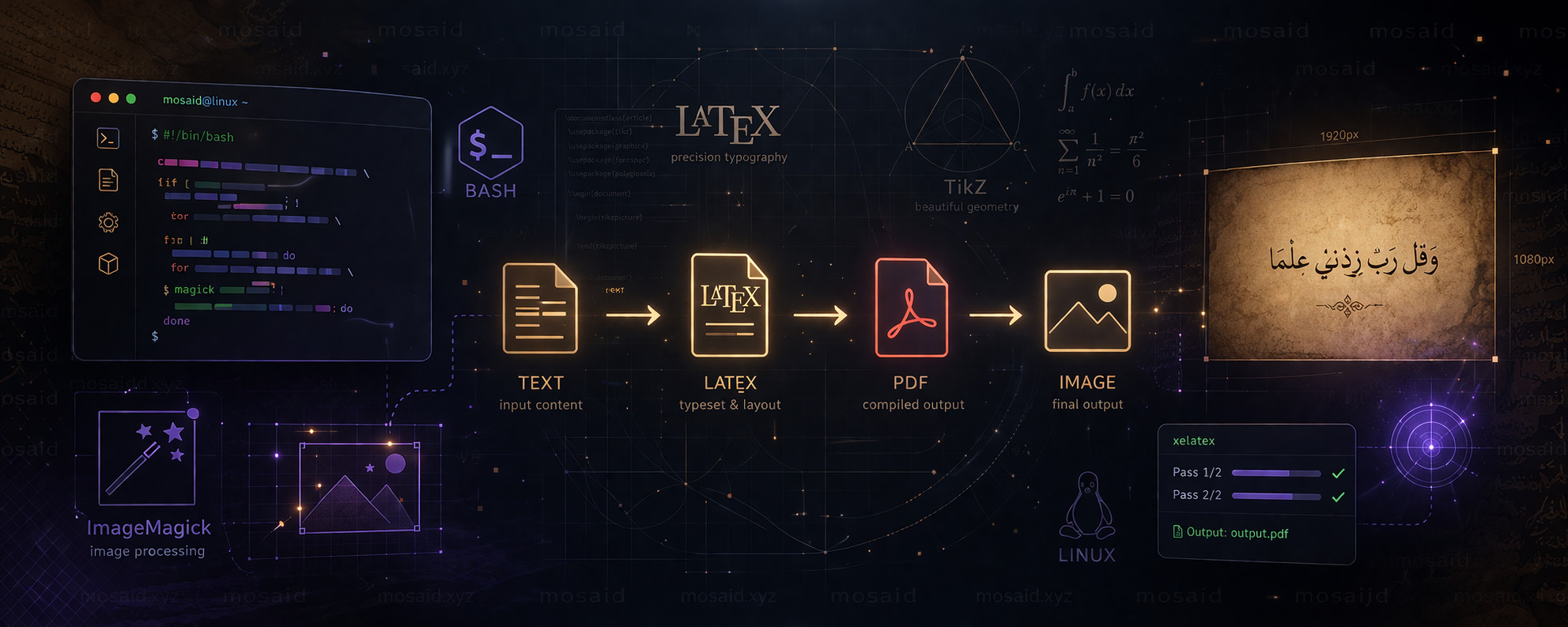
In this tutorial, we explore a powerful Bash script that transforms plain text into visually rich quote images using LaTeX, TikZ, and ImageMagick. This workflow is especially useful for developers, writers, and content creators who want full control over typography and background styling without relying on external design tools.
🧠 Overview of the Workflow
The script follows a simple pipeline:
• Read input text from a file
• Apply LaTeX formatting with custom font and spacing
• Render a full-page background image using TikZ
• Compile the document using XeLaTeX
• Convert the resulting PDF into a high-quality image
This makes it ideal for generating consistent visual quotes or banners for blogs and social media.
⚙️ Script Breakdown
1. Input Handling and Configuration
The script begins by validating input and allowing optional font size customization:
  if [ -z "$1" ]; then
    echo "Usage: $0 input.txt [fontsize]"
    exit 1
fi

INPUT_FILE="$1"
FONTSIZE="${2:-82}"
BASELINE=$(($FONTSIZE + 12))
This gives flexibility to adjust typography dynamically without modifying the script.
2. Temporary Workspace and Output Paths
A temporary working directory is created to isolate compilation files:
WORKDIR="/tmp/latex_render_$RANDOM"
OUTPUT_DIR="$HOME/Pictures/quotes"

mkdir -p "$WORKDIR"
mkdir -p "$OUTPUT_DIR"
This ensures clean execution without cluttering the filesystem.
3. Background Image Optimization
The script processes a background image using ImageMagick:
magick "$BG_SRC" -resize 1920x -quality 70 "$BG_OPT"
This step reduces file size while maintaining visual quality, which is important for fast rendering.
4. LaTeX Document Generation
The core of the system is dynamically generating a LaTeX file with embedded content:
\documentclass[12pt,a4paper,landscape]{article}

\usepackage{tikz}
\usepackage{graphicx}
\usepackage{fontspec}
\usepackage{polyglossia}

\setmainlanguage[numerals=maghrib]{arabic}
\newfontfamily\arabicfont[Script=Arabic]{Amiri}

\AtBeginDocument{\fontsize{82}{94}\selectfont}
This setup enables:
• Arabic text rendering via polyglossia
• Custom font support with Amiri
• High-quality typography scaling
5. Full-Page Background with TikZ
The script overlays a background image across the entire page:
\begin{tikzpicture}[remember picture, overlay]
  \node at (current page.center) {
    \includegraphics[width=\paperwidth,height=\paperheight]{bg.jpg}
  };
\end{tikzpicture}
This approach ensures perfect full-page coverage without external design tools.
6. Compilation and Export
The LaTeX file is compiled twice for stability:
for i in 1 2; do
    xelatex -output-directory="$WORKDIR" "$TEX_FILE"
done
Then converted into a final optimized image:
magick -density 150 "$PDF_FILE" \
  -resize 1920x \
  -strip -quality 85 "$IMG_FILE"
This produces a lightweight yet sharp output image suitable for publishing.
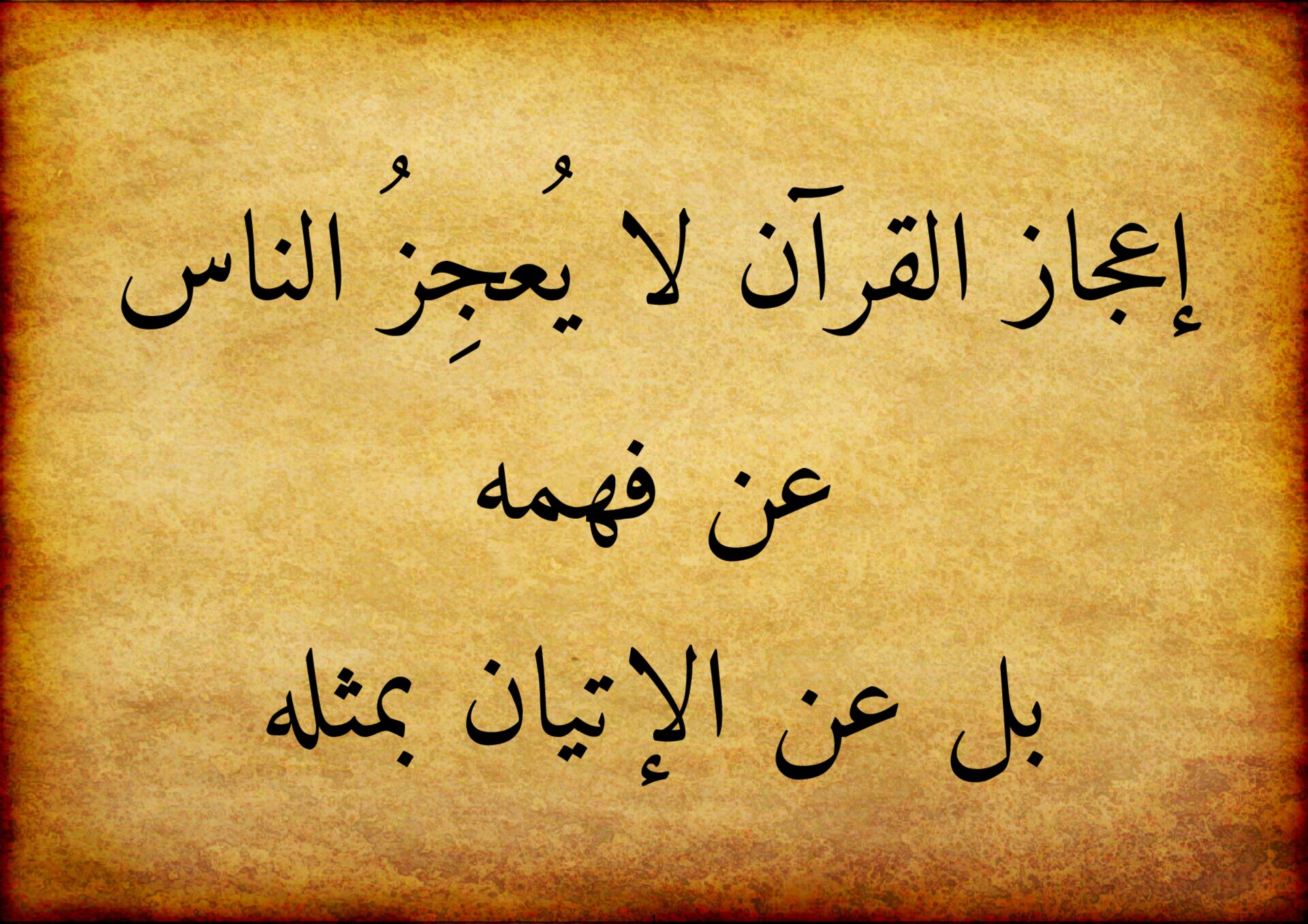
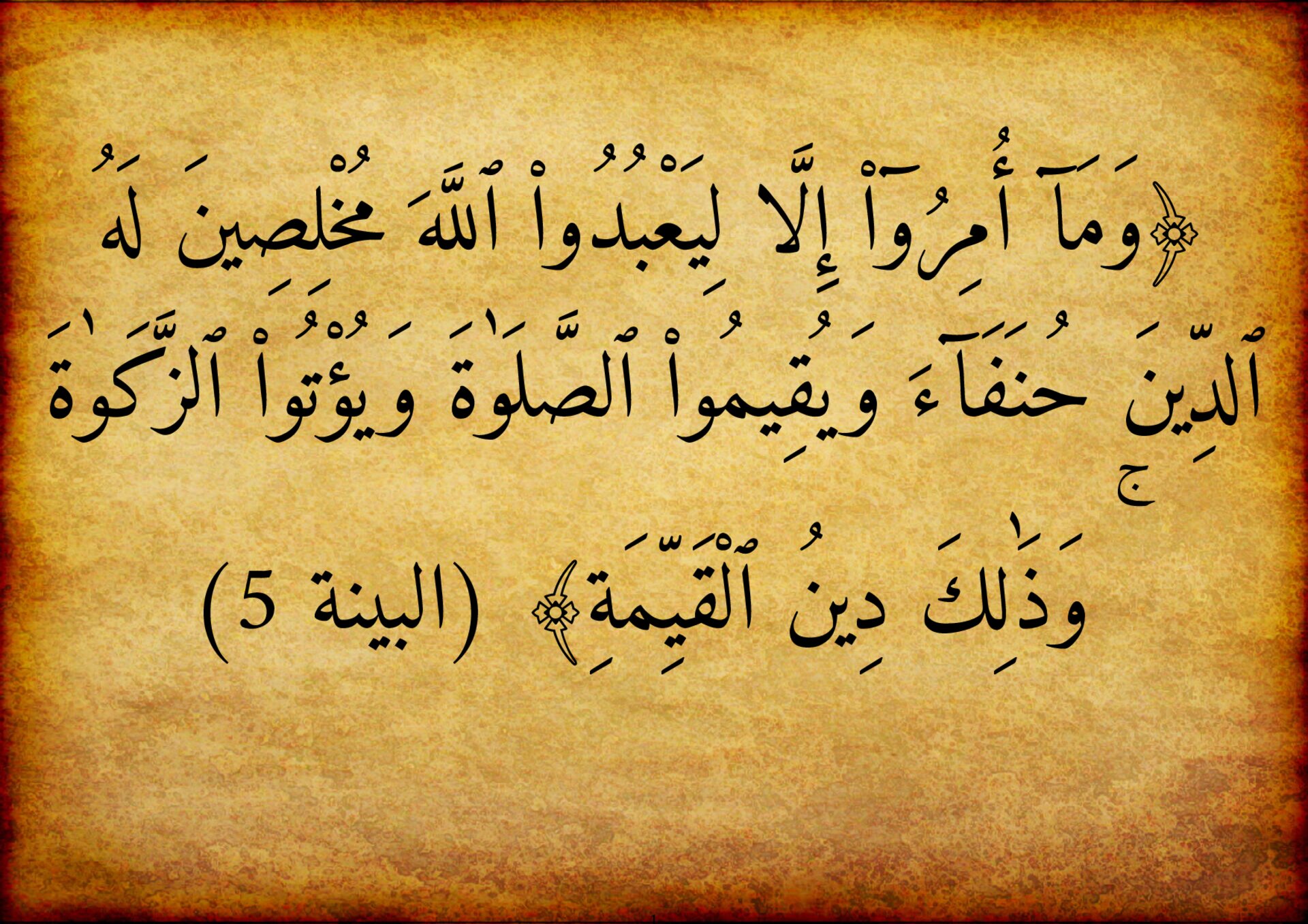
The Full script
#!/usr/bin/env bash

set -e

# Check argument
if [ -z "$1" ]; then
    echo "Usage: $0 input.txt [fontsize]"
    exit 1
fi

INPUT_FILE="$1"

# Optional font size (default = 82)
FONTSIZE="${2:-82}"
BASELINE=$(($FONTSIZE + 12))  # decent spacing

# Timestamp (unique)
TIMESTAMP=$(date +"%Y%m%d_%H%M%S_%N")

# Paths
WORKDIR="/tmp/latex_render_$RANDOM"
OUTPUT_DIR="$HOME/Pictures/quotes"

mkdir -p "$WORKDIR"
mkdir -p "$OUTPUT_DIR"

TEX_FILE="$WORKDIR/output.tex"
PDF_FILE="$WORKDIR/output.pdf"
IMG_FILE="$OUTPUT_DIR/${TIMESTAMP}.jpg"

# Background image (optimized copy)
BG_SRC="/home/mosaid/Desktop/latex/parchment/parchment.jpg"
BG_OPT="$WORKDIR/bg.jpg"

# Resize + compress background
magick "$BG_SRC" -resize 1920x -quality 70 "$BG_OPT"

# Escape LaTeX special chars (basic)
CONTENT=$(sed 's/[#$%&_{}]/\\&/g' "$INPUT_FILE")

# Create LaTeX file
cat > "$TEX_FILE" <<EOF
\documentclass[12pt,a4paper,landscape]{article}
\usepackage[left=1cm,right=1cm,top=1cm,bottom=1cm]{geometry}

\usepackage{tikz}
\usepackage{graphicx}
\usepackage{setspace}

\usepackage{fontspec}
\usepackage{polyglossia}
\setmainlanguage[numerals=maghrib]{arabic}
\newfontfamily\arabicfont[Script=Arabic]{Amiri}

\setstretch{1.5}
\AtBeginDocument{\fontsize{$FONTSIZE}{$BASELINE}\selectfont}

\begin{document}

\begin{tikzpicture}[remember picture, overlay]
  \node at (current page.center) {
    \includegraphics[width=\paperwidth,height=\paperheight]{$BG_OPT}
  };
\end{tikzpicture}

\begin{center}
$CONTENT
\end{center}

\end{document}
EOF

# Compile LaTeX twice (TikZ stability)
for i in 1 2; do
    echo "$i compilation"
    xelatex -output-directory="$WORKDIR" "$TEX_FILE" >/dev/null
    sleep .5
done

# Convert PDF → optimized image
magick -density 150 "$PDF_FILE" \
  -resize 1920x \
  -strip -quality 85 "$IMG_FILE"

echo "✅ Image generated: $IMG_FILE"
🚀 Why This Script Is Powerful
This system combines multiple tools into a single automated pipeline:
• LaTeX → professional typography
• TikZ → precise layout control
• ImageMagick → image optimization
• Bash → full automation
The result is a reproducible and scriptable design system that does not depend on GUI tools.
📌 Final Thoughts
This workflow is especially useful for generating:
• Inspirational quote images
• Blog banners
• Social media visuals
• Arabic typography designs
With small adjustments, this script can evolve into a full content generation engine for visual storytelling.
Recent Articles







Most Viewed Articles





The Ultimate Vim Setup (My 2024 vimrc ) : Essential Commands, Configurations, and Plugin Tips
Views: 1.46K
12 Apr 2024


Complete Tutorial: Creating Categories and Subcategories Using Pages in Pelican
Views: 1.11K
24 Jun 2025
Leave a comment