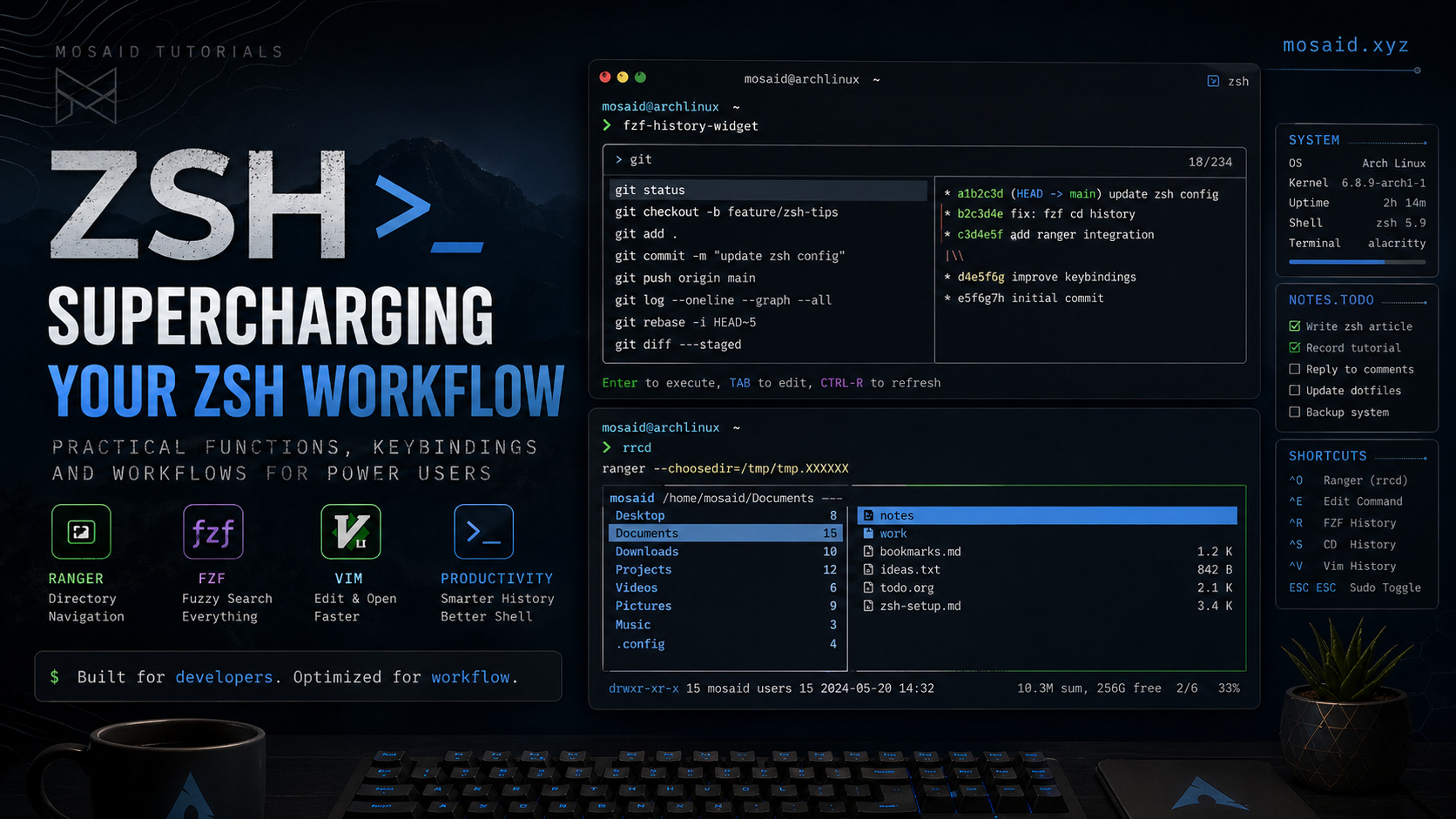
Supercharging Zsh: Practical Functions and Keybindings for Power Users
Introduction
If you're already using Zsh with Oh My Zsh, you're past the beginner stage. The real gains come from bending the shell to your workflow.
In this guide, I walk through a set of practical functions and keybindings from my own .zshrc that significantly improve navigation, history usage, and editing efficiency.
These are not gimmicks — they solve real friction points in daily terminal usage.
1. Ranger-Powered Directory Switching (Ctrl+O)
Switching directories is something you do constantly. Typing paths is slow. Even tab completion gets in the way when navigating deep trees.
This function uses ranger as an interactive directory selector:
rrcd () {
    tmp="$(mktemp)"
    ranger --choosedir="$tmp"
    if [ -f "$tmp" ]; then
        dir="$(cat "$tmp")"
        rm -f "$tmp"
        [ -d "$dir" ] && [ "$dir" != "$(pwd)" ] && cd "$dir"
    fi
}
•Why it matters: You get a full-screen file browser to jump anywhere instantly.
•Bound to: Ctrl+O
bindkey -s '^o' 'rrcd\n'
2. Edit Command Line in Vim (Ctrl+E)
Long commands are painful to edit inline. This solves it by opening your current command in Neovim:
autoload edit-command-line; zle -N edit-command-line
bindkey '^e' edit-command-line
•Why it matters: You get full Vim motions, search, macros — not just arrow keys.
3. Smarter History with FZF
Ctrl+R — Fuzzy Search History
bindkey "^R" fzf-history-widget
• Ranking by relevance
• Full preview of matches
• Instant filtering
Directory Jump from History (Ctrl+S / Ctrl+A)
fzf-cd-history() {
  local dir
  dir=$(fc -ln 1 | tac | grep --color=never '^cd ' | sed 's/^cd //' | \
        fzf --height 40% --cycle)

  if [[ -d "$dir" ]]; then
    cd "$dir"
  else
    local base="${dir##*/}"
    dir=$( (find ~ -type d -name "$base" 2>/dev/null) | \
          fzf --height 40% --cycle --no-sort --tac \
              --bind "change:reload(find ~ -type d -name '$base' 2>/dev/null || echo 'No results')" \
              --phony --header="Looking for '$base'..." )

    [[ -n "$dir" && "$dir" != "Searching for directories"* ]] && cd "$dir"
  fi
  zle reset-prompt
}
bindkey '^S' fzf-cd-history
bindkey '^A' fzf-cd-history
4. Open Recent Files from Vim History (Ctrl+V)
fzf-vim-history() {
  local file
  local files

  files=$(
    {
      nvim --headless +'lua for _,f in ipairs(vim.v.oldfiles) do print(f) end' +q 2>&1
    } | tr -d '\r' | awk '!seen[$0]++'
  )

  file=$(printf '%s\n' "$files" | fzf --no-sort --height 40% --cycle)

  if [[ -n "$file" ]]; then
    LBUFFER="v \"$file\""
    zle reset-prompt
  fi
}
bindkey '^V' fzf-vim-history
5. Instant Sudo Toggle (Double ESC)
sudo-command-line() {
    [[ -z $BUFFER ]] && zle up-history
    if [[ $BUFFER == sudo\ * ]]; then
        LBUFFER="${LBUFFER#sudo }"
    else
        LBUFFER="sudo $LBUFFER"
    fi
}
zle -N sudo-command-line
bindkey "\e\e" sudo-command-line
6. High-Performance History Configuration
HISTSIZE=999999999
SAVEHIST=$HISTSIZE

setopt APPEND_HISTORY
setopt SHARE_HISTORY
setopt HIST_IGNORE_DUPS
setopt HIST_REDUCE_BLANKS
setopt HIST_IGNORE_SPACE
setopt HIST_NO_STORE
setopt HIST_SAVE_NO_DUPS
setopt HIST_EXPIRE_DUPS_FIRST
7. Completion System Tuning
zstyle ':completion:*' matcher-list '' 'm:{a-z}={A-Z}'
zstyle ':completion:*' menu select=long
zstyle ':completion:*' verbose true
8. Subtle UX Improvements
bindkey '^[[1;5C' forward-word
bindkey '^[[1;5D' backward-word
bindkey "^[[A" history-search-backward
bindkey "^[[B" history-search-forward
9. Notes Injection Before Commands
my_preexec() {
    if [[ "$1" != "cat $HOME/.todo"* ]]; then
        [[ -f "$HOME/.todo" ]] && cat "$HOME/.todo"
    fi
}
Conclusion
This setup works because it removes friction:
• Navigation becomes interactive
• History becomes searchable
• Editing becomes programmable
The shell stops being a command runner and becomes a real interface.
Recent Articles







Most Viewed Articles




The Ultimate Vim Setup (My 2024 vimrc ) : Essential Commands, Configurations, and Plugin Tips
Views: 1.34K
12 Apr 2024



Complete Tutorial: Creating Categories and Subcategories Using Pages in Pelican
Views: 1.04K
24 Jun 2025
Leave a comment