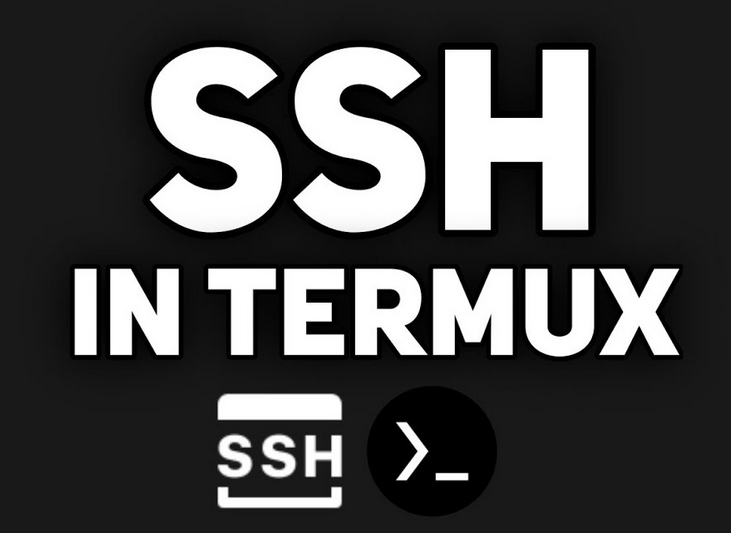
Discover the ultimate guide to controlling your Arch Linux PC from your Android phone using Termux and SSH. Unlock productivity, efficiency, and convenience with step-by-step instructions and tips
... Read MoreLearn about Linux operating system, including installation, commands, administration, and troubleshooting. Get tips and tricks for Linux users and administrators. Join the Linux community now!
Discover the ultimate guide to controlling your Arch Linux PC from your Android phone using Termux and SSH. Unlock productivity, efficiency, and convenience with step-by-step instructions and tips
... Read More
Capture stunning photos from your webcam effortlessly with this step-by-step shell script tutorial. Learn how to automate the process and unleash your creativity!
... Read More
Explore beginner-friendly Linux distributions such as Ubuntu, Linux Mint, MX Linux, Elementary OS, and Zorin OS. Find the perfect Linux distribution for your needs, with links to official websites. Learn about live USB exploration and enjoy a smooth transition from Windows or macOS to Linux
... Read More
Discover a unique desktop experience with the Conky Quran Display. Dive into the magic of Python scripting and Conky configuration, bringing Quranic verses to life on your desktop. Elevate your workspace with a seamless blend of technology and spirituality. Explore the step-by-step guide and unleash the beauty of Quranic wisdom on your screen
... Read More
Exploring the intricate system architectures of Linux and Windows, uncovering the transparency of Linux system calls and the layered approach in Windows.
... Read More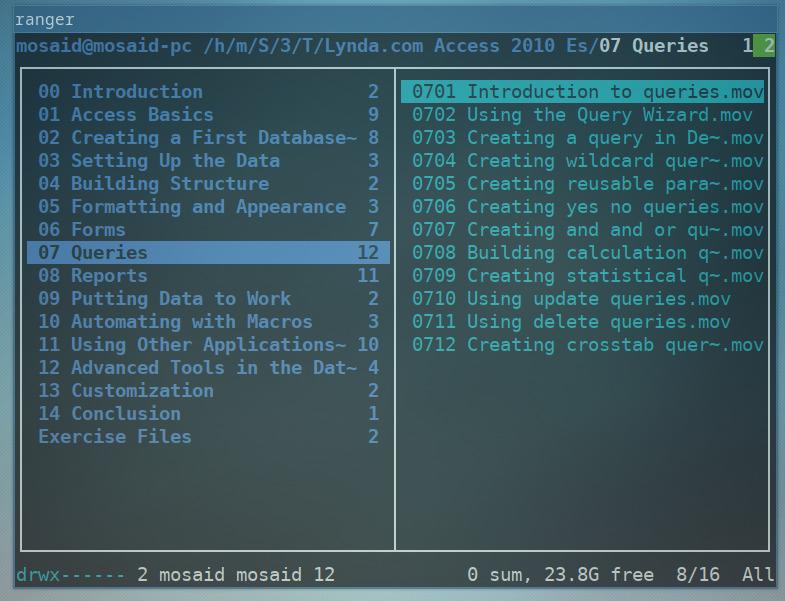
Discover the power and versatility of Ranger File Manager - a customizable and extensible command-line file manager. Learn how Ranger can streamline your workflow and make managing files and directories a breeze. Get advice from a seasoned developer and find out why Ranger is one of the best file managers out there!
... Read More
Learn how to edit images in the terminal using the powerful convert command from the ImageMagick library. This tutorial covers common use cases such as resizing, cropping, rotating, converting formats, adding borders and watermarks, and applying filters
... Read More
Gecholinux is a Linux distribution that is based on the popular Debian operating system. It is designed to be easy to use and lightweight, making it a good option for older or less powerful computers. As someone who has used various Linux distributions over the years, I found Gecholinux to be a solid choice for those looking for a simple and efficient operating system.
... Read More
If you're a Linux user, it's important to know which distribution and version of Linux you're running. This information can be useful when troubleshooting issues or installing software that requires a specific version of Linux.
... Read More
Rofi is a versatile and lightweight application launcher, window switcher, SSH dialog, and dmenu replacement for Linux systems. It provides a fast and efficient way to launch applications, switch between windows, and perform a variety of other tasks.
... Read More
The Linux 6.3 update includes various enhancements and improvements, including updates to the tracing subsystem. One of the significant additions to the kernel source tree is the «hwnoise» tool, which was developed by Daniel Bristot de Oliveira over the past few months.
... Read More
NTFS is a proprietary file system used by Microsoft Windows operating systems. Linux can read and write NTFS partitions using the ntfs-3g driver. This article explains how to automount NTFS partitions in Linux using fstab.
... Read More
Wine 8.2 is the second bi-weekly development release of the new series, following the stable release of Wine 8.0 in late January and the release of Wine 8.1, which began the new development series.
... Read More
Discover a personalized dmenu launcher for Linux, designed to streamline program launching by prioritizing frequently used applications. Explore usage instructions, including updating the launcher database and listing available programs, and learn how to integrate it with the i3 window manager for enhanced efficiency.
... Read More
Master the ffmpeg command with this comprehensive guide, covering basic and advanced usage as well as script examples. Learn how to manipulate audio and video files, perform conversions, apply filters, and automate tasks using ffmpeg commands, scripts, and practical examples.
... Read More
19 Nov 2026
19 Nov 2026



Views: 1.50K
12 Apr 2024
Views: 1.15K
24 Jun 2025