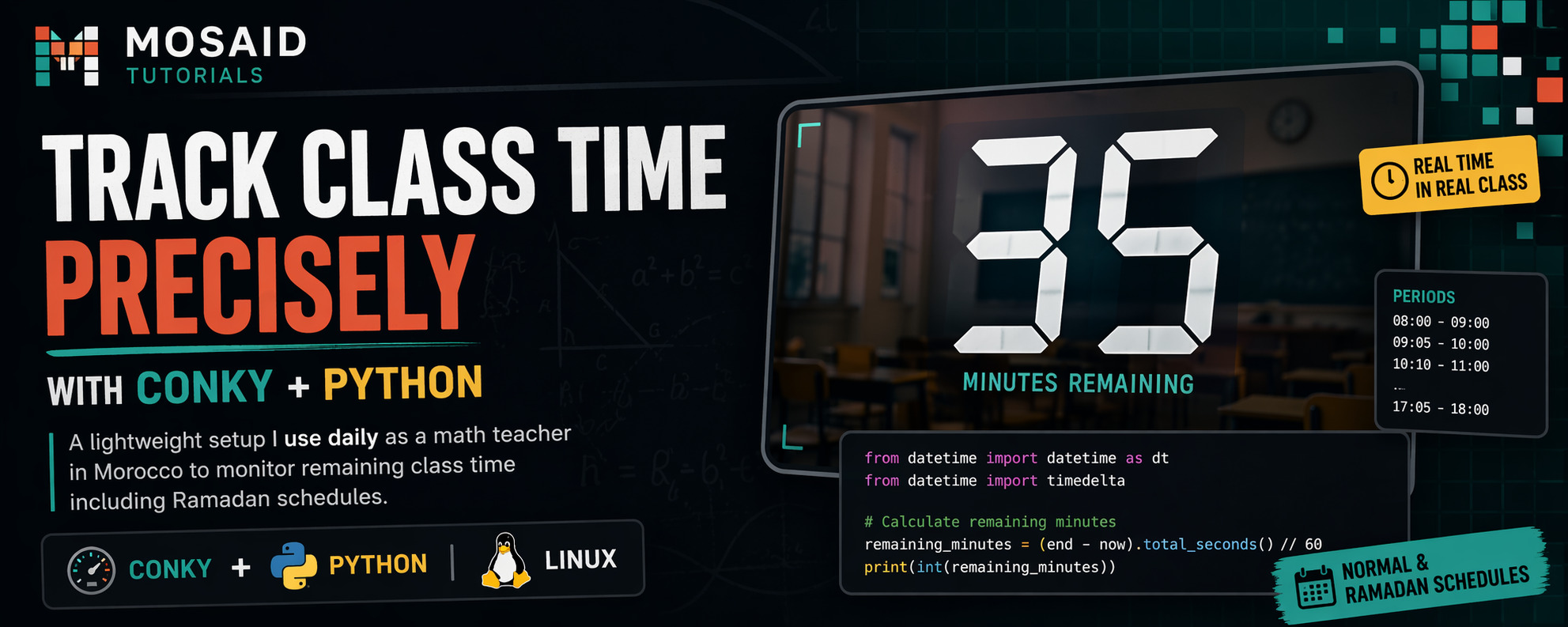
Tracking Class Time Precisely with Conky and Python
As a math teacher, timing is everything.
Between explaining a concept, writing on the board, and answering questions, it’s easy to lose track of time. In our context—tight schedules, short breaks, and special timetables like Ramadan—precision matters.
So I built a lightweight system that runs automatically when I start my PC and shows me one thing: how many minutes are left in the current class period.
🧠 Overview
This setup is based on two components:
•Conky: displays the result directly on the desktop
•Python: calculates the remaining time
The result is a large number on the screen that updates every second.
⚙️ Step 1: Startup Command
Add this command to your startup (e.g., .xprofile, .bashrc, or your window manager autostart):
nohup conky -c ~/.config/conky/regular_time </dev/null >/dev/null 2>&1 & disown
🖥️ Step 2: Conky Configuration
Create the file:
~/.config/conky/regular_time
And add:
conky.config = {
    use_xft = true,
    font = 'DejaVu Sans Mono:size=230',
    xftalpha = 0.1,
    update_interval = 1,

    own_window = true,
    own_window_type = "override",
    own_window_transparent = true,
    own_window_hints = "undecorated,below,sticky,skip_taskbar,skip_pager",

    alignment = "top_middle",
    gap_x = -430,
    gap_y = 240,

    double_buffer = true,
    default_color = "white",
}

conky.text = [[
${exec python ~/.config/conky/regular_time.py}
]]
🐍 Step 3: Python Script (Regular Schedule)
Create:
~/.config/conky/regular_time.py
#!/bin/python

from datetime import datetime as dt
from datetime import timedelta

periods = [
    {'start': '08:00', 'end': '09:00'},
    {'start': '09:05', 'end': '10:00'},
    {'start': '10:10', 'end': '11:00'},
    {'start': '11:05', 'end': '12:00'},
    {'start': '14:00', 'end': '15:00'},
    {'start': '15:05', 'end': '16:00'},
    {'start': '16:05', 'end': '17:00'},
    {'start': '17:05', 'end': '18:00'},
]

now = (dt.now() - timedelta(minutes=30)).time().strftime('%H:%M')

# Friday adjustment
if dt.now().weekday() == 4:
    now = (dt.now() - timedelta(minutes=60)).time().strftime('%H:%M')

for period in periods:
    if now >= period['start'] and now < period['end']:
        remaining = (
            dt.strptime(period['end'], '%H:%M') -
            dt.strptime(now, '%H:%M')
        ).total_seconds() // 60

        print(int(remaining))
        break
🕌 Step 4: Ramadan Schedule
Create:
~/.config/conky/ramadan_time.py
from datetime import datetime as dt

periods = [
    {'start': '08:40', 'end': '09:25'},
    {'start': '09:30', 'end': '10:15'},
    {'start': '10:25', 'end': '11:10'},
    {'start': '11:15', 'end': '12:00'},
    {'start': '12:30', 'end': '13:15'},
    {'start': '13:20', 'end': '14:05'},
    {'start': '14:15', 'end': '15:00'},
    {'start': '15:05', 'end': '15:50'},
]

# Friday Ramadan schedule
if dt.now().weekday() == 4:
    periods = [
        {'start': '08:30', 'end': '09:15'},
        {'start': '09:20', 'end': '10:05'},
        {'start': '10:15', 'end': '11:00'},
        {'start': '11:05', 'end': '11:50'},
        {'start': '13:40', 'end': '14:25'},
        {'start': '14:30', 'end': '15:15'},
        {'start': '15:25', 'end': '16:10'},
        {'start': '16:15', 'end': '17:00'},
    ]

now = dt.now().time().strftime('%H:%M')

for period in periods:
    if now >= period['start'] and now < period['end']:
        remaining = (
            dt.strptime(period['end'], '%H:%M') -
            dt.strptime(now, '%H:%M')
        ).total_seconds() // 60

        print(int(remaining))
        break
🔁 Step 5: Switch Between Modes
To use Ramadan mode, simply change your Conky config:
${exec python ~/.config/conky/ramadan_time.py}
No other changes needed.
🎯 Why This Works Well
•Always visible: no need to check the clock
•Zero interaction: runs automatically at startup
•Accurate pacing: helps manage lessons better
•Adaptable: supports Ramadan and Friday schedules
🚀 Possible Improvements
•Change color when time is low
•Add sound alerts
•Display current period number
•Merge both scripts into one with auto-detection
🧩 Final Thoughts
This is a small tool, but it has a real impact on daily teaching.
It removes the need to constantly think about time and lets me focus entirely on explaining math and interacting with students.
Recent Articles







Most Viewed Articles





The Ultimate Vim Setup (My 2024 vimrc ) : Essential Commands, Configurations, and Plugin Tips
Views: 1.45K
12 Apr 2024


Complete Tutorial: Creating Categories and Subcategories Using Pages in Pelican
Views: 1.11K
24 Jun 2025
Leave a comment