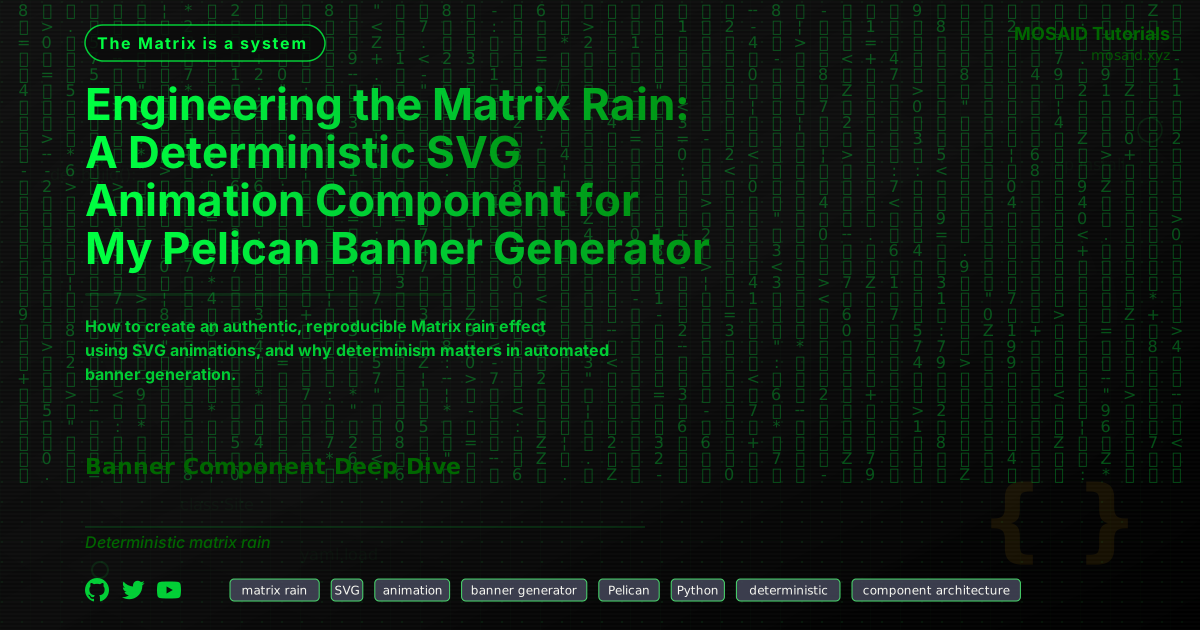
Engineering the Matrix Rain: A Deterministic SVG Animation Component for My Pelican Banner Generator
Why a Matrix Rain Component?
The banner generator I built for this Pelican site needed visual flair without external assets. Every banner is an SVG generated deterministically from article metadata and a theme system. Adding a Matrix‑style digital rain effect turned out to be more than just decoration — it became a study in reproducible, configurable SVG animation.
This article explains how I built the matrix_rain component, one of many pluggable pieces in the generator. You can read about the overall architecture in the companion piece: Building a Modular Banner Generator for Pelican.
Architecture Overview
The rain effect is a pure SVG animation — no JavaScript, no canvas, no external CSS. Each banner is a standalone SVG image, so everything must be self‑contained. The component:
•Purpose: Adds an ambient, cyberpunk‑style background layer of falling green characters.
•Placement: Rendered behind other banner elements (text, badges) via z‑index ordering.
•Mechanism: Multiple <text> columns, each with a vertical <animateTransform> that moves a strip of characters from above the canvas to below it.
•Reproducibility: Seeded random number generation ensures the same banner always renders identically for the same article.
Implementation Walkthrough
Component Base Class
Every banner component inherits from BaseComponent and provides a render() method that returns an SVG fragment string. The system passes canvas dimensions (self.w, self.h) and configuration from the article’s metadata.
from __future__ import annotations
import random
from ..base import BaseComponent, xml_escape

DEFAULT_CHARS = (
    "日ハミヒーウシナモニサワツオリアホテマケメエカキムユラセネスタヌヘヲイ"
    "クコソチトノフヤヨルレロン0123456789Z:・.\"=*+-<>¦|╌"
)

FALLBACK_FONT_FAMILY = (
    "'Noto Sans Mono', 'DejaVu Sans Mono', "
    "'Liberation Mono', 'Courier New', monospace"
)

class Component(BaseComponent):
    component_id = "matrix_rain"
    z_index = 30
    section_name = "matrix_rain"
    description = "Animated Matrix‑style falling green rain (vertical columns)"
    # … configuration schema omitted for brevity
Animation Logic
The core idea: for each column, generate a vertical strip of characters with fixed vertical spacing (dy="font_size"). Then animate the whole <text> element’s transform attribute using translate. The strip moves from y = -strip_height (above the canvas) to y = canvas_height + strip_height (below the canvas). The animation duration and initial offset are randomised within configured bounds, giving the classic asynchronous look.
def render(self) -> str:
    rain_cfg = self.cfg.get(self.section_name) or {}
    if not isinstance(rain_cfg, dict):
        rain_cfg = {}

    columns = int(rain_cfg.get("columns", 30))
    char_len = int(rain_cfg.get("char_length", 30))
    font_size = int(rain_cfg.get("font_size", 20))
    font_family = rain_cfg.get("font_family", FALLBACK_FONT_FAMILY)
    color = rain_cfg.get("color", "#00ff41")
    opacity = float(rain_cfg.get("opacity", 0.08))
    speed_min = float(rain_cfg.get("speed_min", 8))
    speed_max = float(rain_cfg.get("speed_max", 15))
    seed = int(rain_cfg.get("seed", 42))
    custom_chars = rain_cfg.get("char_set", "").strip()
    char_pool = custom_chars if custom_chars else DEFAULT_CHARS

    # sanity checks
    columns = max(columns, 1)
    char_len = max(char_len, 1)
    font_size = max(font_size, 1)
    speed_min = max(speed_min, 1)
    speed_max = max(speed_max, speed_min)

    canvas_w = self.w
    canvas_h = self.h
    strip_height = font_size * char_len

    start_y = -strip_height
    end_y = canvas_h + strip_height
    total_move = end_y - start_y

    rng = random.Random(seed)
    fragments = [f'<g opacity="{opacity}">']

    for i in range(columns):
        col_rng = random.Random(rng.randint(0, 2**31 - 1))
        chars = [col_rng.choice(char_pool) for _ in range(char_len)]
        x = (canvas_w / (columns + 1)) * (i + 1)
        dur = col_rng.uniform(speed_min, speed_max)
        init_y = col_rng.uniform(-strip_height, canvas_h)
        begin = dur * (init_y - start_y) / total_move

        tspans = []
        for idx, ch in enumerate(chars):
            tspans.append(
                f'<tspan x="{x:.1f}" dy="{font_size}">{xml_escape(ch)}</tspan>'
            )

        text_block = (
            f'  <text font-family="{font_family}" '
            f'font-size="{font_size}" fill="{color}" text-anchor="middle">\n'
            f'    <animateTransform attributeName="transform" type="translate" '
            f'from="0,{start_y}" to="0,{end_y}" '
            f'dur="{dur}s" begin="-{begin:.3f}s" repeatCount="indefinite" />\n'
            + '\n'.join(tspans) +
            f'\n  </text>'
        )
        fragments.append(text_block)

    fragments.append('</g>')
    return '\n'.join(fragments)
Notice how xml_escape() is applied to each character. The character pool includes <, >, & and other XML‑sensitive symbols — escaping is mandatory.
Determinism & Seeding
Every column gets its own seeded random generator derived from a master seed. This guarantees that the same configuration always produces an identical visual result, no matter when or where the banner is generated. For a static site with a CI pipeline that regenerates banners on every build, deterministic rendering is non‑negotiable.
Configuration Surface
The component exposes a rich set of configuration options, all driven by the site or article metadata:
•columns (default 30): Number of falling rain strips.
•char_length (default 30): Characters per strip.
•font_size (default 20): Vertical spacing and visual size.
•font_family: A cross‑platform monospace stack covering Katakana and symbols.
•color: Classic #00ff41 green, but you can use any hex.
•opacity: Controls rain visibility (default 0.08).
•speed_min / speed_max: Range for animation duration per strip (seconds).
•seed: Master seed for reproducibility.
•char_set: Override the default character pool.
These settings can be tweaked globally in the generator’s configuration file or overridden per‑article via front matter, giving complete control over the look and feel.
Integration with the Banner Generator
The matrix_rain component is just one of several that the generator stitches together. A full banner might combine rain, a background grid, floating geometry, and text overlays — all composed in a single SVG by the orchestration layer. Each component is independently configurable, testable, and replaceable.
For the complete picture — how the pipeline discovers components, merges configurations, and assembles the final SVG — see Building a Modular Banner Generator for Pelican.
Performance & Tradeoffs
Pure SVG animation can be heavy at large column counts. I found 30 columns with 30‑character strips and an opacity of 0.08 strikes a good balance between visual impact and render performance across modern browsers. The animation uses translate rather than per‑character animations, which keeps the DOM footprint manageable.
One limitation: SVG animations don’t run inside some environments (e.g., certain image previewers). In those cases the rain simply appears as a static, faint green texture — which is acceptable for a banner.
Why Build It from Scratch?
Alternatives like canvas‑based animations or CSS @keyframes either don’t work inside standalone SVG images or break determinism. By using <animateTransform> and seeded randomisation, we get a self‑contained, version‑controlled, fully automated visual asset that fits perfectly into a developer’s static site pipeline.
Future Improvements
Potential enhancements include:
• Variable character brightness (fading in/out) per column.
• Support for multiple rain layers with different speeds.
• Integration with article metadata to vary the rain colour or density dynamically.
All of these are trivial to add thanks to the component architecture and deterministic foundations.
“The Matrix is a system, Neo. That system is our enemy. But when you are inside, you look around, what do you see? Businessmen, teachers, lawyers, carpenters. The very minds of the people we are trying to save. But until we do, these people are still a part of that system, and that makes them our enemy. You have to understand, most of these people are not ready to be unplugged. And many of them are so inert, so hopelessly dependent on the system, that they will fight to protect it.”
Recent Articles







Most Viewed Articles





The Ultimate Vim Setup (My 2024 vimrc ) : Essential Commands, Configurations, and Plugin Tips
Views: 1.45K
12 Apr 2024


Complete Tutorial: Creating Categories and Subcategories Using Pages in Pelican
Views: 1.11K
24 Jun 2025
Leave a comment