Visits : 195
Exam Generator – Professional LaTeX Exam Creation Tool for Teachers
Exam Generator is a powerful desktop application designed specifically for teachers and educators to create professional mathematics and science exams using LaTeX. With an intuitive interface and advanced features, it streamlines the entire exam creation process from exercise writing to final PDF generation.
👩🏫 Who Is Exam Generator For?
Exam Generator is designed for:
- Secondary and high school mathematics teachers
- Science educators preparing structured assessments
- Teachers who want professional LaTeX output without LaTeX complexity
- Educators working in French or Arabic environments
❓ Why Not Just Use Plain LaTeX?
- No need to manage long `.tex` files manually
- No repeated boilerplate or numbering errors
- Instant previews instead of manual recompilation
- Arabic RTL handling without pain
- Reusable exercise libraries
✨ Key Features
Smart Exercise Management
- Create and organize exercises with automatic numbering
- Select specific exercises, reorder them, or create subsets
- Batch processing for multiple exercises
- Separate section headers and notes
Professional Templates
- Customizable headers and themes
- Two-column newspaper-style layouts
- Two-page printing (2 pages on 1 sheet)
- Landscape orientation support
Multi-language Support
- Full French and Arabic (RTL) support
- Automatic language detection
- Right-to-left typesetting for Arabic
- Custom Arabic bottom messages
Workflow Optimization
- Quick Edit Mode with PDF auto-reload
- Automatic LaTeX compilation
- Real-time PDF preview
- Batch compilation with cleanup
Advanced Configuration
- Custom LaTeX preamble per exam
- Configurable page margins
- Exercise import from existing LaTeX files
- JSON-based configuration
Layout Options
- Repeat sections for dual-page exams
- Adjustable column separation
- Header customization
- Theme switching
🛠️ Technology Stack
Built with modern technologies for reliability and performance:
🎥 Video Tutorials
Step-by-step video guides to help you master Exam Generator. New tutorials will be added regularly.
-
Watch▶ Getting Started with Exam GeneratorInstallation, first launch, creating your first exam, and understanding the interface.Level: Beginner · Duration: ~9 min
-
Watch▶ Advanced Exercise ManagementSelecting, reordering, grouping exercises, and batch operations.Level: Intermediate · Duration: ~9 min
-
Watch▶ Advanced Exercise EditingExercise blocks and notesLevel: Intermediate · Duration: ~11 min
-
Watch▶ Layout & Template CustomizationChanging headersLevel: Intermediate · Duration: ~5 min
-
Coming SoonLayout & Template CustomizationTwo-column layouts, two-page printing, themes, and margins.Level: Advanced · Coming soon
🚀 Ready to Get Started?
Download Exam Generator and start creating professional exams today!
Current version: 1.5.4 (released 2026-01-26)
System Requirements: Python 3.7+, LaTeX distribution (MiKTeX, TeX Live, or MacTeX)
💬 Support & Community
Join our community for support, feature requests, and discussions:
📝 Changelog
Release history for Exam Generator. Newest versions appear first.
# Changelog


## 1.5.4 — 2026-01-26
- added default exam directory handling
- added menu option: Save current exercise as..., in quick edit specific exercise mode
- Handle reinitialization properly when changing directories

## 1.5.0
- Initial release
Recent Courses
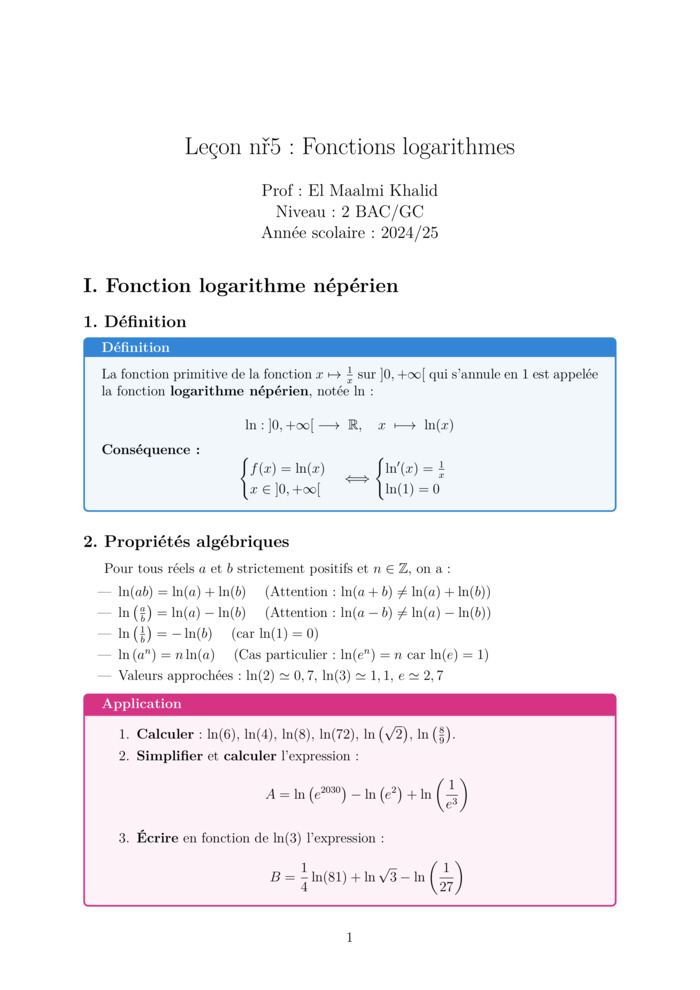
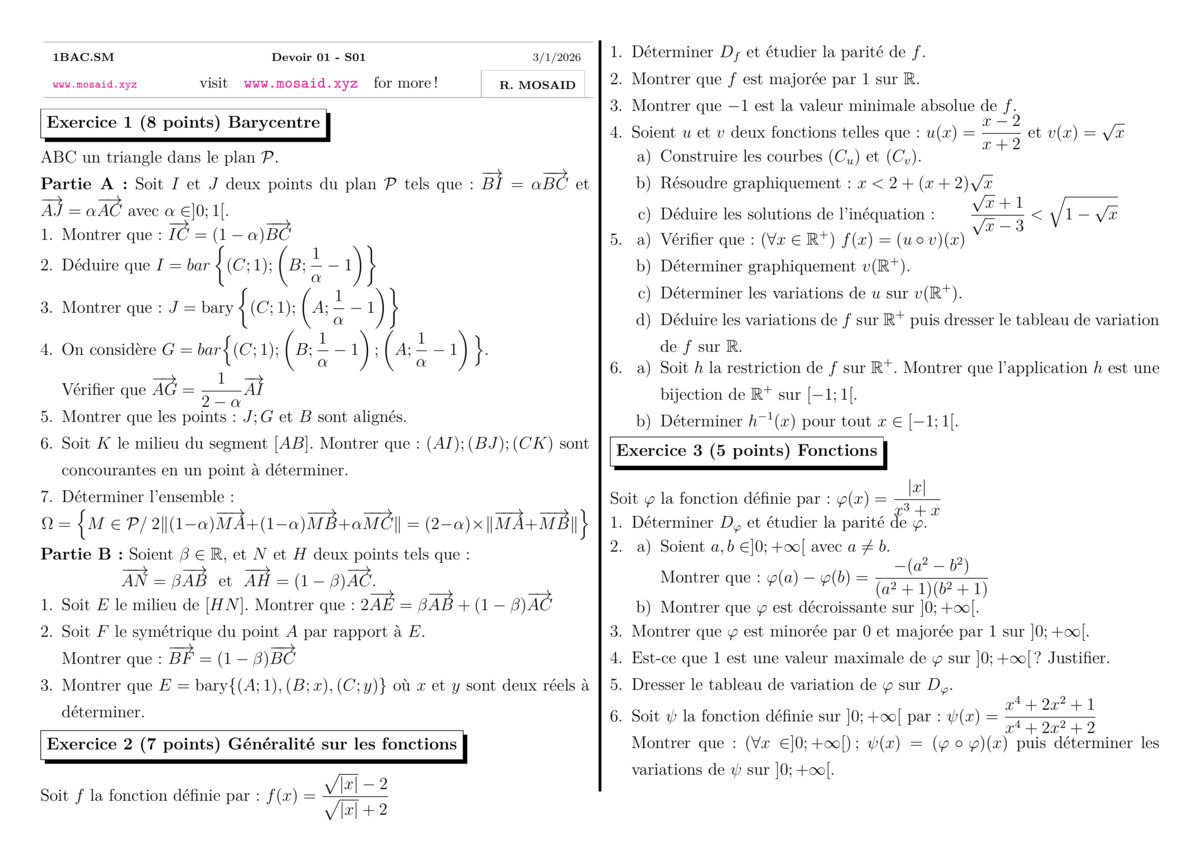
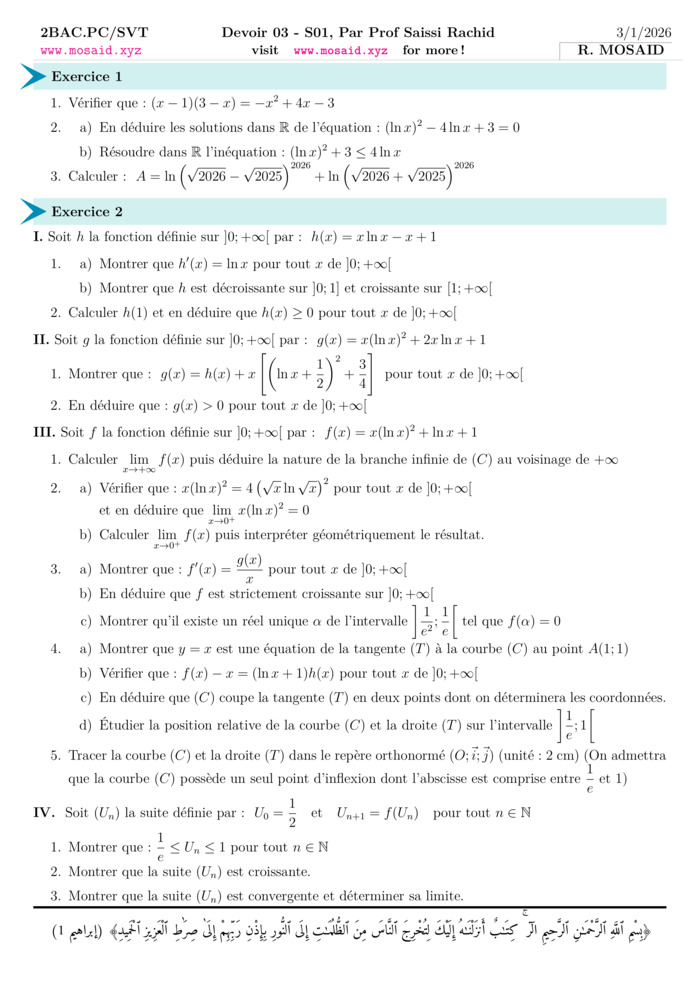
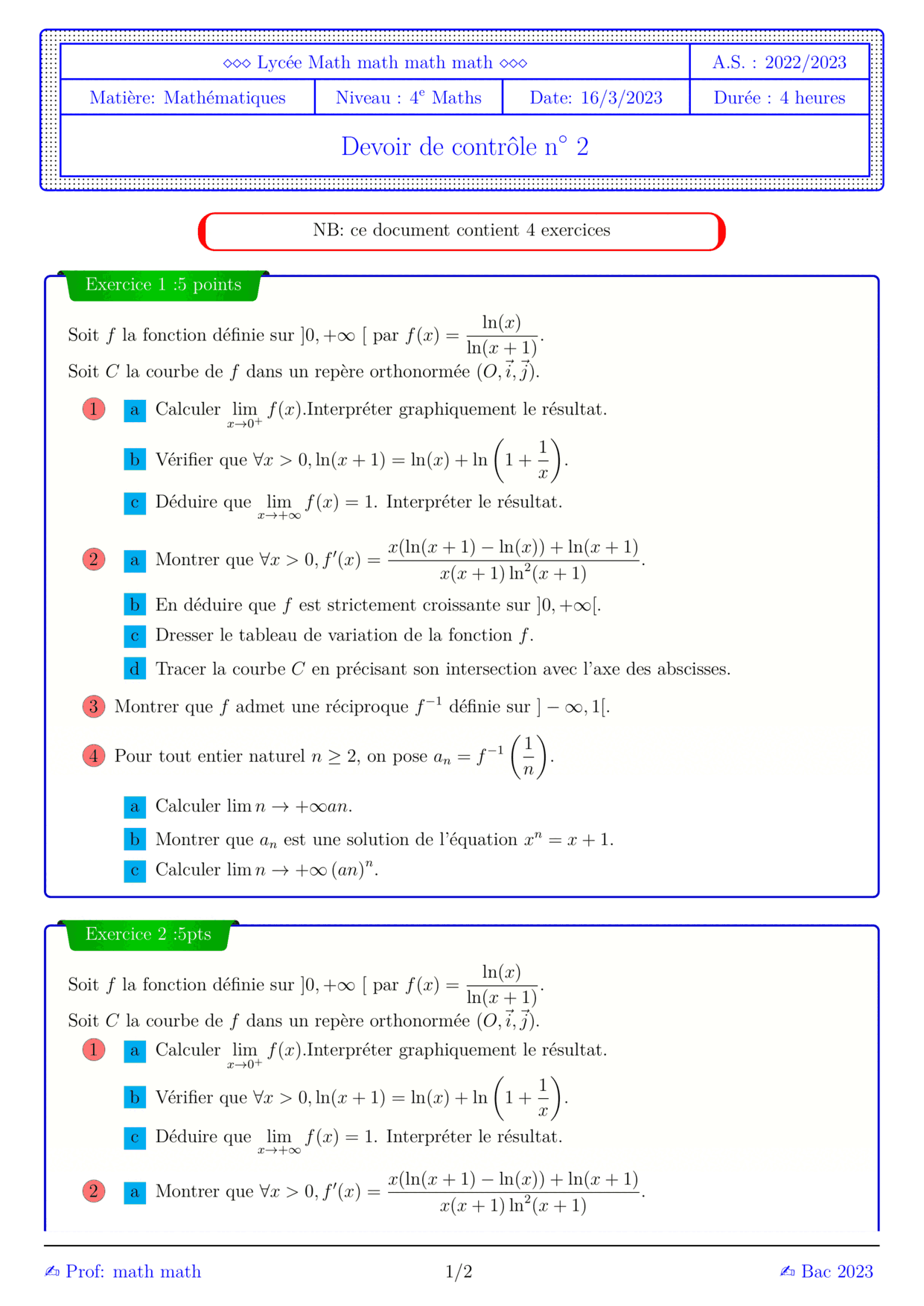
Most Viewed Courses

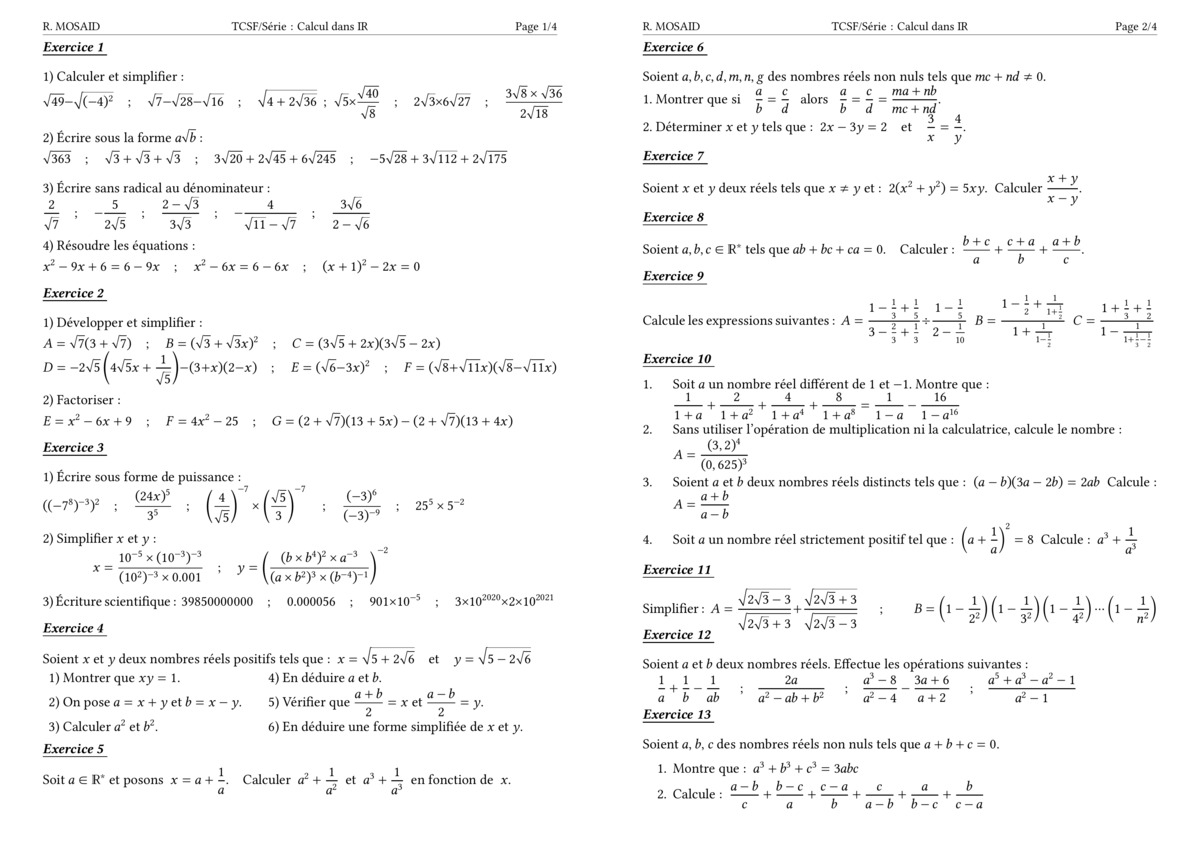
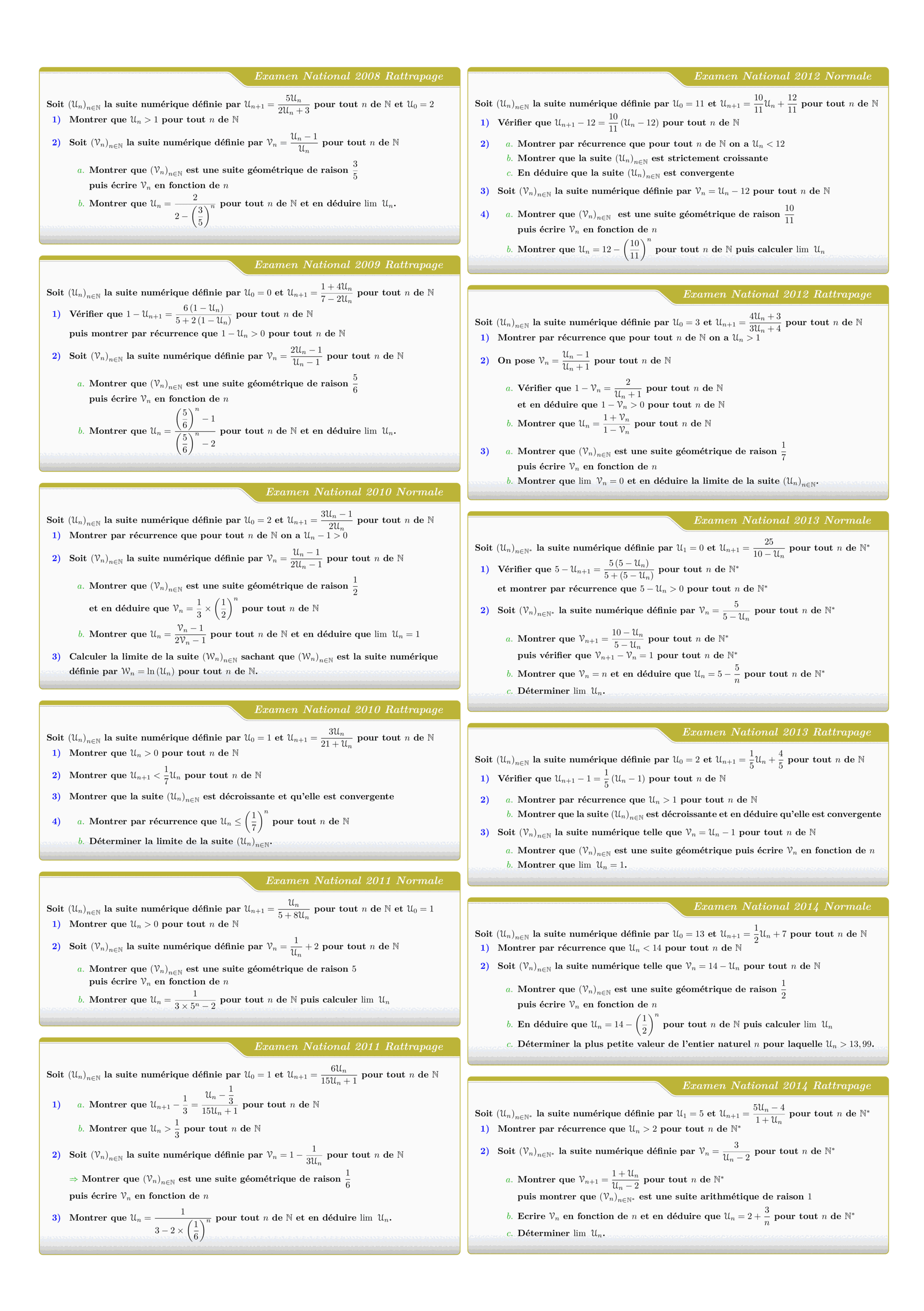
Tous les sujets des suites numériques des examens nationaux 2008 - 2022
Views: 1.90K
Exam • Maths • 2 Bac Science
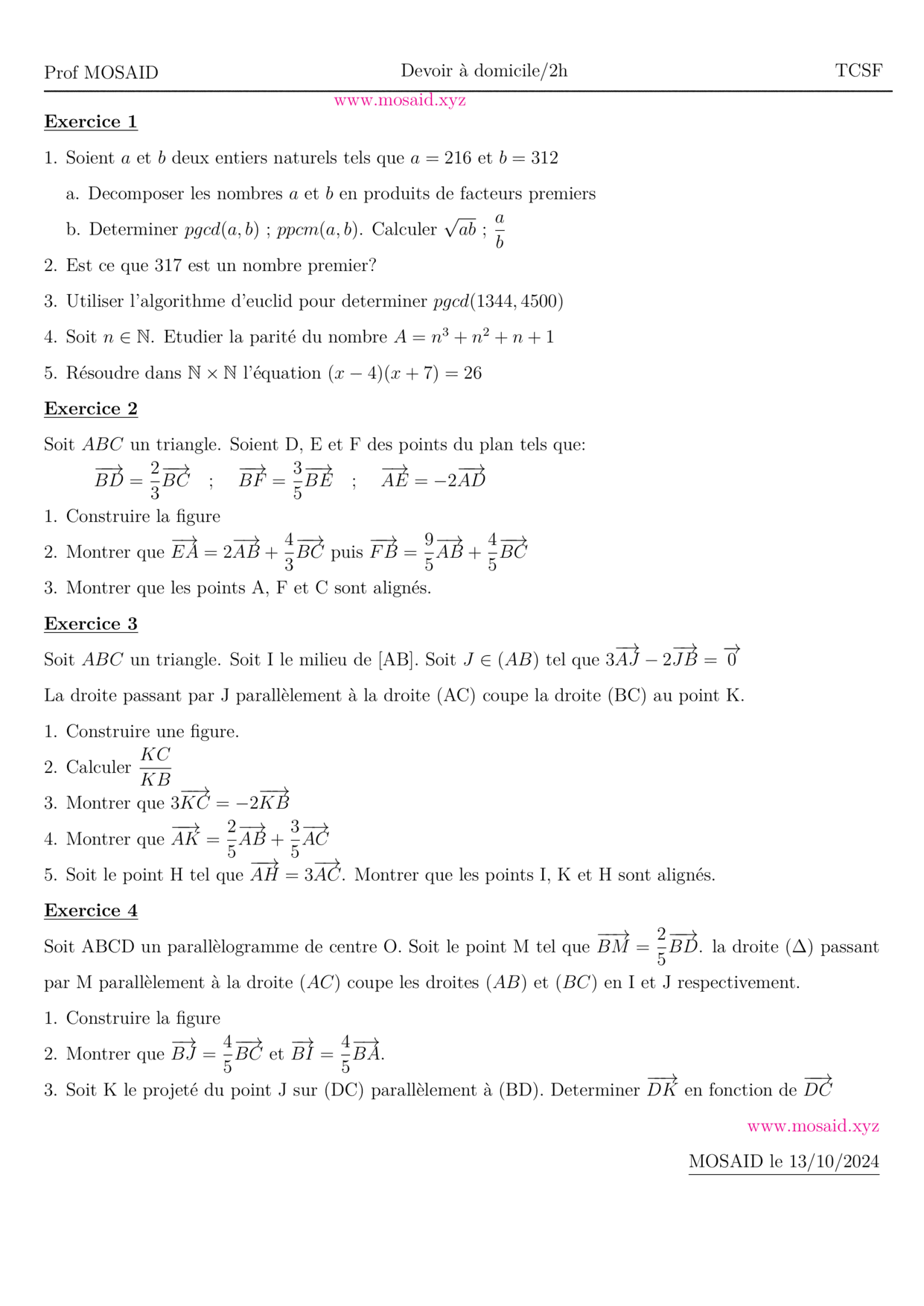
DM 1 - Arithmetiques, Calcul vectoriel et projection
Views: 1.67K
Exam • Maths • Tronc Commun Sciences
MATHEMATIQUES Examens nationaux 2003-2021 2 Bac.Sciences expérimentales
Views: 1.65K
Exam • Maths • 2 Bac Science
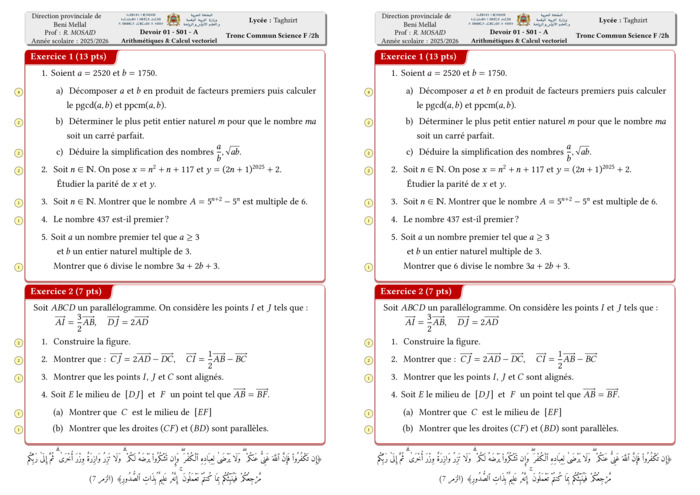
Control 01 S01 En arithmétiques et Calcul vectoriel - A 2025-2026
Views: 1.65K
Exam • Maths • Tronc Commun Sciences
Recent Articles


Boosting LaTeX Editing with Custom Vim Mappings
23 Nov 2025


Most Viewed Articles