Intégrale: Aire d'une partie entre deux graphes
📅 10 February 2024 👁️ المشاهدات: 208
📄 ماذا ستجد في هذه الصفحة؟
• ملف الدرس بصيغة PDF يمكنك معاينته هنا مباشرةً دون تنزيله.
• يمكنك تنزيل الملف من زر التحميل أسفل الصفحة والاحتفاظ به على جهازك.
• ستجد أيضًا دروسًا وامتحانات وتمارين ذات صلة تساعدك على المراجعة وتعميق الفهم.
• أُدرج مصدر LaTeX الكامل أسفل الصفحة لتتمكن من الاطلاع عليه أو تعديله والاستفادة منه.
• هل تحتاج تنسيقًا احترافيًا لموادك الخاصة؟ أقدم خدمة كتابة LaTeX — أرسل المحتوى المطلوب لتحصل على ملف PDF منسق وملف المصدر.

\documentclass{standalone}
\standaloneconfig{border=2mm 2mm 2mm 2mm}

%maths
\usepackage{mathtools}
\usepackage{amsmath}
\usepackage{amssymb}
\usepackage{amsfonts}

%tikzpicture
\usepackage{tikz}
\usepackage{scalerel}
\usepackage{pict2e}
\usepackage{tkz-euclide}
\usetikzlibrary{calc}
\usetikzlibrary{patterns,arrows.meta}
\usetikzlibrary{shadows}
\usetikzlibrary{external}

%pgfplots
\usepackage{pgfplots}
\pgfplotsset{compat=newest}
\usepgfplotslibrary{statistics}
\usepgfplotslibrary{fillbetween}

%colours
\usepackage{xcolor}

\begin{document}
  \pgfplotsset{
    standard/.style={
      axis line style = thick,
      trig format=rad,
      enlargelimits,
      axis x line=middle,
      axis y line=middle,
      enlarge x limits=0.15,
      enlarge y limits=0.15,
      every axis x label/.style={at={(current axis.right of origin)},anchor=north west},
      every axis y label/.style={at={(current axis.above origin) },anchor=south east},
      grid=both,
      ticklabel style={font=\tiny, fill=white}
    }
  }

\begin{tikzpicture}
  \begin{axis}[standard,
      xtick={0.1,0.2,0.5,1},
      ytick={0.1,0.2,0.5,1,2},
      xticklabels={$0.1$,$0.2$,$0.5$,$1$},
      yticklabels={$0.1$,$0.2$,$0.5$,$1$,$2$},
      xlabel={ $x$},
      ylabel={ $y$},
      samples=1000,
      xmin=0, xmax=1.3,
      ymin=0, ymax=1.3]

      \node[anchor=center, label=south west:$O$] at (axis cs:0,0){};
      \addplot[name path=F, line width=0.3mm, red, domain={0:2}]{x^2} node[pos=0.4, above left] {$C_f$};
      \addplot[name path=G, line width=0.3mm, blue, domain={0:2}]{sqrt(x)} node[pos=0.8, above left] {$C_g$};
      \addplot[fill=black, fill opacity=0.2] fill between [of=F and G, soft clip={domain=0:1}];
  \end{axis}
\end{tikzpicture}

\end{document}
موارد ذات صلة: دروس وامتحانات وتمارين
📄 هل تحتاج تنسيقًا بـ LaTeX؟
أرسل لي واجبك أو امتحانك أو تمارينك وسأحوّلها إلى ملف PDF احترافي.
اعرف المزيد ←أحدث الدروس
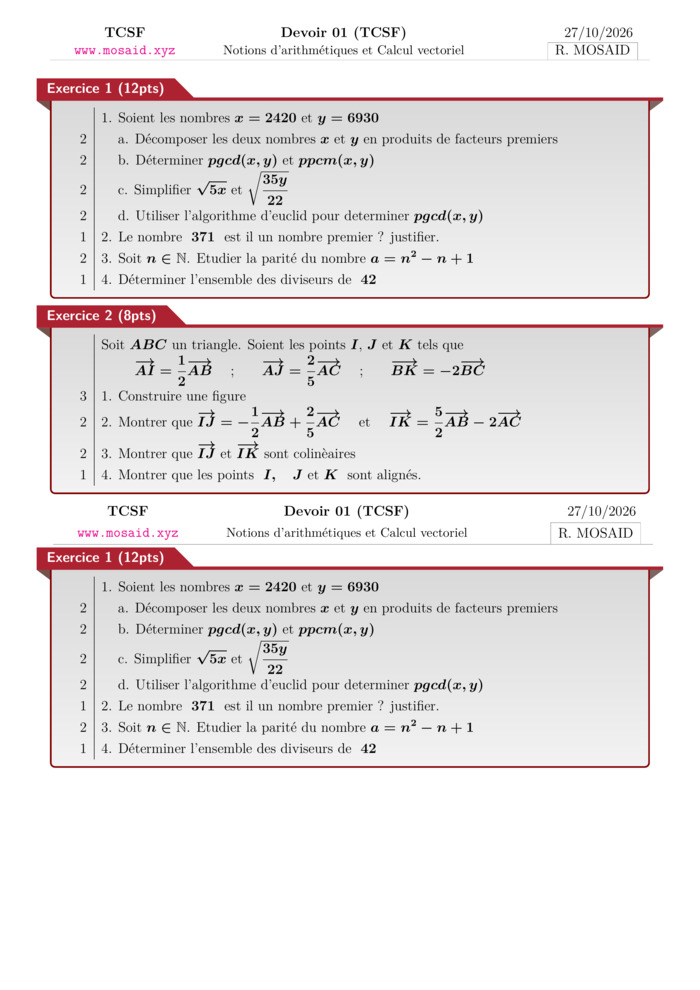
Solution — Devoir 01, S01, artihmétiques et calcul vectoriel , 2026 A
02 Nov 2026 • 1 views
حل • Maths • Tronc Commun Sciences
Devoir 01, S01, artihmétiques et calcul vectoriel , 2026 A
02 Nov 2026 • 1 views
امتحان • Maths • Tronc Commun Sciences
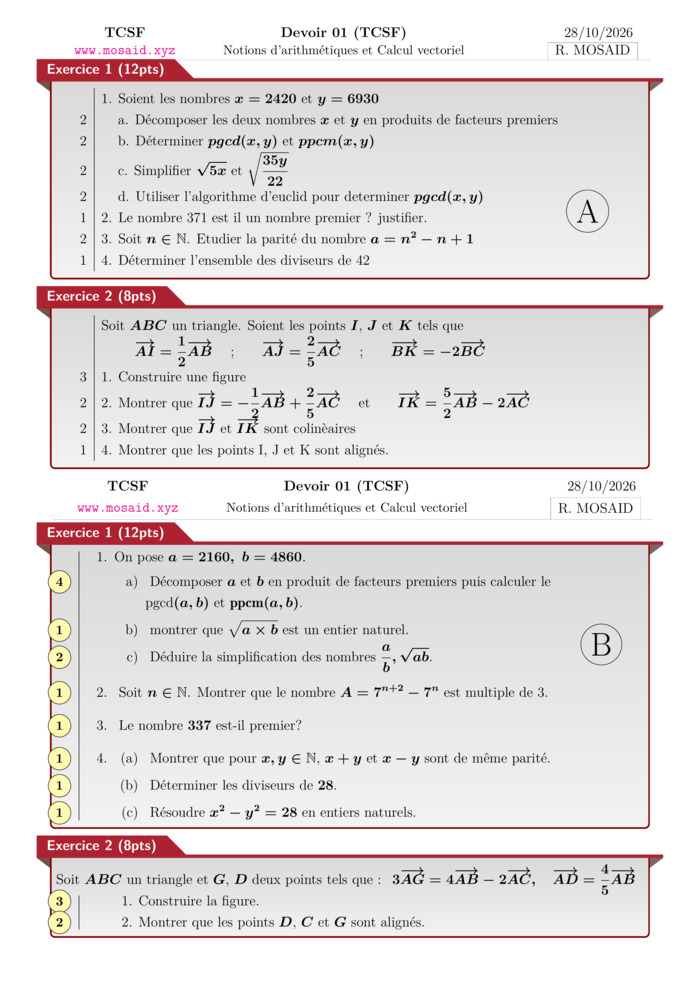
Solution — Devoir 01, S01 en arithmétiques et calcul vectoriel, 2026-2027 - ab
02 Nov 2026 • 1 views
حل • Maths • Tronc Commun Sciences
Devoir 01, S01 en arithmétiques et calcul vectoriel, 2026-2027 - ab
02 Nov 2026 • 1 views
امتحان • Maths • Tronc Commun Sciences
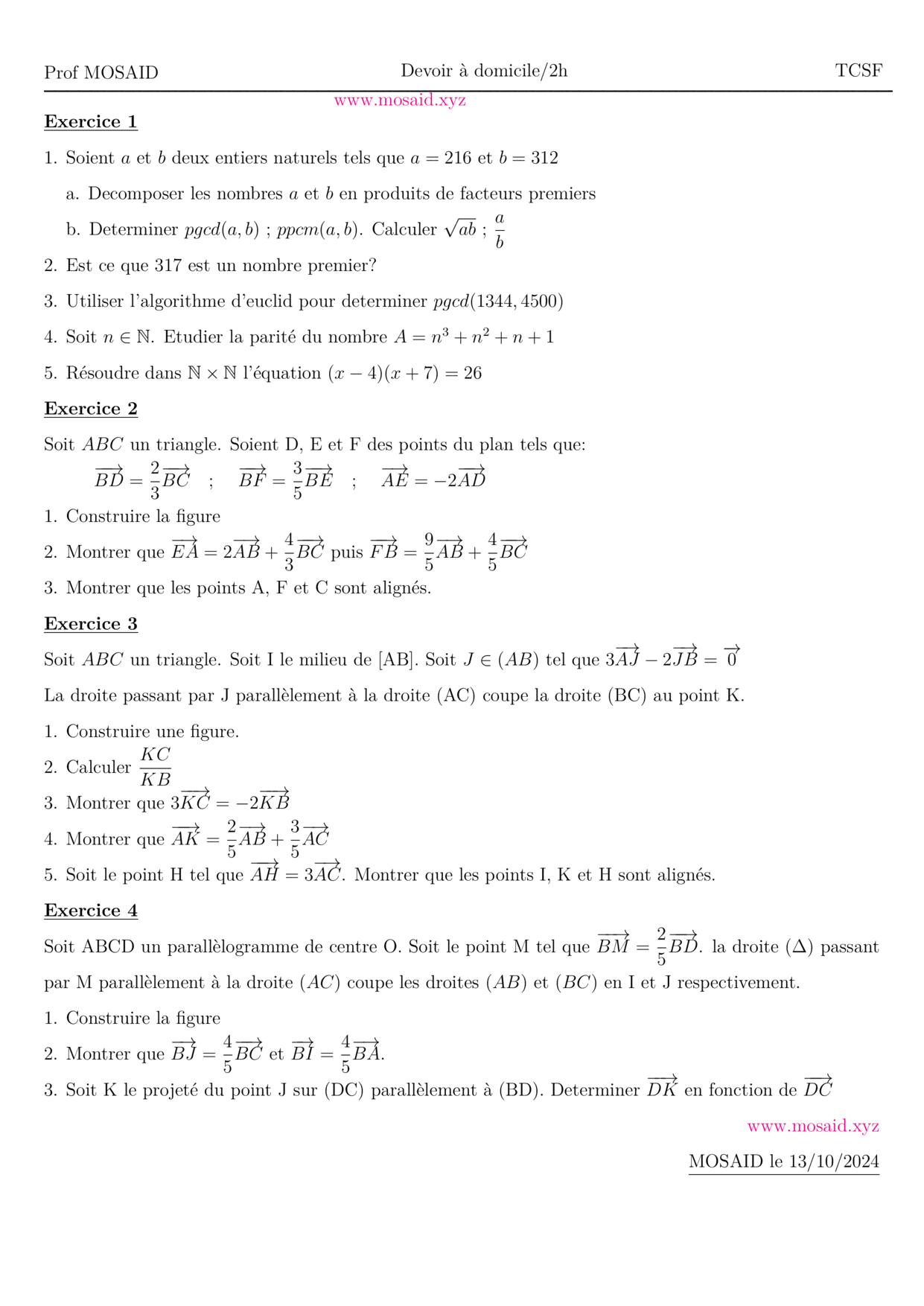
Solution — DM 1 - Arithmetiques, Calcul vectoriel et projection
27 Oct 2026 • 1 views
حل • Maths • Tronc Commun Sciences
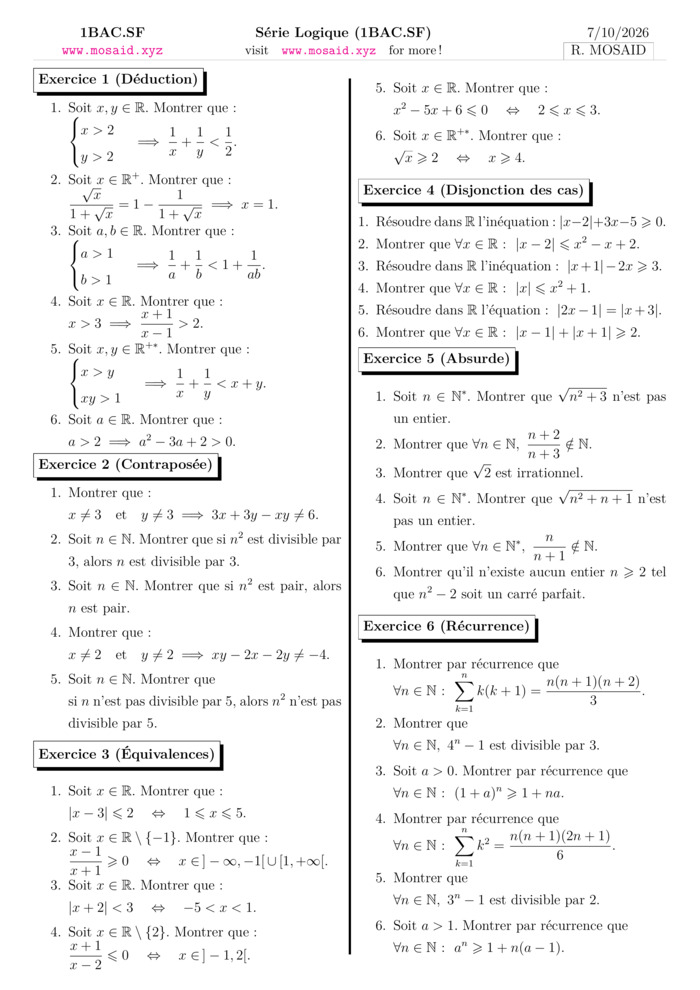
BACCALAURÉAT INTERNATIONAL SCIENCES MATHÉMATIQUES, OPTION FRANÇAIS
28 Sep 2026 • 149 views
درس • Maths • 2 Bac Science Maths
الأكثر مشاهدة
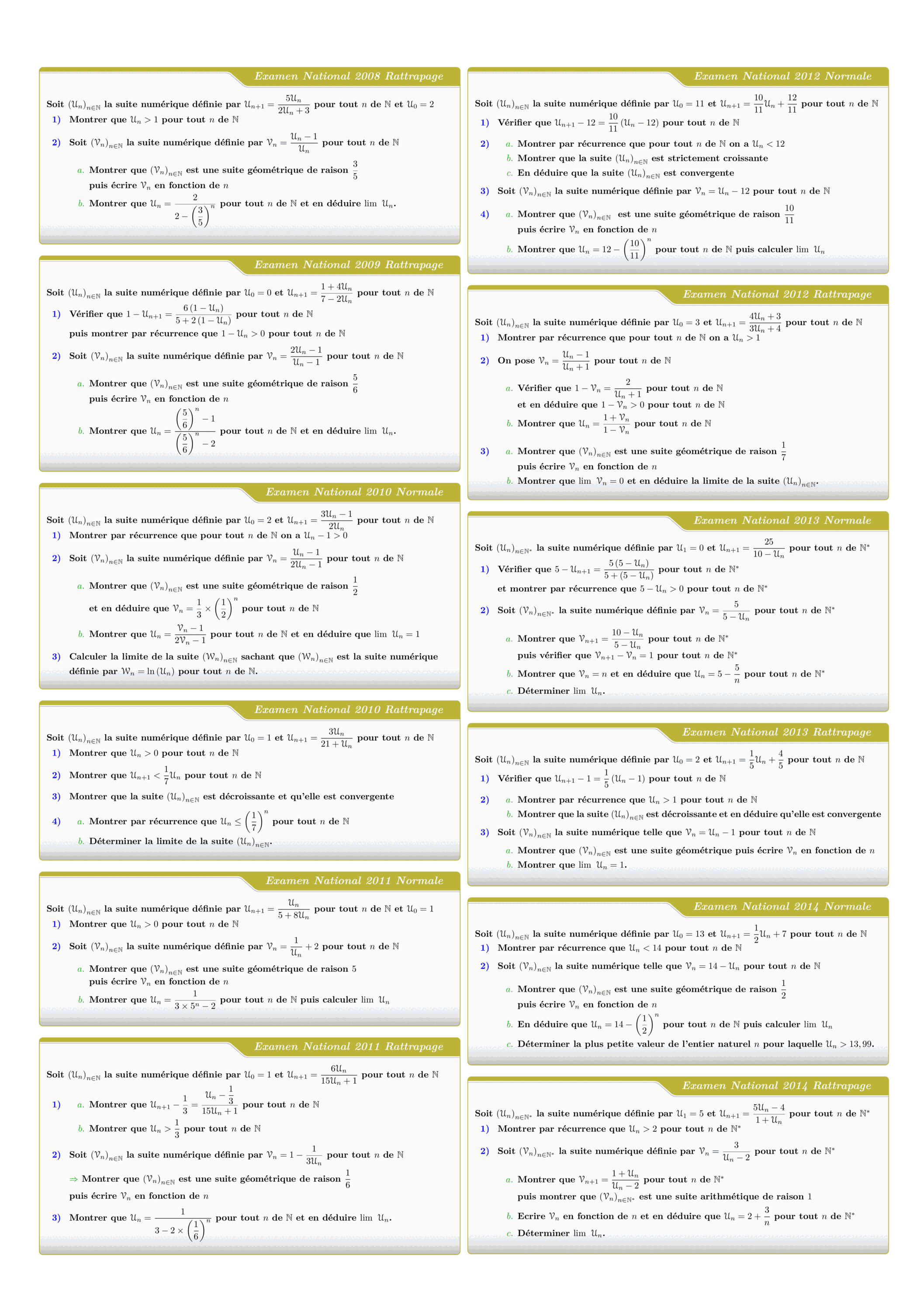
Tous les sujets des suites numériques des examens nationaux 2008 - 2022
views: 3.15K
امتحان • Maths • 2 Bac Science

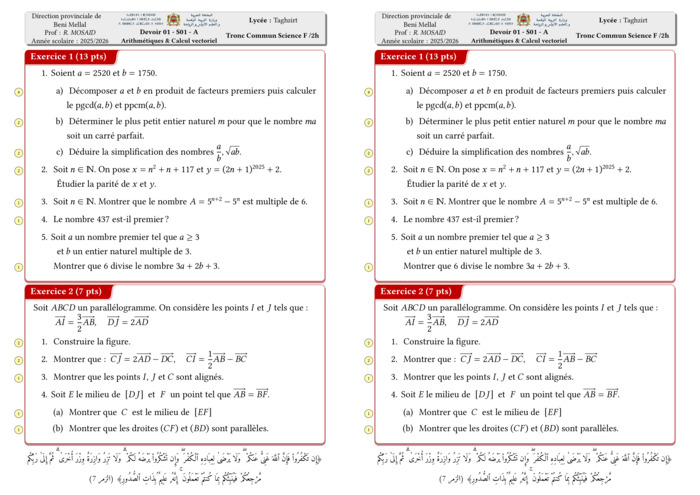
Control 01 S01 En arithmétiques et Calcul vectoriel - A 2025-2026
views: 2.15K
امتحان • Maths • Tronc Commun Sciences
DM 1 - Arithmetiques, Calcul vectoriel et projection
views: 1.99K
امتحان • Maths • Tronc Commun Sciences
MATHEMATIQUES Examens nationaux 2003-2021 2 Bac.Sciences expérimentales
views: 1.98K
امتحان • Maths • 2 Bac Science
Recent Articles




Most Viewed Articles



The Ultimate Vim Setup (My 2024 vimrc ) : Essential Commands, Configurations, and Plugin Tips
Views: 1.49K
12 Apr 2024
Complete Tutorial: Creating Categories and Subcategories Using Pages in Pelican
Views: 1.14K
24 Jun 2025
اترك تعليقًا