Visits : 142
Quran Browser – Advanced Desktop Application for Quran Study
Quran Browser is a comprehensive desktop application designed for serious Quran study and research. It combines advanced text search capabilities with audio playback, note-taking, lesson organization, and numerous study tools in one integrated environment. Perfect for students, teachers, researchers, and anyone seeking to deepen their understanding of the Quran.
🖼️ Application Screenshots
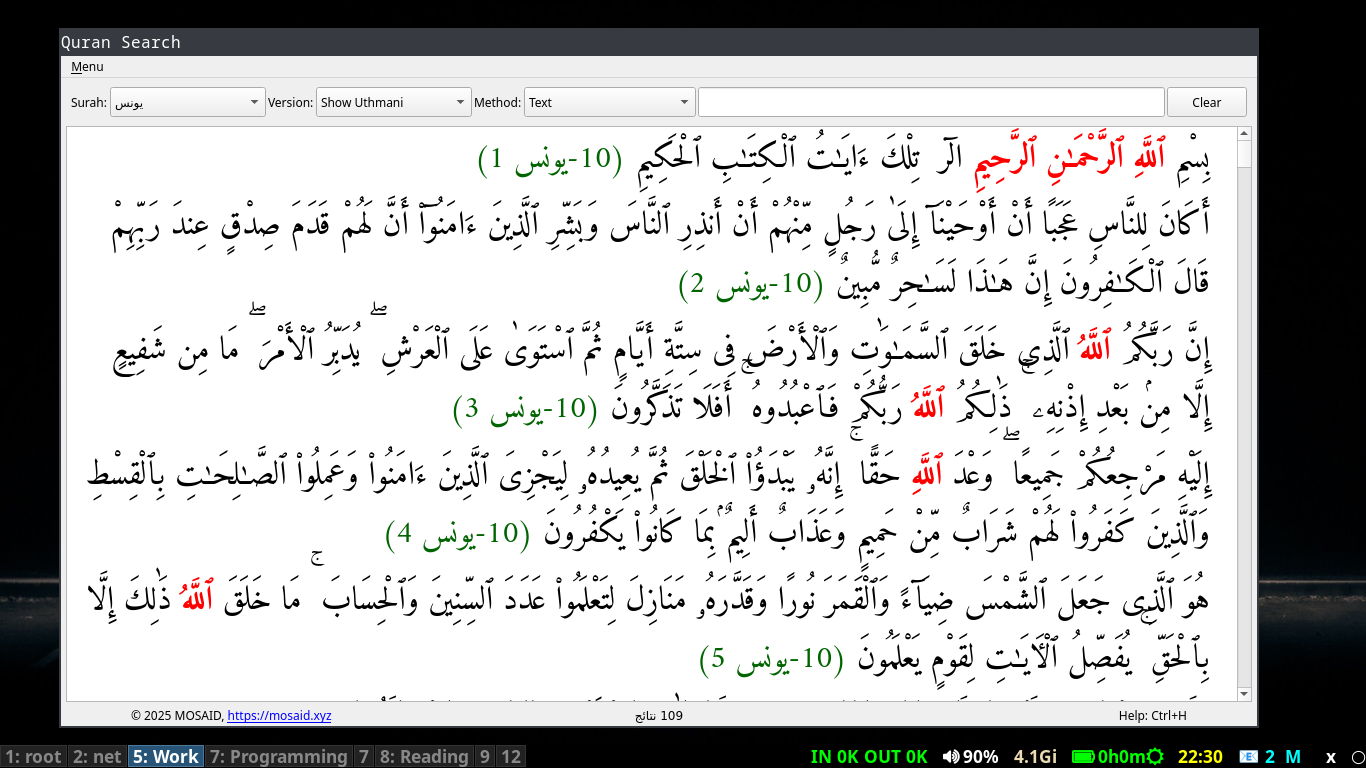
Main Interface
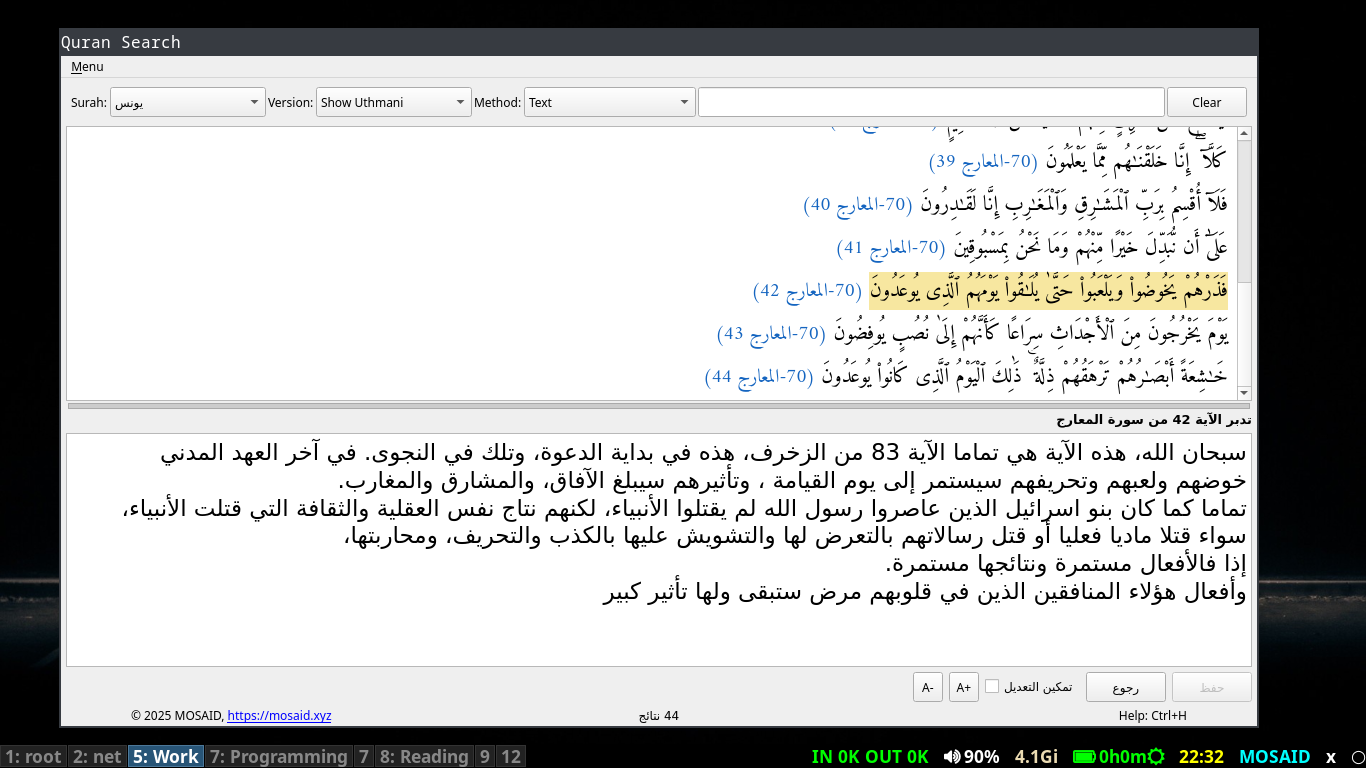
Verse Detail View with Context
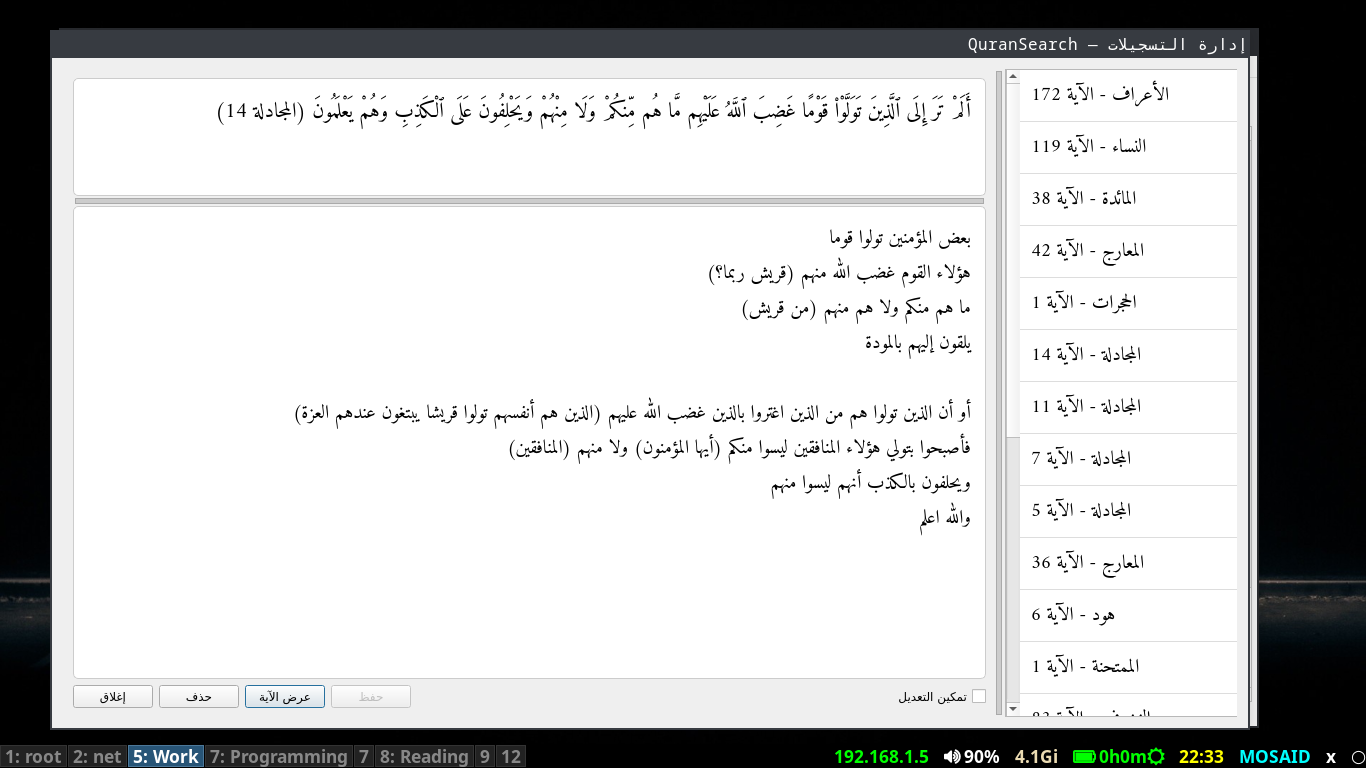
Notes Management System
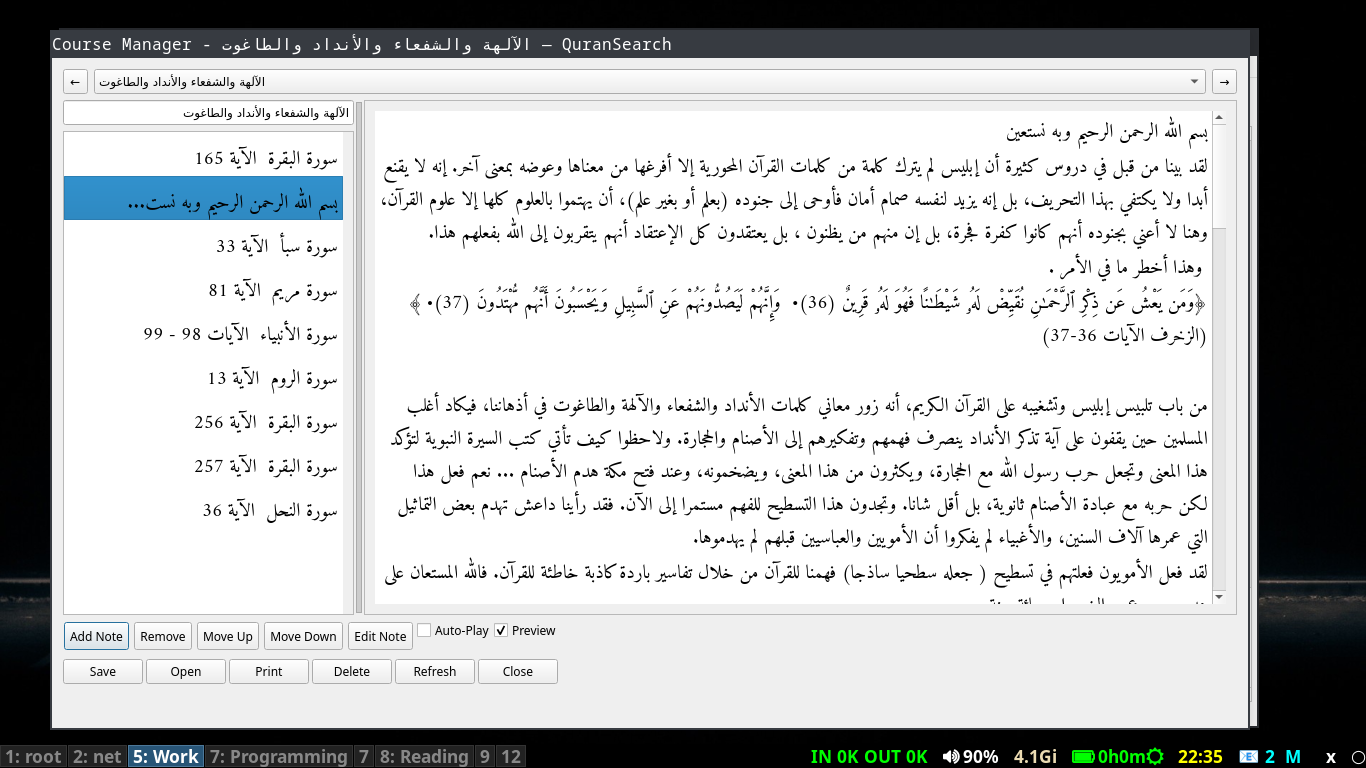
Courses Management System
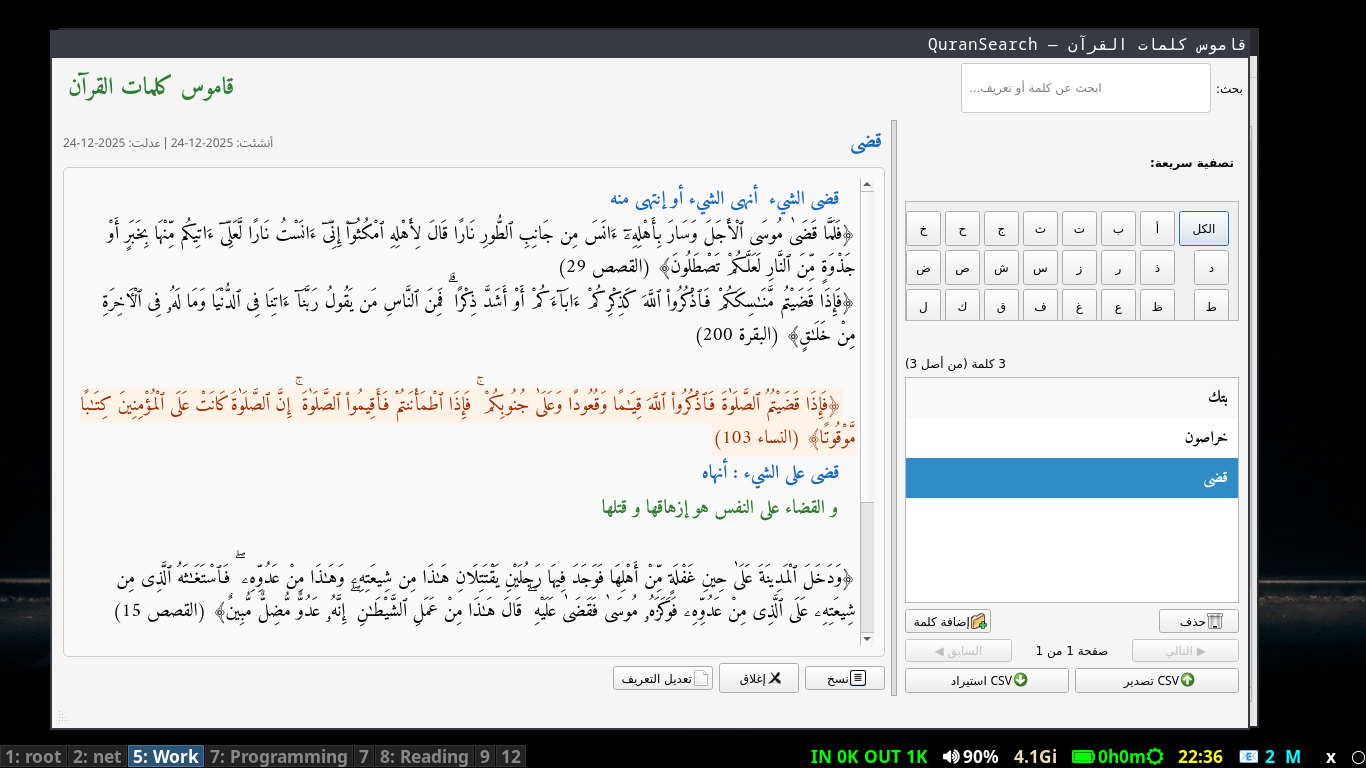
Words Dictionary
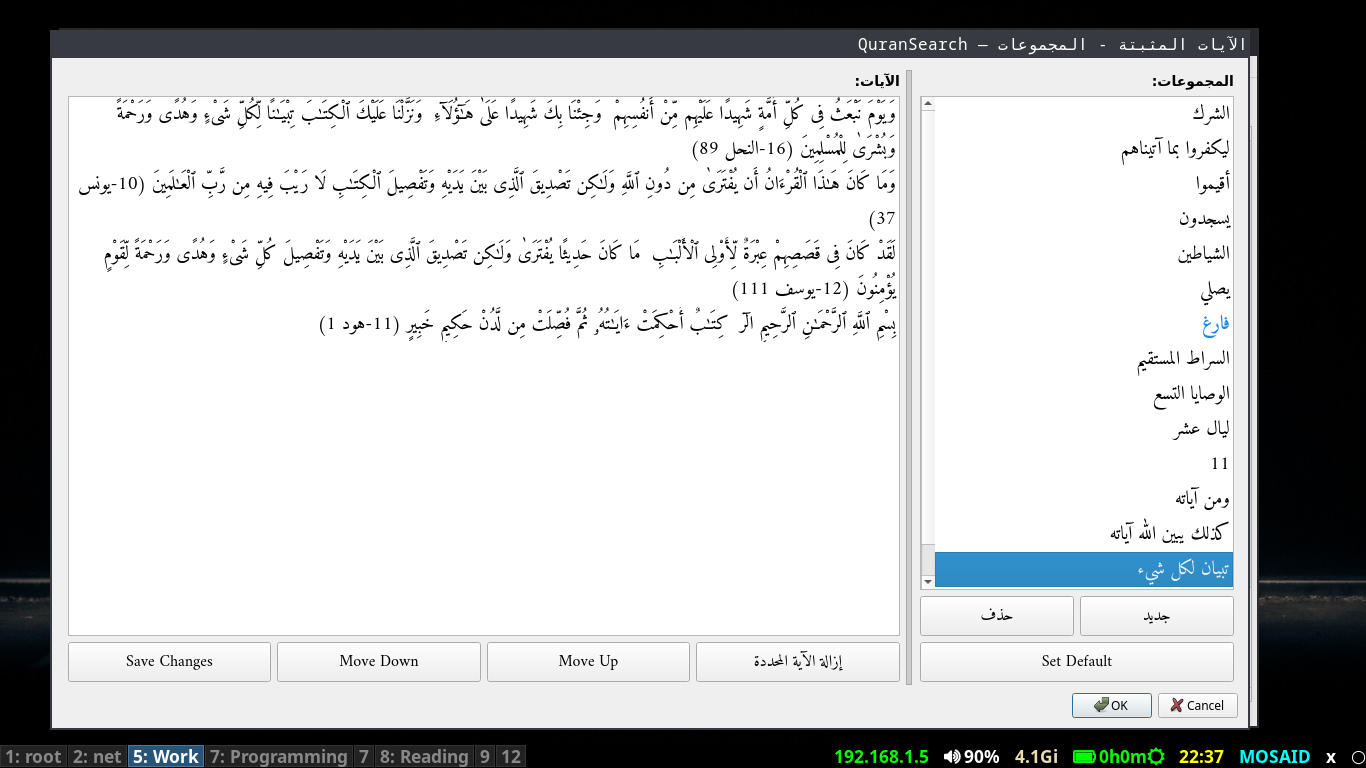
Pinned Verses Management
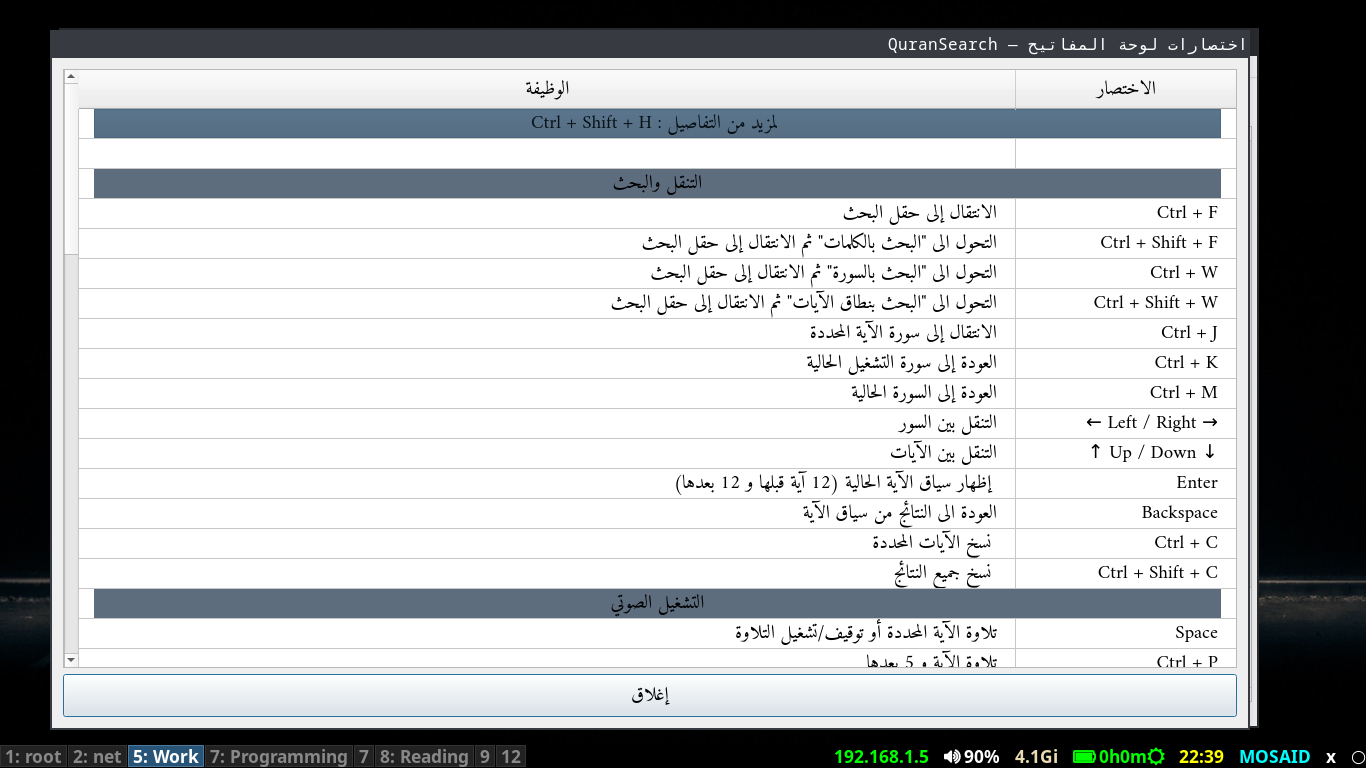
Compact Help
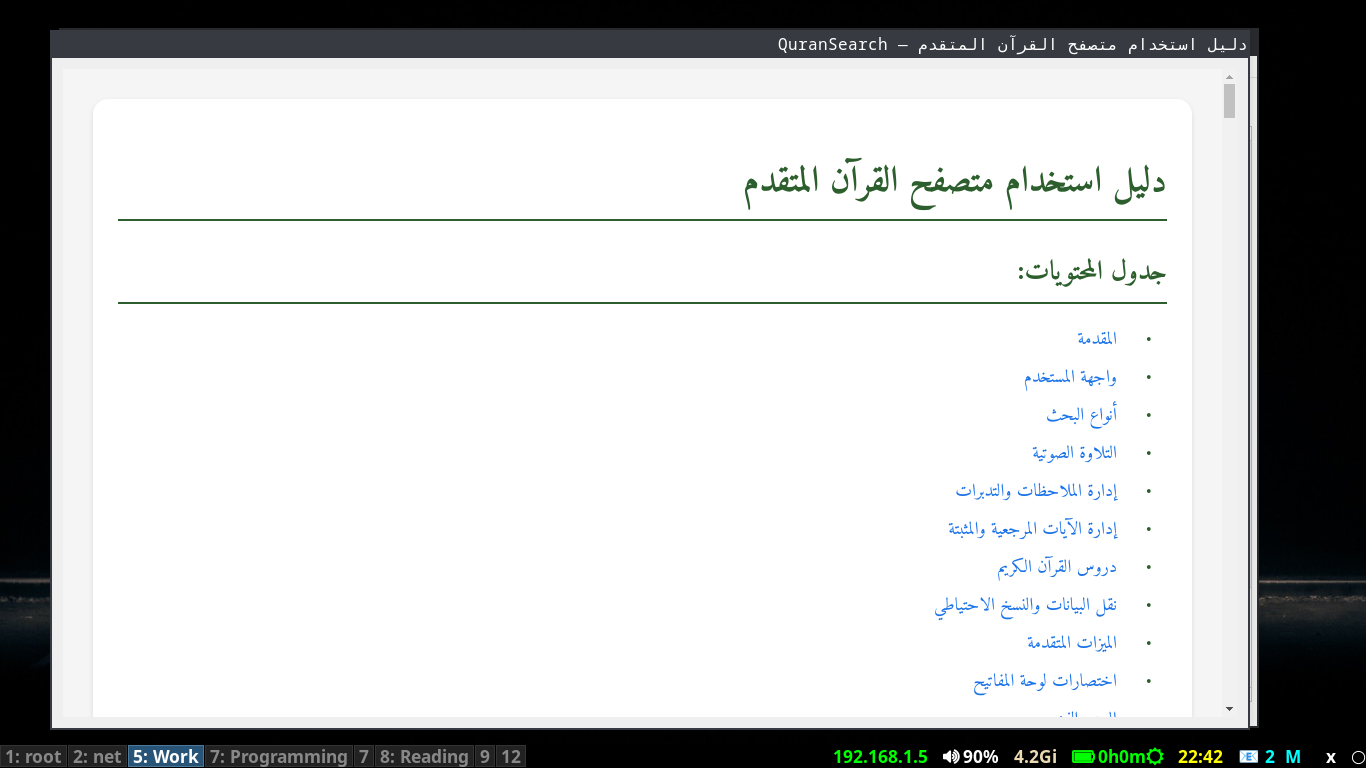
Comprehensive Help
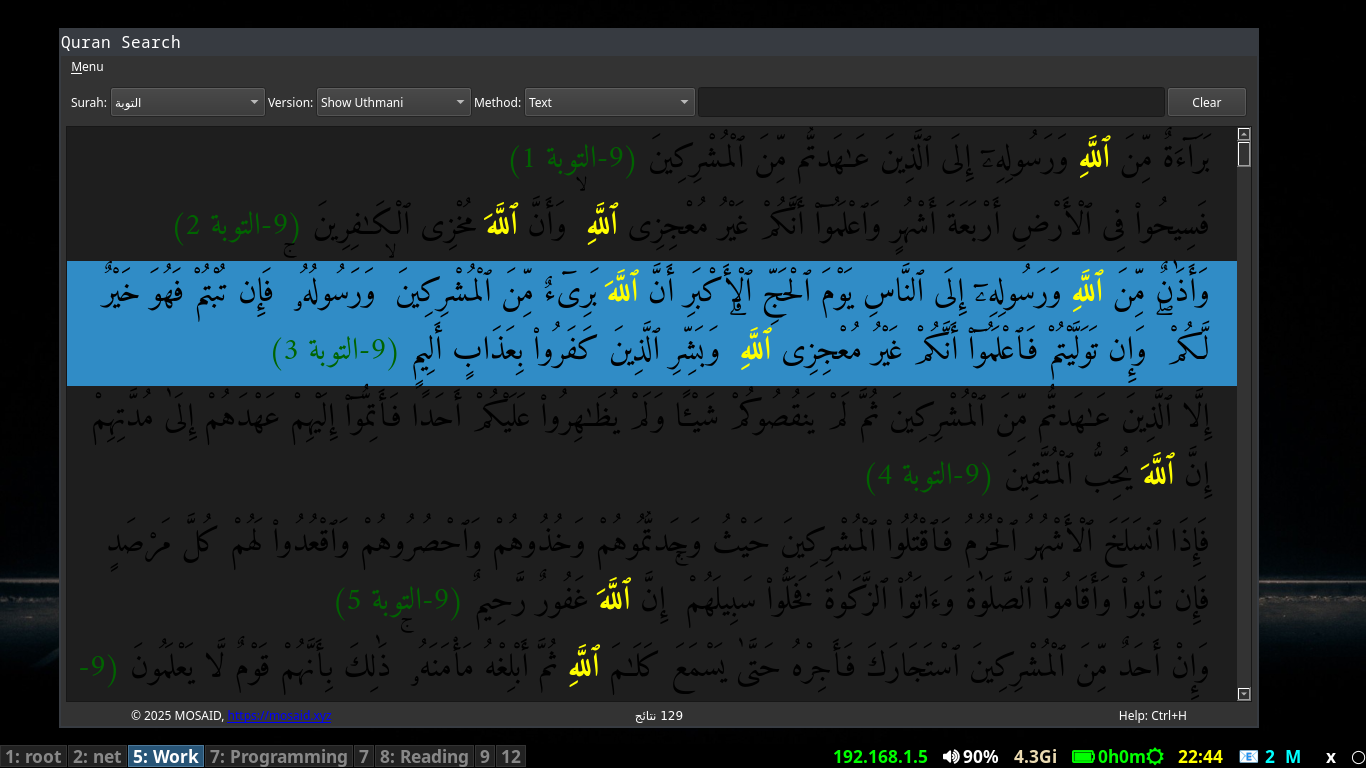
Main Interface – Dark Mode
👨🎓 Who Is Quran Browser For?
Quran Browser is designed for:
- Quran Students: For memorization, revision, and understanding
- Teachers & Educators: For preparing lessons and course materials
- Researchers: For linguistic analysis and thematic studies
- Reciters: For practicing with synchronized audio
- General Users: For daily reading and reflection
✨ Key Features Overview
Advanced Quran Search
- Full-text search in Uthmani and simplified scripts
- Multiple search methods: Text, Surah, and Verse Range
- Special search operators (# for exact match, % for wildcards)
- Arabic diacritics-aware searching
- Search history and auto-suggestions
Audio Playback & Synchronization
- Synchronized audio playback with text highlighting
- Multiple playback modes: single verse, context, full surah
- Repeat modes with customizable counts
- Automatic basmalah insertion between surahs
- Custom audio directory support
Comprehensive Notes System
- Verse-specific notes and reflections
- Rich text formatting in notes editor
- Notes manager with filtering and searching
- Auto-save and recovery features
- Export/import notes to CSV format
Lessons & Course Manager
- Create and organize Quran study courses
- Multiple content types: verses, searches, text notes
- Reorder lesson elements easily
- Auto-playback through lesson content
- Print lesson content in organized format
Bookmarks & Pinned Verses
- Quick-reference bookmarks system
- Pinned verses with group management
- Star indicators for pinned verses
- Organize verses by topics or themes
- Quick access to frequently referenced verses
Data Management & Backup
- Complete data export/import functionality
- Backup and restore all application data
- Transfer data between installations
- JSON-based configuration and data storage
- Cross-platform data compatibility
Display Customization
- Toggle between Uthmani and simplified scripts
- Dark/Light theme switching
- Adjustable font sizes with keyboard shortcuts
- Word highlighting with custom colors
- Responsive layout for different screen sizes
Advanced Study Tools
- Word dictionary with definitions
- Verse context display (12 verses before/after)
- Copy verses with smart formatting
- Word occurrence counting in searches
- Quick navigation between surahs and verses
🔎 Search Capabilities
Text Search
- Search by Arabic keywords
- Supports partial diacritics
- Special operators: #, %, @
- Word occurrence counting
- Search within current surah (!)
Surah Search
- Load complete surahs
- Quick navigation between surahs
- Dropdown selection of all 114 surahs
- Keyboard arrow navigation
Verse Range Search
- Search specific verse ranges
- Format: "Surah FirstAyah LastAyah"
- Quick access to specific passages
- Perfect for study of specific sections
🎧 Audio Features
- Verse Playback: Play selected verse or range
- Context Playback: Verse plus 5 following verses
- Surah Playback: Complete surah with continuation
- Repeat Modes: Infinite or limited repeats
- Auto-advance: Automatic progression to next verse
- Audio Format: Standard MP3 files (SSSAAA.mp3)
- Basmalah: Automatic insertion between surahs
- Custom Audio: Support for different reciters
- Playback Control: Play, pause, stop, skip
- Status Display: Current playback information
⌨️ Keyboard Shortcuts
Work efficiently with comprehensive keyboard shortcuts.
Complete list of 50+ shortcuts available in application help (Ctrl+H).
🛠️ Technology Stack
Built with modern technologies for reliability and cross-platform compatibility:
🌐 Open Source & Development
Quran Browser is an open-source project developed with a focus on accuracy, performance, and usability for serious Quran study. The source code is publicly available on GitHub.
Contributions, bug reports, and feature requests are welcome. Developers can explore the architecture, search engine, and audio synchronization logic directly.
🚀 Download Quran Browser
Start your enhanced Quran study experience today!
Current version: 2.3.0 (released 2026-03-23)
System Requirements:
Windows 10+, Linux with Qt5, or macOS 10.14+.
Audio files available separately from EveryAyah.com
📥 Installation Guide
Windows Installation
- Download the Windows ZIP file
- Extract to your preferred location
- Run
QuranBrowser2.3.0.exe - The installation is simple and straightforward.
- Download audio files from EveryAyah.com (optional)
Linux Installation
- Go to the GitHub repo for details
- View Source on GitHub
💬 Support & Community
Get help, request features, and join our user community:
📝 Release History
Version history for Quran Browser. Latest features and improvements.
# Changelog
2.3.0 — 2026-03-23
•New Features and bug fixes
2.2.0 — 2026-03-03
Features
•Version Checker – A new “Check for Updates” option in the Menu (shortcut Ctrl+Z) contacts the server to compare the installed version with the latest release. If a newer version is found, a dialog provides a direct download link. Network errors are gracefully reported.
Improvements
•Proximity Search Reliability – The search engine’s proximity operator (+++) now correctly handles substring patterns (e.g., المؤمن +++ يسبح) by falling back to a scanning method when the fast word index cannot be used. This restores the ability to find verses where two words appear within three verses of each other, even for non‑exact‑word queries.
•Robust Surah Range Handling – Fixed a subtle bug that prevented the proximity search from iterating over all surahs when no specific surah was selected. The surah list is now reliably flattened into a list of integers, ensuring every verse is considered.
Fixes
•Resolved an issue where proximity searches returned empty results despite the debug output showing matching verses. The problem stemmed from a surah in surahs membership test that failed because surahs was a list containing a range object instead of a flat list of integers.
•Corrected the _get_verses_matching_pattern helper to accept and flatten any iterable of surah numbers, making it robust against the same wrapping issue.
2.1.0 — 2026-02-27
Features
•Translation Bar – Added a persistent bar that displays English translations for the current verse. It can be toggled via Menu or Ctrl+U and offers multiple English translations selectable from a new Translations menu.
•Search Help Dialog – A dedicated dialog explains the full search syntax and operators. It is accessible via a new button inside the search field or by pressing Ctrl+?.
•Note Highlighting in Course Manager – The notes editor now provides syntax highlighting for line‑start markers (**, ##, --, !!) and inline formatting (*, _, ~), making note editing clearer and more efficient.
Improvements
•Enhanced Search Engine
•Introduced proximity search using the +++ operator, which finds words occurring within three verses of each other.
•Wildcard patterns (...) are now fully supported in proximity searches.
•Refined color‑highlighting logic for search matches and multi‑pattern queries.
•Numerous bug fixes in text normalization and pattern matching, ensuring more accurate results.
•Search Input – Added a question‑mark button to the search field for one‑click access to syntax help.
•Help Files – Updated and expanded the help documentation, improving clarity and user guidance.
Fixes
•Resolved issues with text normalization that could cause false‑negative or false‑positive matches.
•Fixed several edge cases in wildcard and proximity searches to align with expected behaviour.
2.0.0 — 2026-02-22
Features
•Data Transfer Dialog: Added a comprehensive import/export system accessible via Menu → Data Transfer or Ctrl+Shift+E. Users can now export their notes, courses, word dictionary, and bookmarks to zip files and import them back, enabling seamless data backup, migration, and sharing between installations.
•Notes Recovery System: Implemented an automatic recovery mechanism for notes being edited in the Course Manager. Unsaved changes are periodically saved to a recovery folder, and a new "Recovery Files" dialog allows users to browse, preview, and restore lost notes, grouped by course and sorted by date.
•Enhanced Course Management:
•Added "Combine Verses → Note" feature to merge multiple verse items into a single note.
•Notes can now be edited directly within the Course Manager with auto‑save and recovery support.
•Personal Data Export in Releases: The official Windows installer archive now includes a readme.txt (with bilingual instructions) and a QuranData_all_25.zip containing my personal courses and notes
Improvements
•Better File Handling: The import process intelligently skips duplicate entries, preventing clutter when restoring multiple backups.
•Recovery File Organization: Recovery files are now grouped by course name and listed newest first, making it easy to locate the most recent auto‑save.
•Status Bar Feedback: Clear messages inform users about import/export progress and recovery file locations.
Technical
•Added views/dialogs/data_transfer.py and views/dialogs/notes_recovery.py with full UI integration.
•Extended database manager with methods for exporting/importing all user data.
•Updated release script to bundle additional files (readme.txt, data.zip) with the main installer.
1.5.0 — 2026-02-19
Features
•Integrated translation bar: Introduced a persistent translation bar that dynamically shows the English translation of the active verse. The translation updates automatically as the user navigates between verses, providing a smoother bilingual reading experience.
Fixes
•Resolved an issue where the chapters (Surah) dropdown list detached visually from its QComboBox, restoring proper popup behavior and alignment.
1.4.1 — 2026-02-17
-
•Fixed: URL in status bar label was truncated (e.g., showing only "https://mo") on Windows due to DPI scaling.
•Replaced the fixed width (self.scale(250)) with an expanding size policy while keeping a scaled minimum width.
•Affected file: views/main_window.py (in init_ui).
1.4.0 — 2026-02-17
Features
•Official Windows installer: Introduced a fully integrated Windows installation package. The application now installs into the system’s Program Files directory with proper shortcuts and uninstallation support, providing a smoother and more professional setup experience.
Improvements
•Added Start Menu shortcuts for quick access.
•Added uninstaller entry in Windows Apps & Features.
•Improved deployment structure and file organization.
•Enhanced overall installation reliability and user onboarding experience.
Technical
•Added Inno Setup configuration (QuranBrowser.iss) for automated installer builds.
•Docker-based reproducible build process using amake/innosetup.
•Improved packaging consistency across releases.
1.3.2 — 2026-02-16
Features
•Unified UI scaling: Introduced a comprehensive scaling system that adapts the entire application interface to high‑DPI displays and user‑defined scale preferences. All dialog boxes and the main window now correctly respect the system DPI and the adjustable UI scale factor, ensuring crisp and properly sized elements on any screen.
Improvements
•Scaled widget geometries: All fixed sizes, minimum widths, button dimensions, splitter proportions, and layout margins are now dynamically calculated using the new scale() function.
•Dynamic stylesheets: Pixel values in stylesheets (borders, paddings, margins) are now generated with scaling, eliminating hard‑coded sizes that could appear too small on high‑resolution screens.
•Consistent delegate rendering: Custom item delegates (e.g., Quran verses, bookmarks, word dictionary) now apply scaling to their painting and size hints, resulting in uniform spacing and readability across all views.
•Better RTL support: All dialogs maintain proper right‑to‑left layout while respecting the scaled dimensions, preserving the intended visual flow for Arabic text.
Technical
•Added utils/scaling.py module with get_scale_factor() and scale() functions.
•Integrated scaling into every UI component across views/ and dialogs/.
•Ensured that font sizes specified in points remain independent of DPI scaling, while pixel dimensions are uniformly adjusted.
1.3.1 — 2026-01-27
Features
•Now supporting Windows platform
•Added Quran words dictionary dialog
•Enhanced search logic with word boundary aware search
•Detail view supports font size change
•Added color highlighting for search query
•Added autocomplete feature in search
•Added font size control
Improvements
•Scroll to top after surah selection
•Bug fixes and improvements to course manager
•Course improvements
•Bookmarks improvements
•More improvements and fixes
•Better status messages
•Updated install scripts
•Minor fixes across the app
•Removed ignored files from tracking
Fixes
•Bug fixes and general improvements
•Fixed Windows install script
•Fixed course handling
•Reload bookmarks after adding bookmark
•Enhanced search history navigation
---
1.3.0 — 2025-07-03
Refactor
•Complete refactor of codebase
---
1.2.0 — 2025-03-26
Features & Improvements
•UI improvements
•Bookmarks handling improvements
•Course management improvements
---
1.1.0 — 2025-02-14
Initial release
•User manual created
•Project setup and first commit
❓ Frequently Asked Questions
📥 Where can I get Quran audio files?
Quran Browser does not bundle audio files to keep downloads lightweight.
You can download per-verse Quran recitations from
EveryAyah.com.
After downloading, extract the files and set the folder as your audio directory
via Settings → Audio or using
Ctrl + Shift + A.
🔄 How do I transfer my data to another computer?
Quran Browser includes a complete data export and import system.
- Use Ctrl + Shift + E to export all data
- This includes notes, bookmarks, pinned verses, and lessons
- Copy the exported file to another computer
- Import it using the same Data Transfer dialog
🔎 What do the search operators (#, %, @, !, ?) mean?
#— Exact word match (e.g.الرحمن#)%— Wildcard match (e.g.%الله)@— Preserve hamza and alif variants!— Search within the currently loaded surah?— Search within the surah selected in the dropdown
🌍 Is the application available in Arabic?
Yes. Quran Browser is primarily designed for Arabic users.
The interface, help system, and documentation are available in Arabic.
Press Ctrl + Shift + H to access the full Arabic help manual.
Recent Courses
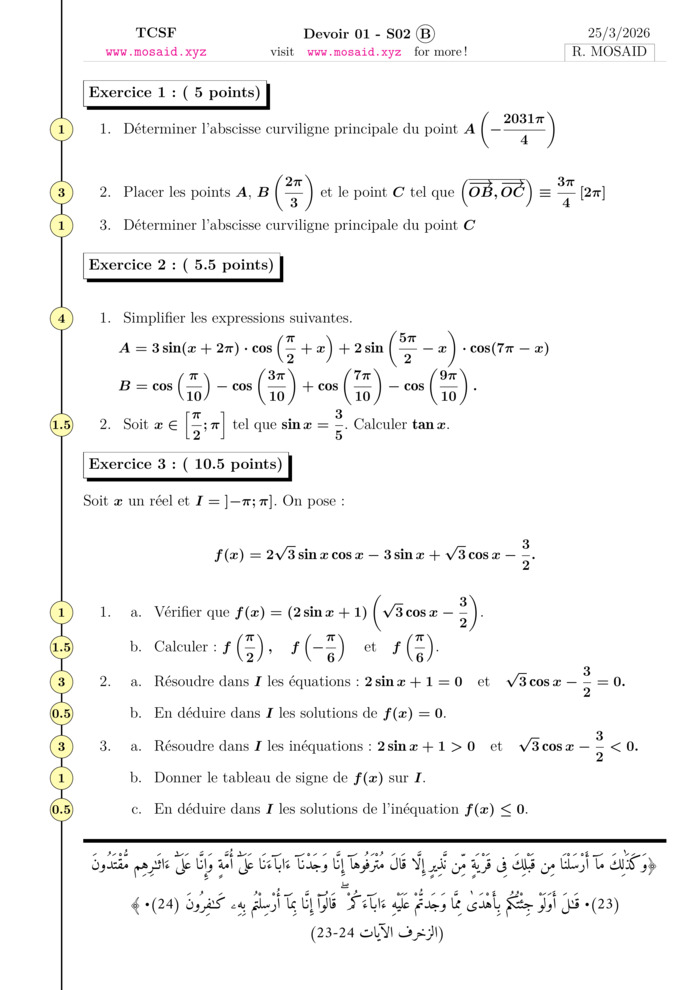
Devoir 01 S02 B (2026), Calcul Trigonométrique
28 Mar 2026, 1 views
Exam • Maths • Tronc Commun Sciences
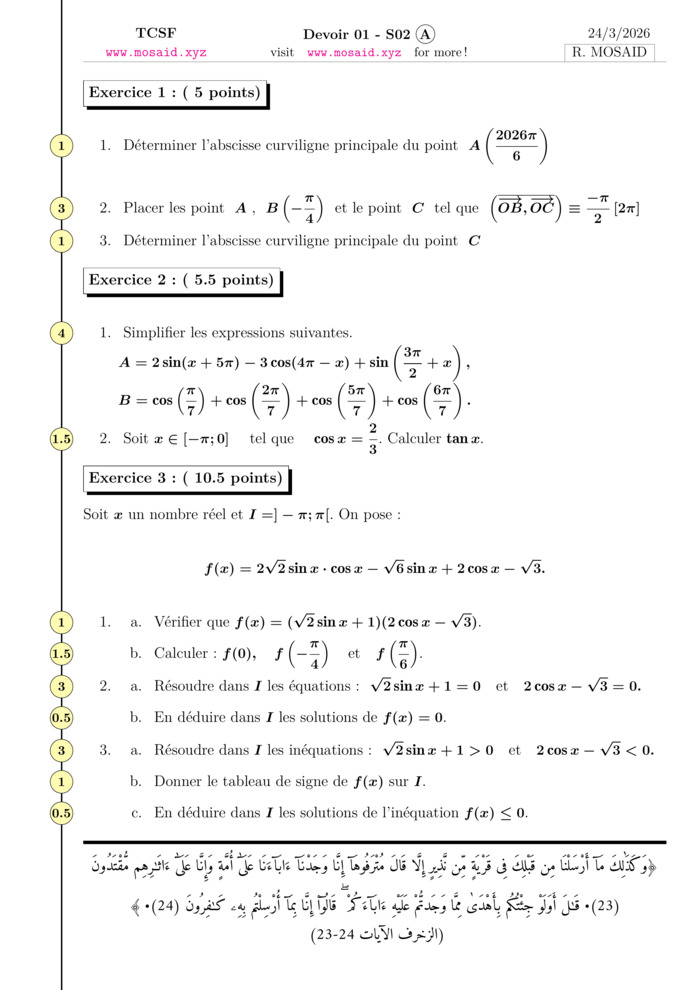
Devoir 01 S02 A (2026), Calcul Trigonométrique
28 Mar 2026, 1 views
Exam • Maths • Tronc Commun Sciences
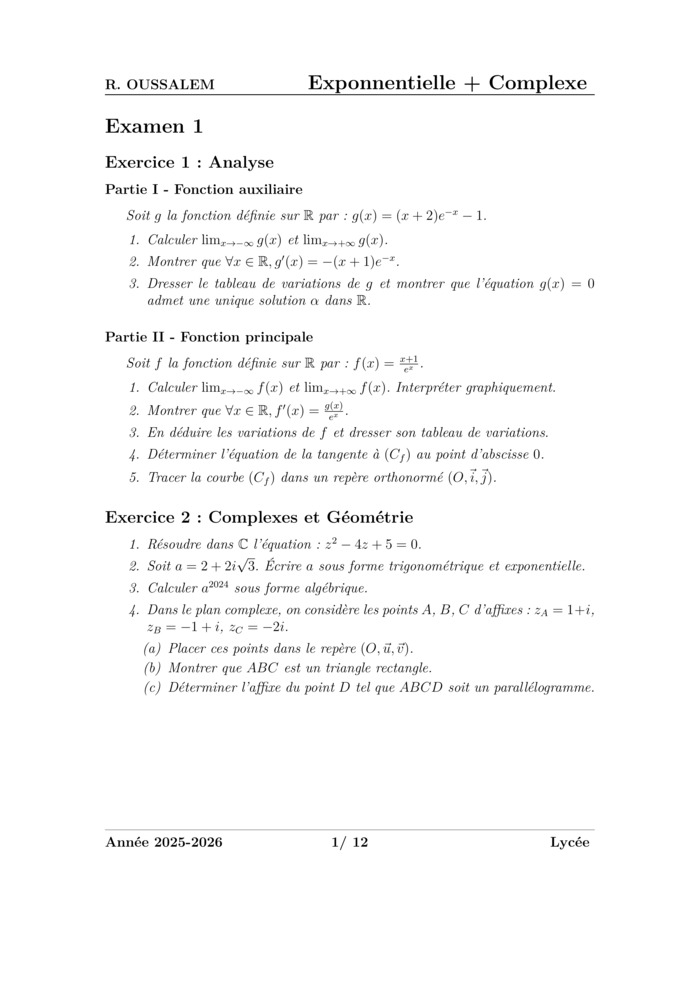
Série: Fonctions Exponnentielles et nombres Complexes
15 Mar 2026, 31 views
Exercise • Maths • 2 Bac Science
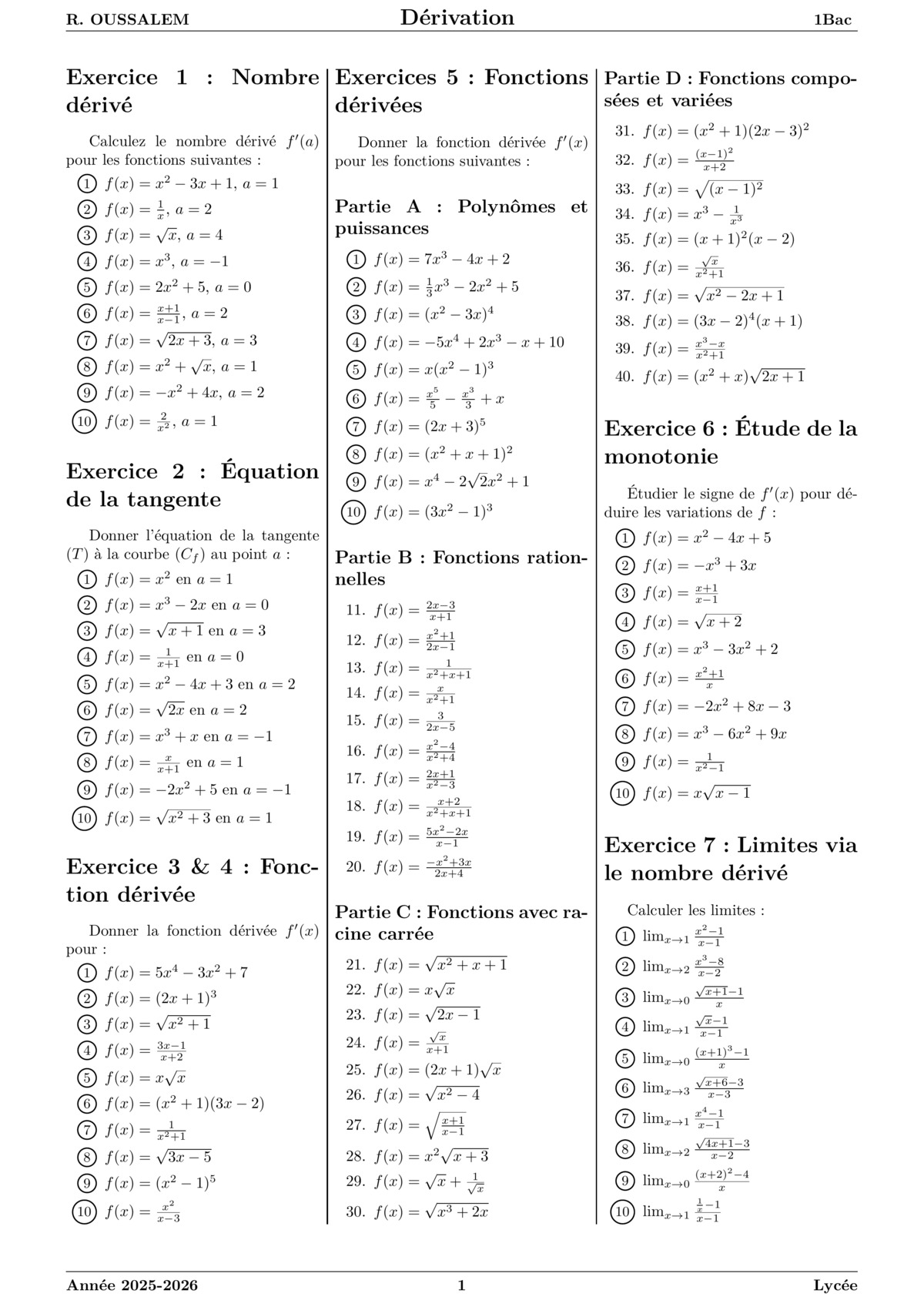
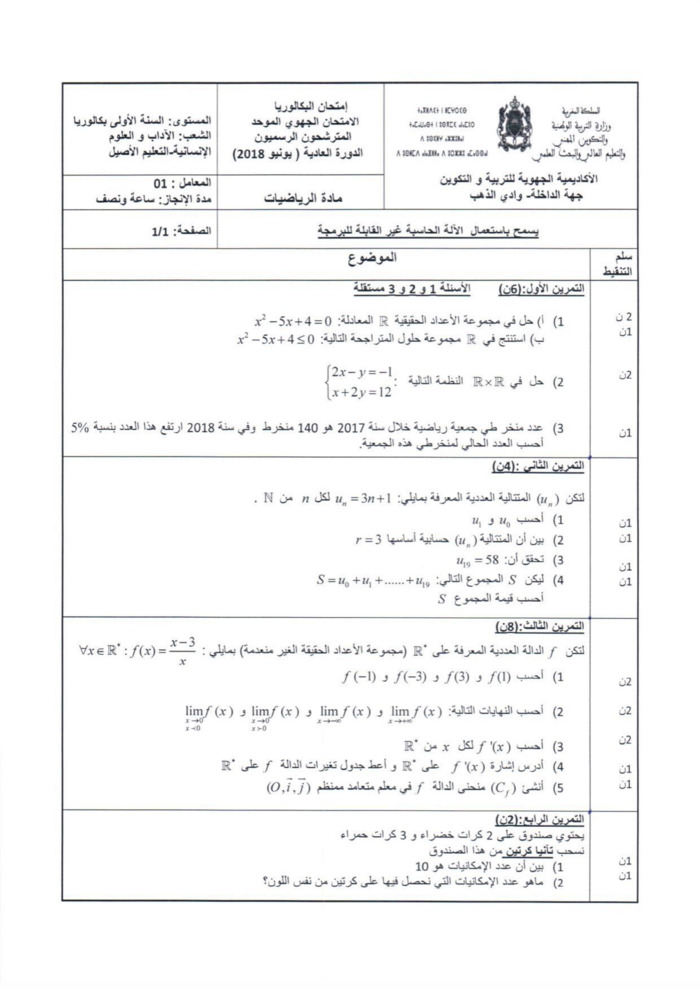
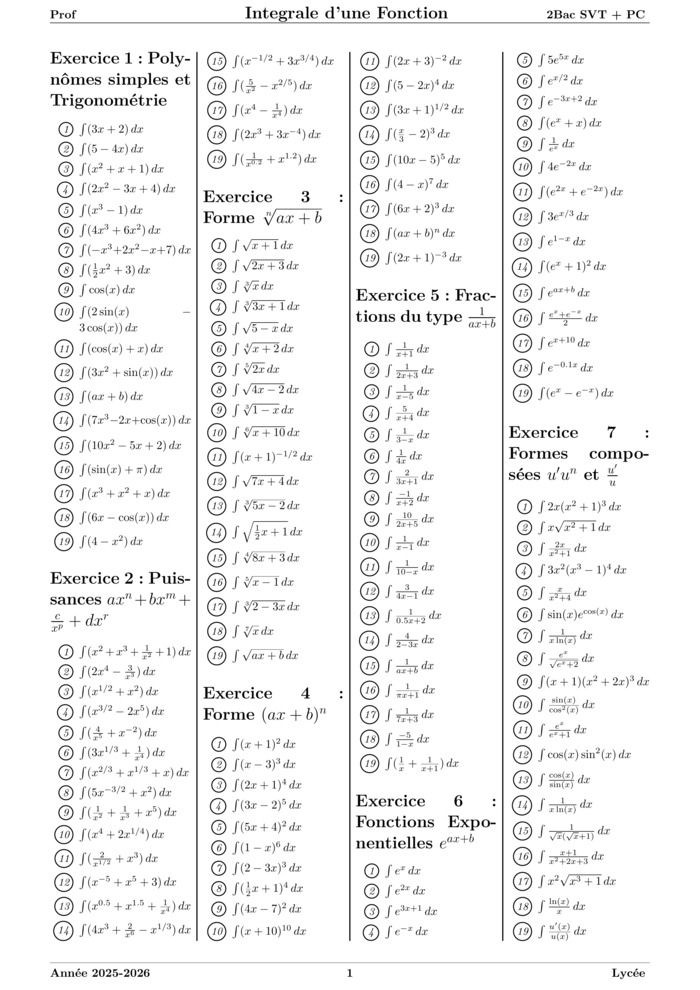
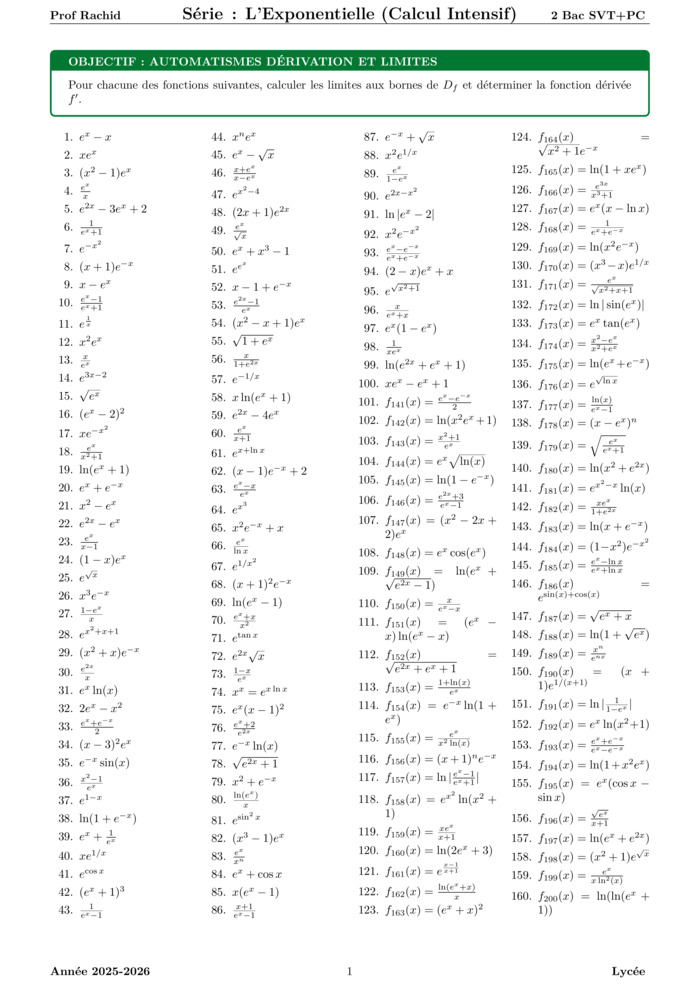
Most Viewed Courses
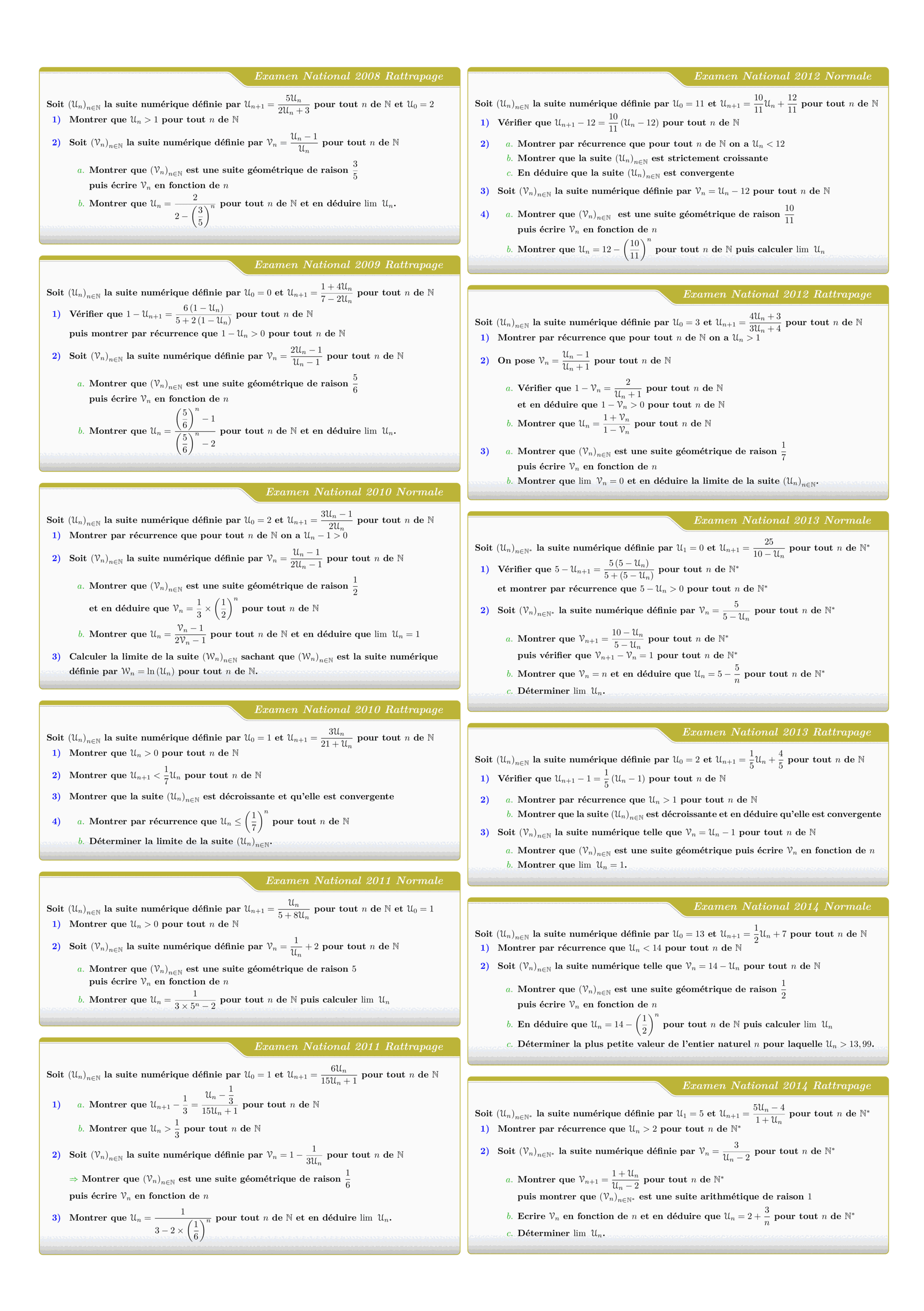
Tous les sujets des suites numériques des examens nationaux 2008 - 2022
Views: 2.53K
Exam • Maths • 2 Bac Science
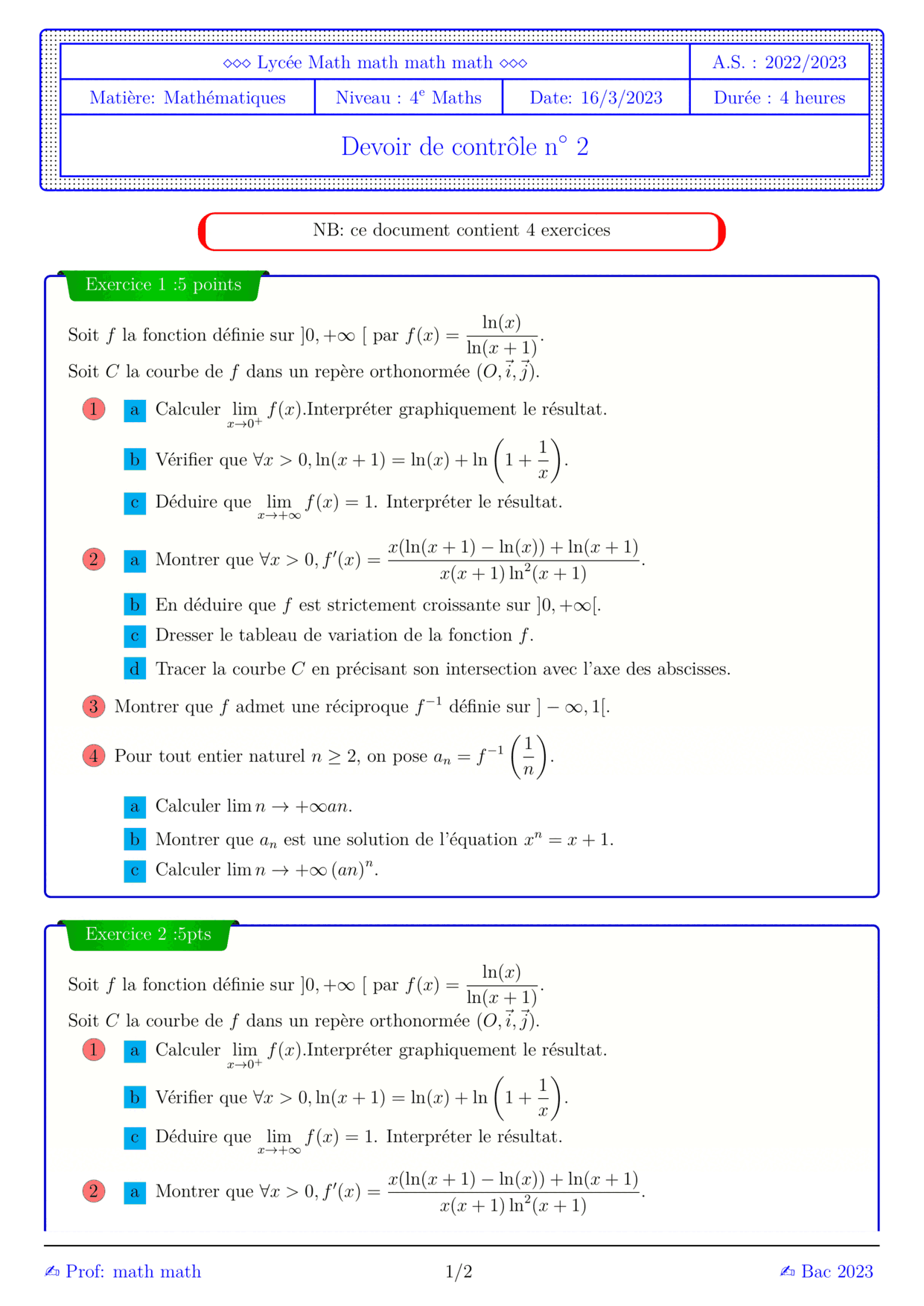

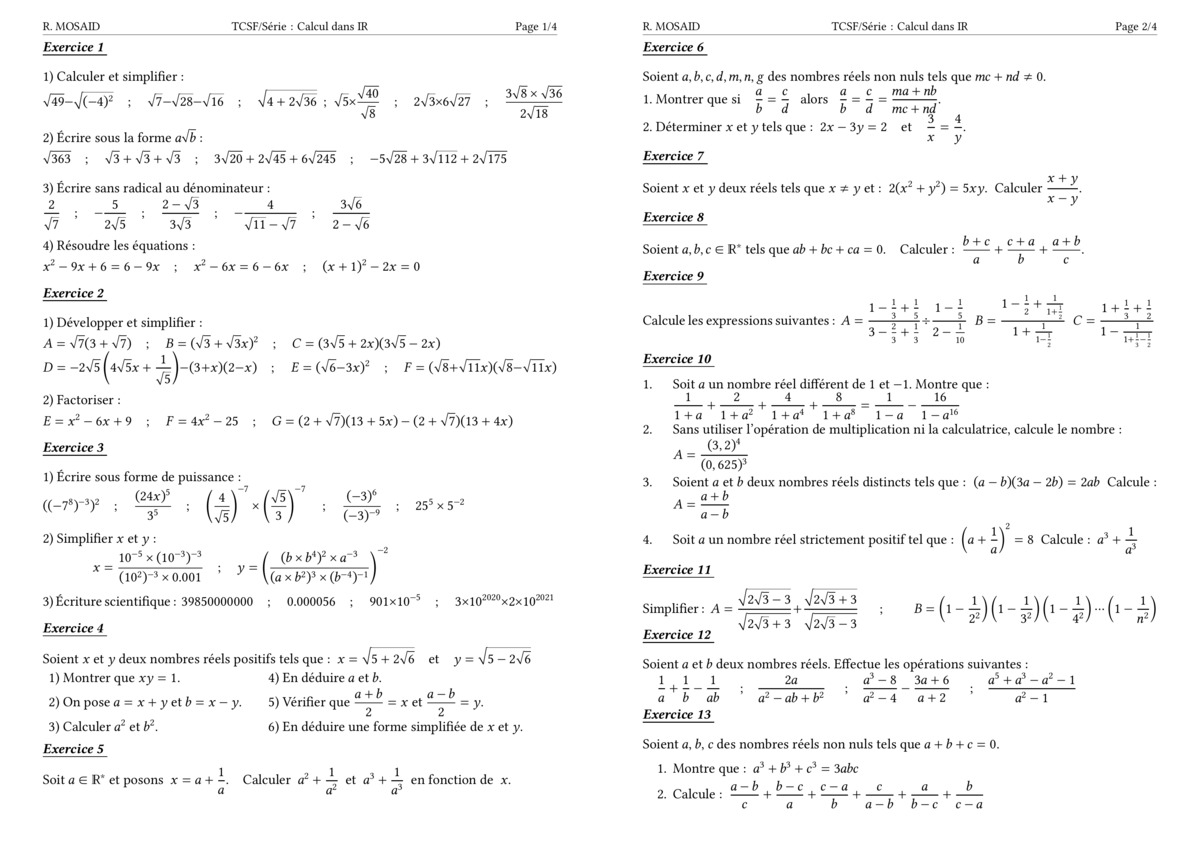

MATHEMATIQUES Examens nationaux 2003-2021 2 Bac.Sciences expérimentales
Views: 1.76K
Exam • Maths • 2 Bac Science
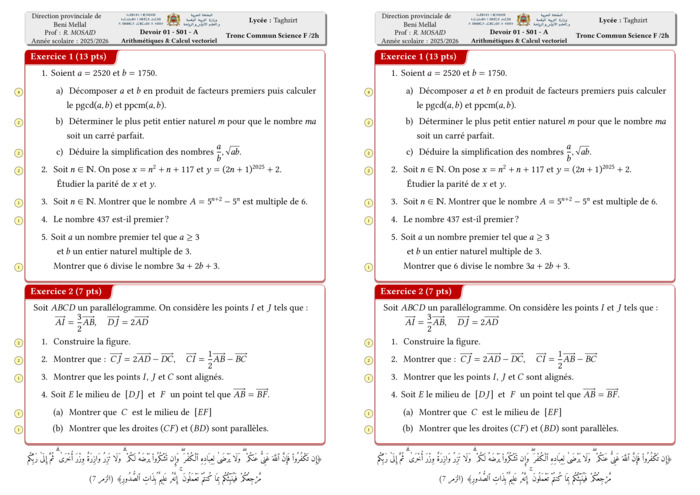
Control 01 S01 En arithmétiques et Calcul vectoriel - A 2025-2026
Views: 1.74K
Exam • Maths • Tronc Commun Sciences
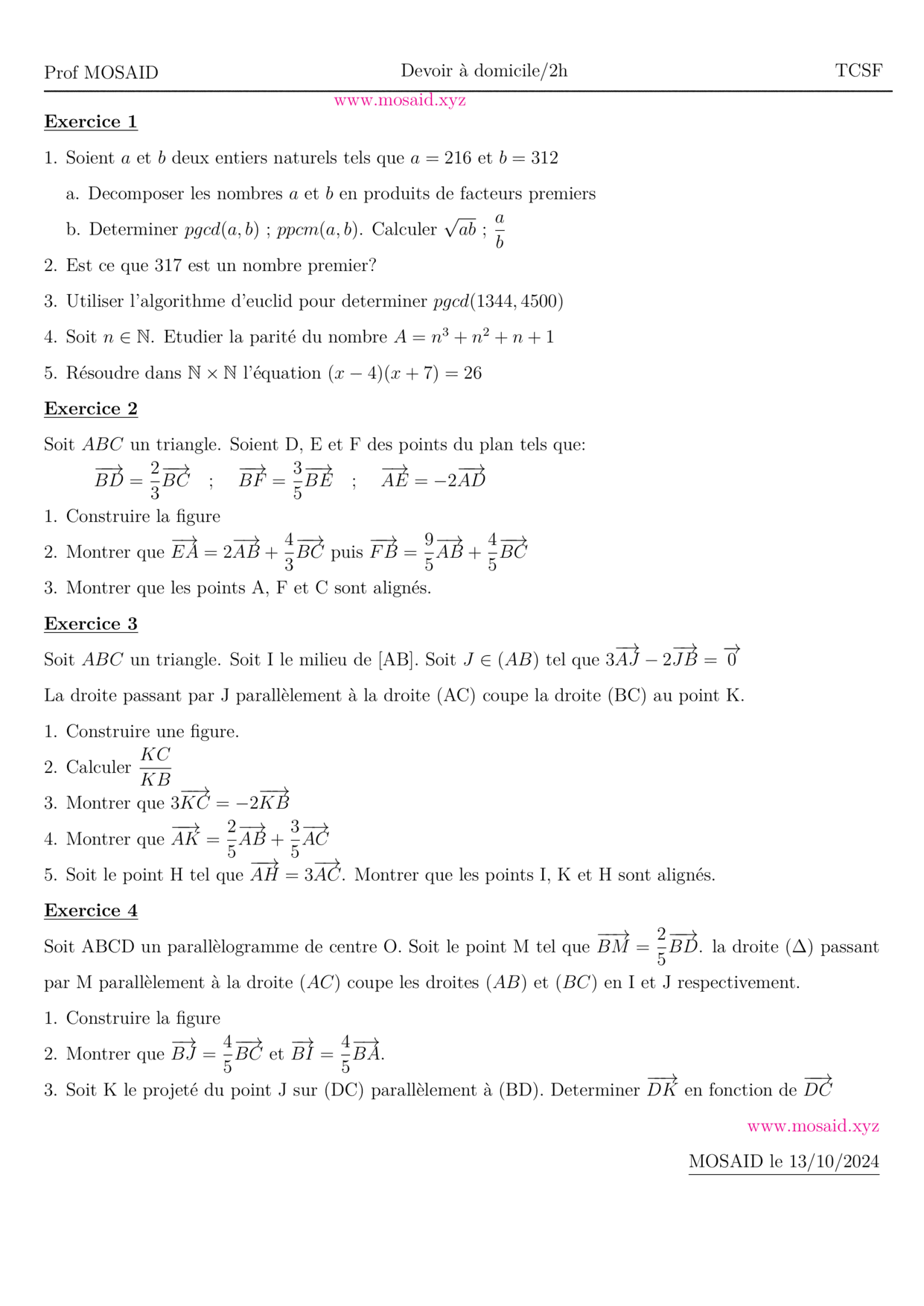
DM 1 - Arithmetiques, Calcul vectoriel et projection
Views: 1.72K
Exam • Maths • Tronc Commun Sciences
Recent Articles


Boosting LaTeX Editing with Custom Vim Mappings
23 Nov 2025

Most Viewed Articles





The Ultimate Vim Setup (My 2024 vimrc ) : Essential Commands, Configurations, and Plugin Tips
Views: 1.10K
12 Apr 2024


Complete Tutorial: Creating Categories and Subcategories Using Pages in Pelican
Views: 872
24 Jun 2025