Windows System Architecture
📅 29 February 2024 👁️ المشاهدات: 176
📄 ماذا ستجد في هذه الصفحة؟
• ملف الدرس بصيغة PDF يمكنك معاينته هنا مباشرةً دون تنزيله.
• يمكنك تنزيل الملف من زر التحميل أسفل الصفحة والاحتفاظ به على جهازك.
• ستجد أيضًا دروسًا وامتحانات وتمارين ذات صلة تساعدك على المراجعة وتعميق الفهم.
• أُدرج مصدر LaTeX الكامل أسفل الصفحة لتتمكن من الاطلاع عليه أو تعديله والاستفادة منه.
• هل تحتاج تنسيقًا احترافيًا لموادك الخاصة؟ أقدم خدمة كتابة LaTeX — أرسل المحتوى المطلوب لتحصل على ملف PDF منسق وملف المصدر.
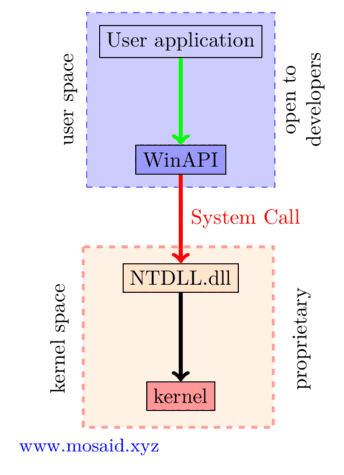
\documentclass[tikz, border=2mm 1mm 0 0]{standalone}
\usetikzlibrary{fit}

\begin{document}

\begin{tikzpicture}[node distance=2cm, every node/.style={draw,line width=0.5pt, rectangle, align=center}]

  % Define nodes
  \node[fill=blue!20] (start) {User application};
  \node[below of=start, fill=blue!40] (process1) {WinAPI};
  \node[below of=process1, fill=orange!20] (process2) {NTDLL.dll};
  \node[below of=process2, fill=red!40] (end) {kernel};

  % Draw arrows
  \draw[->,green, line width=2pt] (start) -- (process1);
  \draw[->,red, line width=2pt] (process1) -- node[ white, xshift=1.1cm, align=left, midway, text=red] {System Call} (process2);
  \draw[->, line width=2pt] (process2) -- (end);

  % Create a rectangle that encompasses nodes (start) and (process1)
  \pgfdeclarelayer{background}
  \pgfsetlayers{background,main}
  \begin{pgfonlayer}{background}
    \node [fit=(start)(process1), dashed, blue!70, fill=blue!20, inner sep=6pt] (rect1) {};
    \draw[dashed, red!70, fill=orange!20, line width=1.5pt, opacity=0.5]
    ([xshift=-19pt, yshift=8pt]process2.north west) rectangle
    ([xshift=28pt, yshift=-8pt]end.south east) coordinate (rect2); ;
    \node [rotate=90, anchor=north, white, text=black, yshift=0.50cm, text width=2cm] at (rect1.west) {user space};
    \node [rotate=90, anchor=north, white, text=black, xshift=1.5cm, yshift=3.9cm, text width=2cm] at (rect2.west) {kernel space};
    \node [rotate=90, anchor=north, white, text=black,  text width=2cm] at (rect1.east) {open to developers};
    \node [rotate=90, anchor=north, white, text=black,yshift=-0.2cm, xshift=1.5cm,  text width=2cm] at (rect2.east) {proprietary};
    \node [anchor=south, white, text=blue,yshift=-0.6cm, xshift=-3.3cm,  text width=2cm] at (rect2.west) {\small{www.mosaid.xyz}};
  \end{pgfonlayer}


\end{tikzpicture}


\end{document}
موارد ذات صلة: دروس وامتحانات وتمارين
📄 هل تحتاج تنسيقًا بـ LaTeX؟
أرسل لي واجبك أو امتحانك أو تمارينك وسأحوّلها إلى ملف PDF احترافي.
اعرف المزيد ←أحدث الدروس
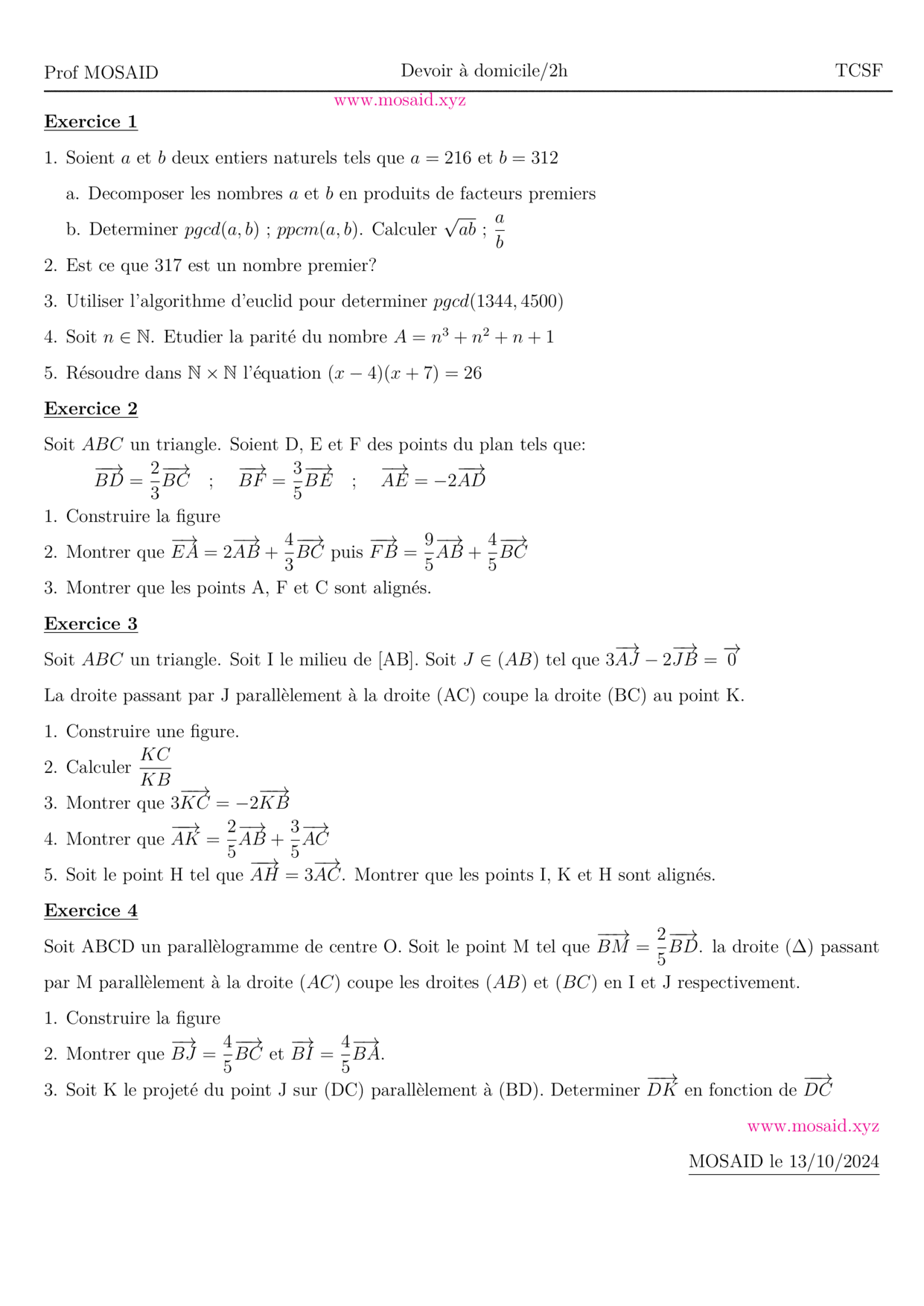
Solution — DM 1 - Arithmetiques, Calcul vectoriel et projection
27 Oct 2026 • 1 views
حل • Maths • Tronc Commun Sciences
BACCALAURÉAT INTERNATIONAL SCIENCES MATHÉMATIQUES, OPTION FRANÇAIS
28 Sep 2026 • 149 views
درس • Maths • 2 Bac Science Maths
الأكثر مشاهدة
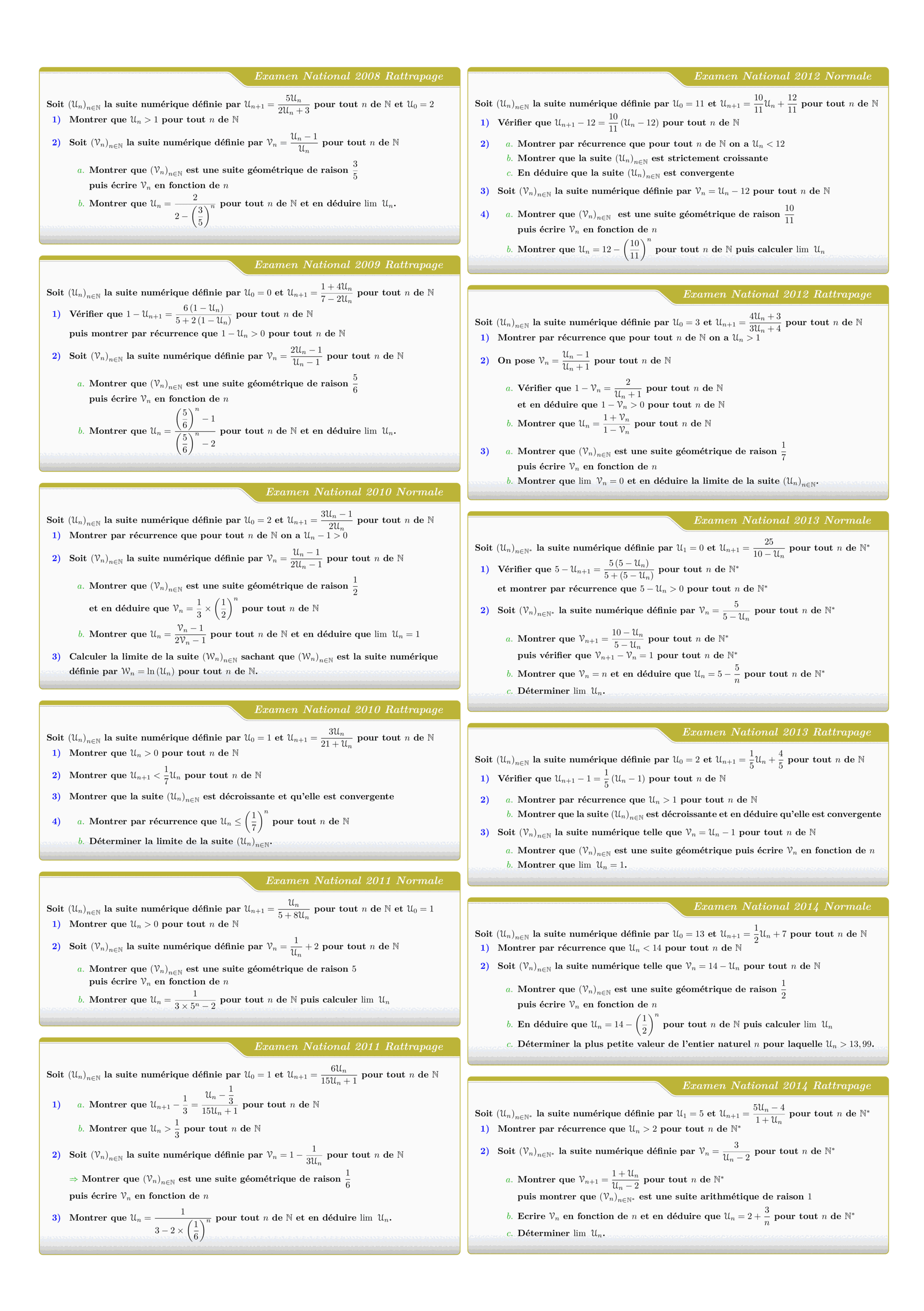
Tous les sujets des suites numériques des examens nationaux 2008 - 2022
views: 3.15K
امتحان • Maths • 2 Bac Science

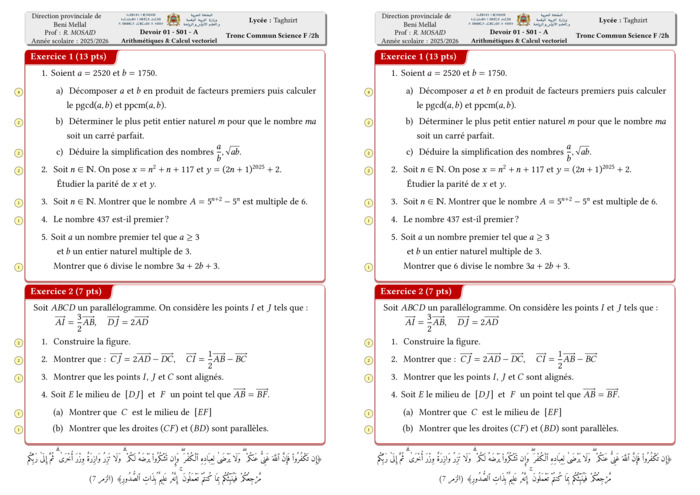
Control 01 S01 En arithmétiques et Calcul vectoriel - A 2025-2026
views: 2.15K
امتحان • Maths • Tronc Commun Sciences
DM 1 - Arithmetiques, Calcul vectoriel et projection
views: 1.99K
امتحان • Maths • Tronc Commun Sciences
MATHEMATIQUES Examens nationaux 2003-2021 2 Bac.Sciences expérimentales
views: 1.98K
امتحان • Maths • 2 Bac Science
Recent Articles




Most Viewed Articles



The Ultimate Vim Setup (My 2024 vimrc ) : Essential Commands, Configurations, and Plugin Tips
Views: 1.49K
12 Apr 2024
Complete Tutorial: Creating Categories and Subcategories Using Pages in Pelican
Views: 1.14K
24 Jun 2025
اترك تعليقًا