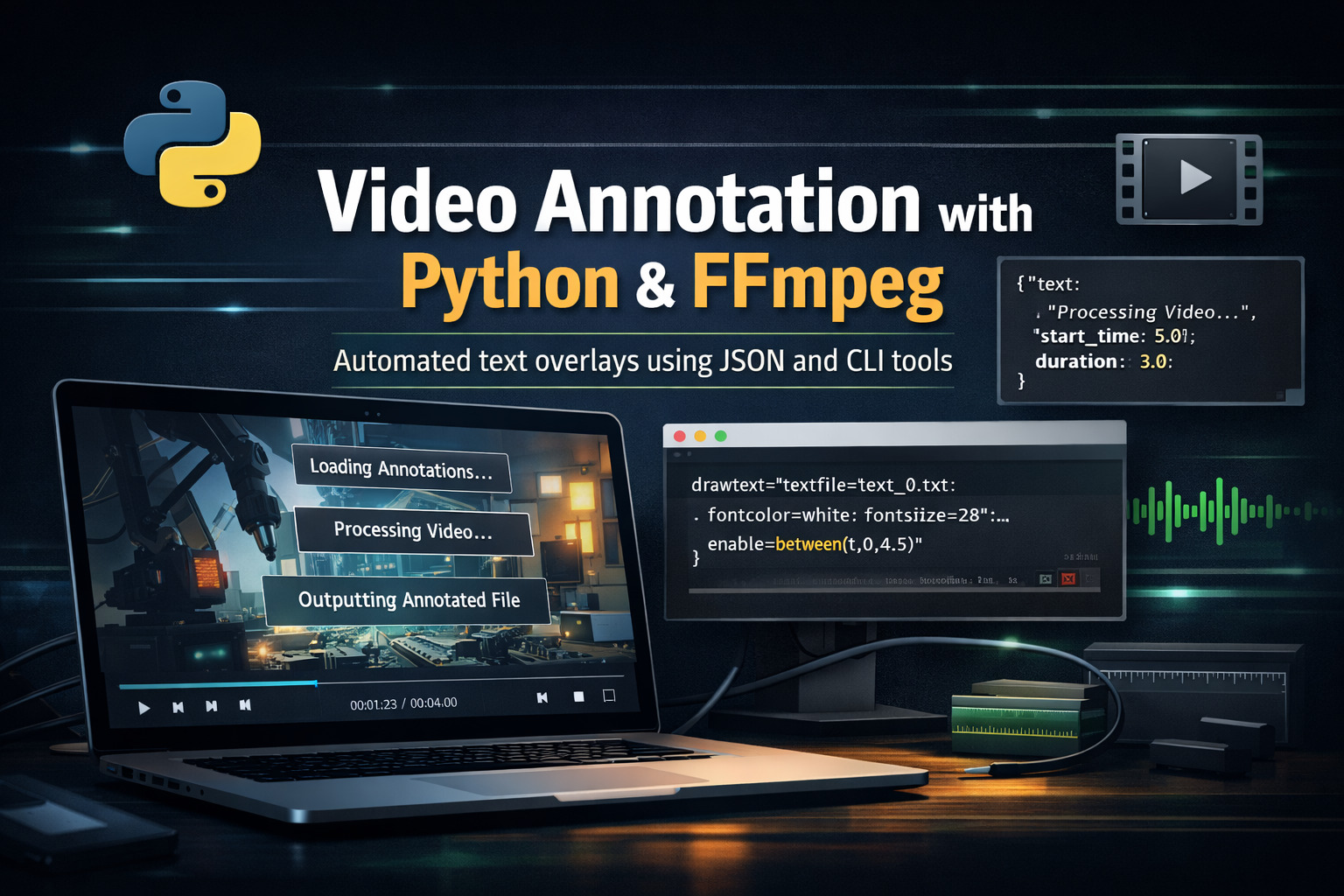
Annotating Videos with FFmpeg Using a Python Script
Introduction
Annotating videos is a common requirement in tutorials, software demos, online courses, and technical documentation. Whether you want to highlight steps, explain on-screen actions, or guide viewers through a workflow, text overlays can dramatically improve clarity.
In this article, I’ll walk you through a practical and flexible approach to video annotation using a custom Python script built on top of FFmpeg. The script allows you to define annotations in a JSON file, control their timing and appearance, and generate a clean, annotated output video—all from the command line.
What This Script Does
The provided Python script acts as a lightweight video annotation engine. At a high level, it:
•Reads annotations from a JSON file: Each annotation defines text, timing, position, and style.
•Generates temporary text files: This avoids escaping issues and ensures UTF‑8 compatibility.
•Builds an FFmpeg drawtext filter dynamically: One filter per annotation.
•Encodes the final video: Using H.264 by default, with configurable quality and presets.
The result is a reusable, automation‑friendly tool that fits perfectly into scripting workflows.
Prerequisites
Before using the script, make sure you have the following installed:
•Python 3.8+: The script relies on dataclasses and pathlib.
•FFmpeg: Must be available in your PATH.
•A TrueType font (.ttf): DejaVu Sans is used by default.
You can verify FFmpeg with:
ffmpeg -versionUnderstanding the Annotation Model
Each annotation is represented by a simple data structure:
@dataclass
class Annotation:
    text: str
    start_time: float
    duration: float
    position: str = "top"
    bg_color: str = "black@0.7"
    text_color: str = "white"
    font_size: int = 28
    font_path: Optional[str] = None
This makes annotations expressive yet easy to reason about. Timing is defined in seconds, while visual appearance is controlled via FFmpeg-compatible color and font options.
The JSON Annotation File
Annotations are defined in a JSON array. This separation of data from logic makes the tool extremely flexible.
[
  {
    "text": "Lancement de l'application LaTeX Exam Generator",
    "start_time": 0.0,
    "duration": 4.5,
    "position": "top",
    "bg_color": "black@0.7",
    "text_color": "white",
    "font_size": 32
  },
  {
    "text": "Chargement des modèles d'examens",
    "start_time": 5.0,
    "duration": 3.0,
    "position": "center",
    "bg_color": "rgba(0,0,0,0.6)",
    "text_color": "yellow",
    "font_size": 28
  }
]
This format is ideal for version control, automation, and even generating annotations programmatically.
Supported Positions and Colors
The script supports three vertical positions:
•top: Near the top of the video
•center: Vertically centered
•bottom: Near the bottom, with padding
For colors, FFmpeg offers great flexibility:
•Named colors: white, black, red, yellow
•Hex with alpha: #000000@0.75
•RGBA format: rgba(0,0,0,0.6)
Command-Line Usage
The script is designed to feel like a polished CLI tool.
annotator input.mp4 annotations.jsonIf no output file is specified, the script automatically generates:
input_annotated.mp4Common Options
annotator input.mp4 annotations.json \
  --output_file output.mp4 \
  --crf 18 \
  --preset slow \
  --font /path/to/font.ttf
These options give you fine-grained control over quality, encoding speed, and typography.
How the FFmpeg Filter Works
Internally, the script builds a filter_complex string composed of multiple drawtext filters. Each filter is enabled only during its time window:
enable='between(t,start,end)'This approach avoids splitting the video or re-running FFmpeg multiple times, keeping the process efficient and clean.
Why This Approach Scales Well
This design has several advantages:
•Automation-friendly: Perfect for batch processing videos.
•Separation of concerns: JSON handles content, Python handles logic.
•FFmpeg-native: No external rendering libraries required.
•Reproducible: Same input always produces the same output.
The full script:
#!/usr/bin/env python3
import subprocess
import json
import sys
from pathlib import Path
from dataclasses import dataclass
from typing import Optional, List
import argparse

@dataclass
class Annotation:
    """Represents a video annotation with styling options."""
    text: str
    start_time: float
    duration: float
    position: str = "top"  # "top", "center", "bottom"
    bg_color: str = "black@0.7"
    text_color: str = "white"
    font_size: int = 28
    font_path: Optional[str] = None

class VideoAnnotator:
    def __init__(self, input_file: str, output_file: str,
                 default_font: str = "/usr/share/fonts/TTF/DejaVuSans.ttf",
                 video_codec: str = "libx264",
                 audio_codec: str = "copy",
                 crf: int = 23,
                 preset: str = "medium"):
        self.input_file = input_file
        self.output_file = output_file
        self.default_font = default_font
        self.video_codec = video_codec
        self.audio_codec = audio_codec
        self.crf = crf
        self.preset = preset
        self.tmp_dir = Path(".ffmpeg_text")
        self.tmp_dir.mkdir(exist_ok=True)
        self.annotations: List[Annotation] = []

    def add_annotation(self, annotation: Annotation):
        self.annotations.append(annotation)

    def load_annotations_from_json(self, json_file: str):
        """Load annotations from a JSON file, filling defaults where missing."""
        with open(json_file, "r", encoding="utf-8") as f:
            data = json.load(f)
        for item in data:
            ann = Annotation(
                text=item["text"],
                start_time=float(item["start_time"]),
                duration=float(item["duration"]),
                position=item.get("position", "top"),
                bg_color=item.get("bg_color", "black@0.7"),
                text_color=item.get("text_color", "white"),
                font_size=item.get("font_size", 28)
            )
            self.add_annotation(ann)

    def _create_text_files(self):
        for i, ann in enumerate(self.annotations):
            text_file = self.tmp_dir / f"text_{i}.txt"
            text_file.write_text(ann.text, encoding="utf-8")

    def _build_filter_complex(self) -> str:
        filter_parts = []
        for i, ann in enumerate(self.annotations):
            end_time = ann.start_time + ann.duration
            font = ann.font_path or self.default_font
            text_file = self.tmp_dir / f"text_{i}.txt"

            padding = 10

            if ann.position == "top":
                y_expr = f"{padding}"
            elif ann.position == "center":
                y_expr = "(h-text_h)/2"
            else:  # bottom
                y_expr = f"h-text_h-{padding}"

            text_filter = (
                f"drawtext=fontfile='{font}':textfile='{text_file}':"
                f"fontcolor={ann.text_color}:fontsize={ann.font_size}:"
                f"x=(w-text_w)/2:y={y_expr}:"
                f"box=1:boxcolor={ann.bg_color}:boxborderw={padding}:"
                f"enable='between(t,{ann.start_time},{end_time})'"
            )
            filter_parts.append(text_filter)
        return ",".join(filter_parts)

    def run(self):
        if not self.annotations:
            print("⚠️ No annotations added.")
            return

        self._create_text_files()
        filter_complex = self._build_filter_complex()

        cmd = [
            "ffmpeg",
            "-y",
            "-i", self.input_file,
            "-vf", filter_complex,
            "-c:v", self.video_codec,
            "-preset", self.preset,
            "-crf", str(self.crf),
            "-c:a", self.audio_codec,
            "-movflags", "+faststart",
            self.output_file
        ]

        print("▶ Exécution FFmpeg…")
        print(f"Nombre d'annotations : {len(self.annotations)}")

        try:
            subprocess.run(cmd, check=True)
            print(f"✅ Vidéo annotée générée : {self.output_file}")
        except subprocess.CalledProcessError as e:
            print(f"❌ Erreur lors de la génération: {e}")
        finally:
            self.cleanup()

    def cleanup(self):
        if self.tmp_dir.exists():
            for file in self.tmp_dir.glob("*.txt"):
                try:
                    file.unlink()
                except:
                    pass


def create_help_text():
    """Create comprehensive help text with examples."""
    example_json = [
        {
            "text": "Lancement de l'application LaTeX Exam Generator",
            "start_time": 0.0,
            "duration": 4.5,
            "position": "top",
            "bg_color": "black@0.7",
            "text_color": "white",
            "font_size": 32
        },
        {
            "text": "Chargement des modèles d'examens",
            "start_time": 5.0,
            "duration": 3.0,
            "position": "center",
            "bg_color": "rgba(0,0,0,0.6)",
            "text_color": "yellow",
            "font_size": 28
        },
        {
            "text": "Export du sujet en PDF",
            "start_time": 9.5,
            "duration": 4.0,
            "position": "bottom",
            "bg_color": "#000000@0.75",
            "text_color": "white",
            "font_size": 26
        }
    ]

    help_text = f"""
Annotate a video with text boxes from a JSON file of annotations.

USAGE:
  annotator video_file annotations_json [OPTIONS]

REQUIRED ARGUMENTS:
  video_file         Path to the input video file
  annotations_json   Path to JSON file with annotations

OPTIONS:
  --output_file FILE   Path to the output video file (default: input_filename_annotated.ext)
  --font FONT          Path to TTF font file (default: /usr/share/fonts/TTF/DejaVuSans.ttf)
  --video_codec CODEC  Video codec for output (default: libx264)
  --audio_codec CODEC  Audio codec for output (default: copy)
  --crf VALUE          CRF quality (lower is better quality, 18-28 recommended, default: 23)
  --preset PRESET      FFmpeg preset for encoding (ultrafast, superfast, veryfast, faster,
                       fast, medium, slow, slower, veryslow; default: medium)

JSON FILE FORMAT:
  The annotations file must be a JSON array of objects. Each object can have these fields:

  REQUIRED fields:
    text:        The text to display (string)
    start_time:  Start time in seconds (float)
    duration:    Duration in seconds (float)

  OPTIONAL fields (with defaults):
    position:    Text position - "top", "center", or "bottom" (default: "top")
    bg_color:    Background color (default: "black@0.7")
    text_color:  Text color (default: "white")
    font_size:   Font size in pixels (default: 28)

  Example JSON file:
{json.dumps(example_json, indent=2, ensure_ascii=False)}

COLOR FORMATS:
  - Named colors: white, black, red, green, blue, yellow, cyan, magenta
  - Hex with alpha: #RRGGBB@0.8 (0.0 transparent, 1.0 opaque)
  - RGBA format: rgba(255,0,0,0.7) where last value is alpha (0.0-1.0)

EXAMPLES:
  1. Basic usage:
     annotator input.mp4 annotations.json

  2. With custom output and quality settings:
     annotator input.mp4 annotations.json --output_file output.mp4 --crf 18 --preset slow

  3. With custom font:
     annotator input.mp4 annotations.json --font /path/to/font.ttf

NOTES:
  - The JSON file must be UTF-8 encoded
  - Font file must be a TrueType font (.ttf)
  - Video is encoded with H.264 by default, adjust --video_codec for other formats
  - Audio is copied without re-encoding by default
"""
    return help_text


def parse_args():
    parser = argparse.ArgumentParser(
        description="Annotate a video with text boxes from a JSON file of annotations.",
        formatter_class=argparse.RawDescriptionHelpFormatter,
        epilog="For complete documentation, run 'annotator --help'."
    )

    # Add custom help option that shows full documentation
    parser.add_argument(
        "--help-full",
        action="store_true",
        help="Show comprehensive help with examples"
    )

    parser.add_argument("video_file", nargs="?", help="Path to the input video file")
    parser.add_argument("annotations_json", nargs="?", help="Path to JSON file with annotations")

    parser.add_argument("--output_file", default=None,
                        help="Path to the output video file (default: input_filename_annotated.ext)")
    parser.add_argument("--font", default="/usr/share/fonts/TTF/DejaVuSans.ttf",
                        help="Path to TTF font file (default: DejaVuSans)")
    parser.add_argument("--video_codec", default="libx264",
                        help="Video codec for output (default: libx264)")
    parser.add_argument("--audio_codec", default="copy",
                        help="Audio codec for output (default: copy)")
    parser.add_argument("--crf", type=int, default=23,
                        help="CRF quality (lower is better quality, default: 23)")
    parser.add_argument("--preset", default="medium",
                        help="FFmpeg preset for encoding speed/quality (default: medium)")

    return parser.parse_args()


def main():
    args = parse_args()

    # Show full help if --help-full is specified
    if args.help_full:
        print(create_help_text())
        sys.exit(0)

    # Check for required arguments if not showing help
    if not args.video_file or not args.annotations_json:
        print("Error: Missing required arguments\n")
        print("Usage: annotator video_file annotations_json [OPTIONS]")
        print("\nFor comprehensive help with examples, use: annotator --help-full")
        print("For brief help, use: annotator --help")
        sys.exit(1)

    # Determine output file if not provided
    if args.output_file:
        output_file = args.output_file
    else:
        input_path = Path(args.video_file)
        output_file = str(input_path.with_name(input_path.stem + "_annotated" + input_path.suffix))

    annotator = VideoAnnotator(
        input_file=args.video_file,
        output_file=output_file,
        default_font=args.font,
        video_codec=args.video_codec,
        audio_codec=args.audio_codec,
        crf=args.crf,
        preset=args.preset
    )

    annotator.load_annotations_from_json(args.annotations_json)
    annotator.run()


if __name__ == "__main__":
    main()
Conclusion
Annotating videos doesn’t have to involve heavy GUI tools or manual editing. With a well-structured Python script and FFmpeg’s powerful drawtext filter, you can generate professional, timed annotations directly from JSON data.
This script is especially useful for technical demos, educational content, and automated video pipelines. Feel free to extend it with animations, transitions, or even dynamic annotation generation.
If you’re interested in pushing this further—such as subtitle export, multi-language overlays, or integration into a web interface—there’s plenty of room to build on this foundation. Happy annotating 🚀
Recent Articles

Boosting LaTeX Editing with Custom Vim Mappings
23 Nov 2025

Most Viewed Articles





The Ultimate Vim Setup (My 2024 vimrc ) : Essential Commands, Configurations, and Plugin Tips
Views: 1.09K
12 Apr 2024


Complete Tutorial: Creating Categories and Subcategories Using Pages in Pelican
Views: 862
24 Jun 2025